
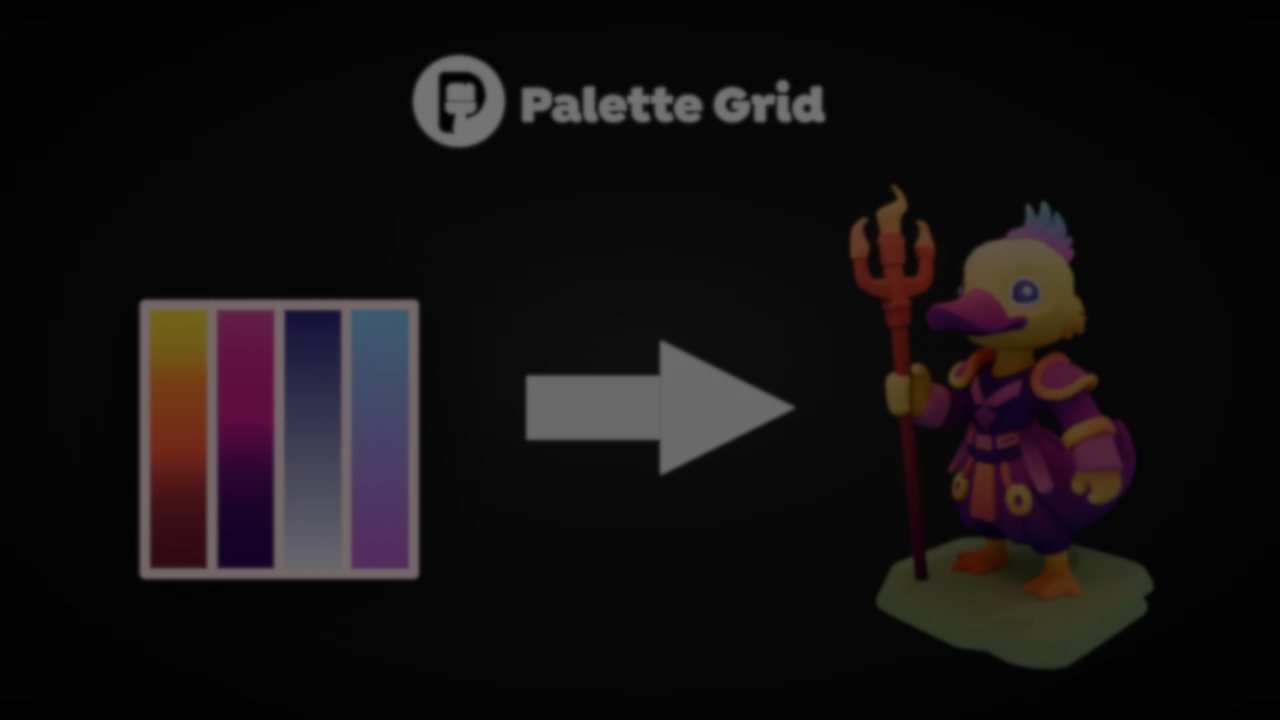
I built a Blender addon around the 3D Gradient Texturing workflow used in game dev 🫣
by u/AutomaticSun6898 in blender
In game development, optimization is a constant constraint. Every visual decision carries a cost, and finding a balance between quality and performance, especially on mobile, often shapes how environments are built.
That balance became an issue during the beta of Outmatch, a fast-paced mobile PvP soccer game developed at PlayPals Studio. The team ran into two problems with the stadium environment: the visuals weren’t coming together, and draw calls on mobile were too high.
The first idea was to use gradient texturing to consolidate multiple color variations into a single texture. This worked in theory, but bringing it into production meant rethinking the entire process.
Rayen Bahri, who had already been building internal tools alongside his work as a game developer, took on the task of validating that approach. The goal was clear: texture the entire stadium using a single palette texture. Doing it manually, going back and forth between Blender and an external image editor, wasn’t practical at that scale.
Because of this, he built a prototype inside Blender that allowed him to generate palettes, test colors, and map surfaces without leaving the environment. Even at that early stage, the results were measurable: the scene was reduced to just a few draw calls while maintaining visual control over the materials.
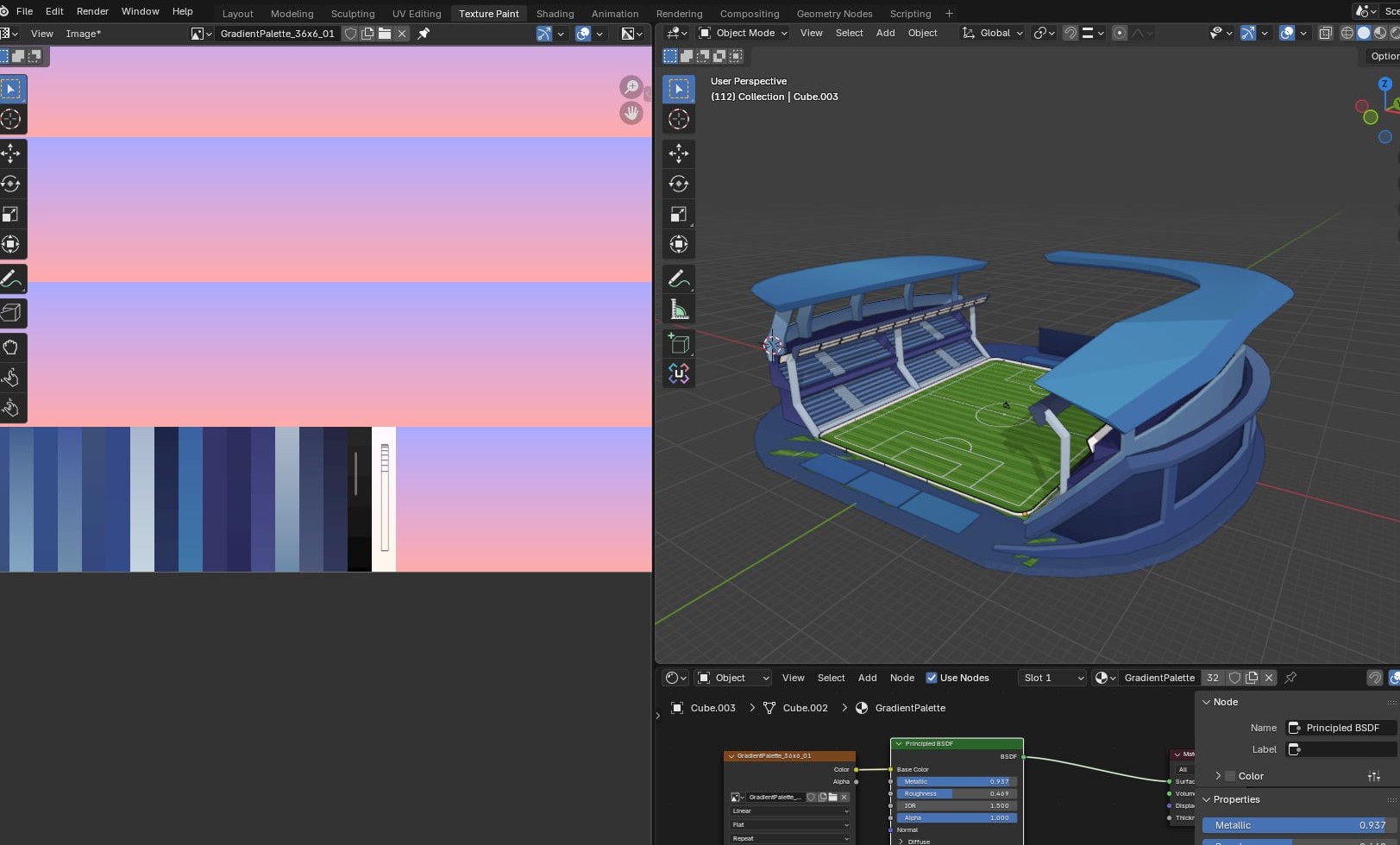
(Very early prototype: First result)
From there, the focus shifted to how UVs interacted with the texture. He began testing different ways to drive that mapping, from drawn curves to radial gradients based on the 3D cursor position.
Changing how UVs move across the gradient produced entirely different material responses, allowing for visual variation without increasing any rendering cost.
Bahri shared that the original prototype was lost after an unexpected system failure, with no version control backup. This ended up becoming an opportunity to rebuild everything from scratch, this time with a more solid foundation. Part of that rethink focused on the interface. Blender’s default tools didn’t provide the level of interaction he needed, so he developed a custom UI framework inside Blender. The full Palette Grid logic was then built on top of that system.
The final version of the addon brings the entire process into Blender. The palette is generated by defining resolution, strip type, and gradient direction, while colors are edited directly on the texture with real-time updates. Interaction happens inside the Image Editor, where you can select cells, adjust gradients, and preview results without changing context.
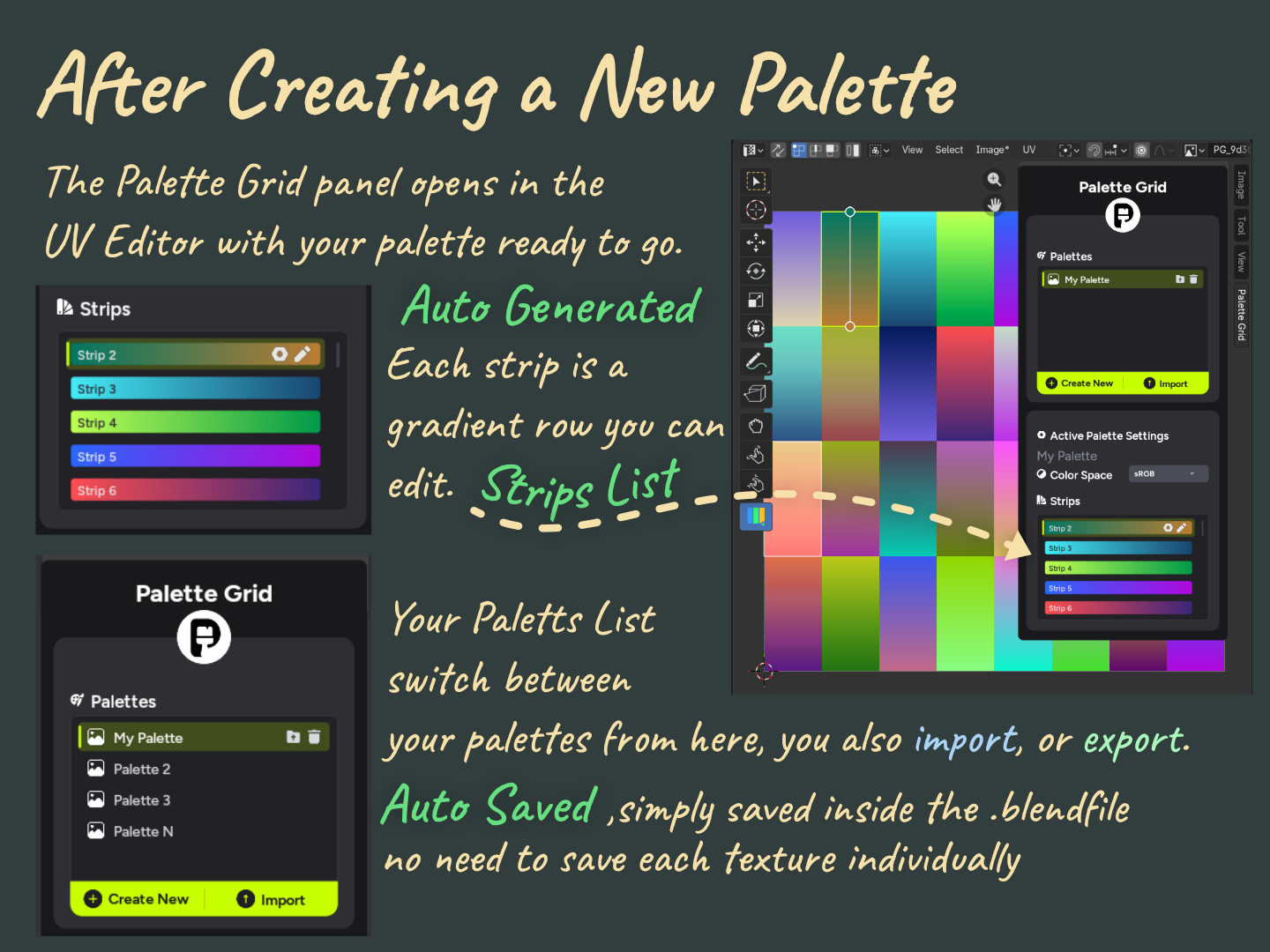
UV assignment was also simplified. Instead of manually editing UV islands, faces can be selected and assigned to a palette segment in a single action. If a mesh has no UVs, they are generated automatically.
Modes like Fill and Contain control how the projection behaves, while Project From View uses the current viewport angle directly.
Some features come directly from those early experiments with the tool, like radial mapping, which uses distance from the 3D cursor to drive the gradient and works well for effects like energy or radiating surfaces. There is also shape detection, where rough strokes are refined before applying the gradient.
The final texture remains a single asset, keeping draw calls to a minimum and simplifying export to a game engine.
Bahri mentioned that the release of Palette Grid had a quiet start, but the project quickly gained traction once it reached Blender communities. Since then, development has focused on iterating based on user feedback and expanding the toolset. You can find more about the creator and the addon here:
- Rayen Bahri on LinkedIn: https://www.linkedin.com/in/bahrirayen/
- Palette Grid (Gumroad): https://savedpixel.gumroad.com/l/palettegrid
- SavedPixel Studio: https://savedpixel.com/
- TikTok: https://www.tiktok.com/@savedpixel
- Instagram: https://www.instagram.com/savedpixel
Interested in learning more?
If you are interested in shaders and the math behind game visuals, the Shaders Bible Collection brings together six books covering shader programming, procedural shapes, and core math concepts in Unity and Godot.
This is for developers, students, and creatives who want a better understanding of shaders, strengthen their fundamentals, and improve the visual quality of their projects.
Looking to get into technical art? ✨ Check out the "Shaders Bible Collection," a 6-book bundle for Unity and Godot!
— Jettelly Inc. (@jettelly) April 6, 2026
Available for limited time: https://t.co/0vLC31dz6m#techart #gamedev #indiedev #vfx pic.twitter.com/6co2fTSnTr
Jettelly wishes you success in your professional career!
Did you find an error? No worries!
Write to us at [email protected], and we'll fix it!
Other posts that might interest you.
-
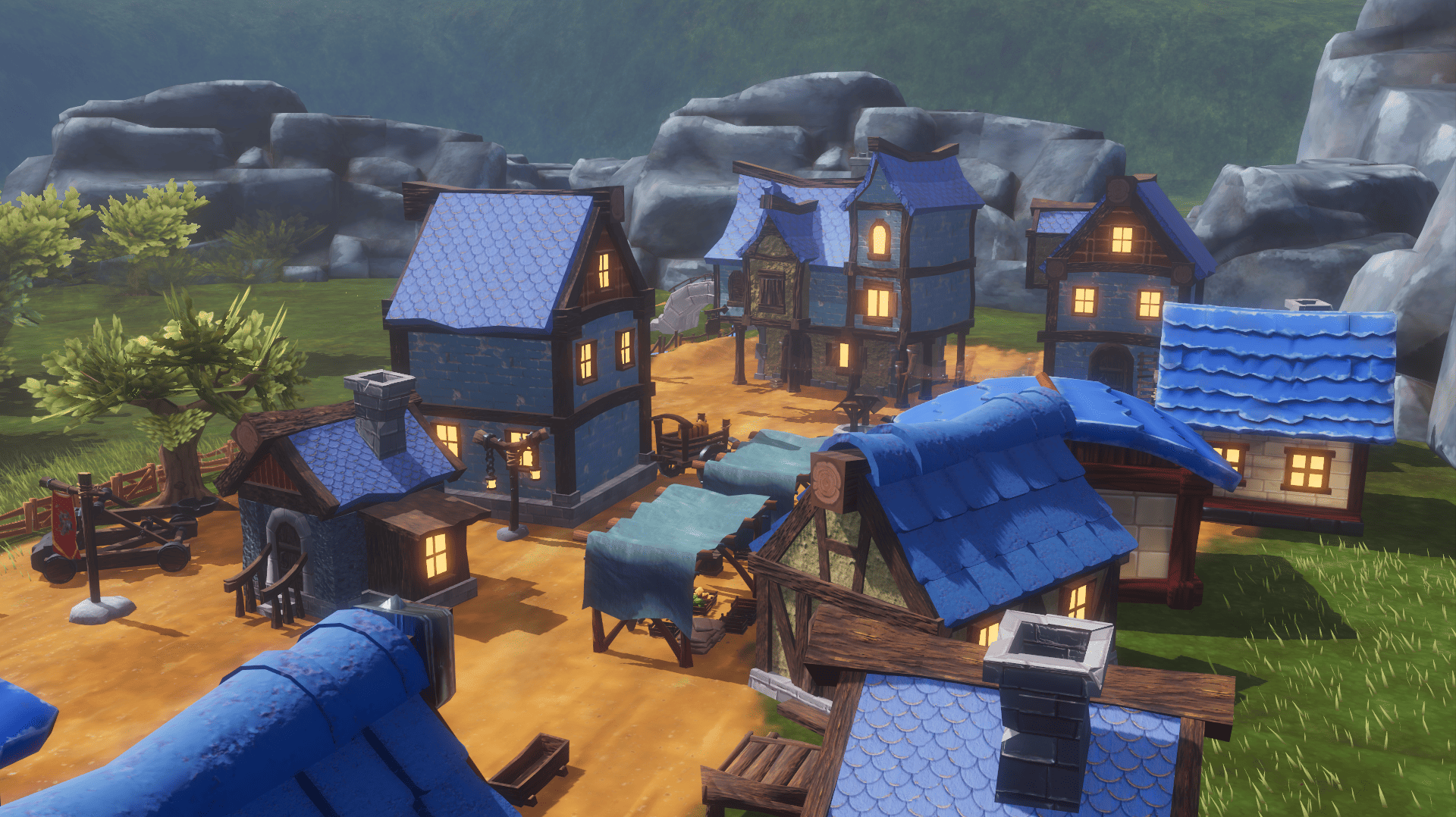 What began as a Blender challenge grew into 40 free models and a playable Godot scene showing how they work together.
 -
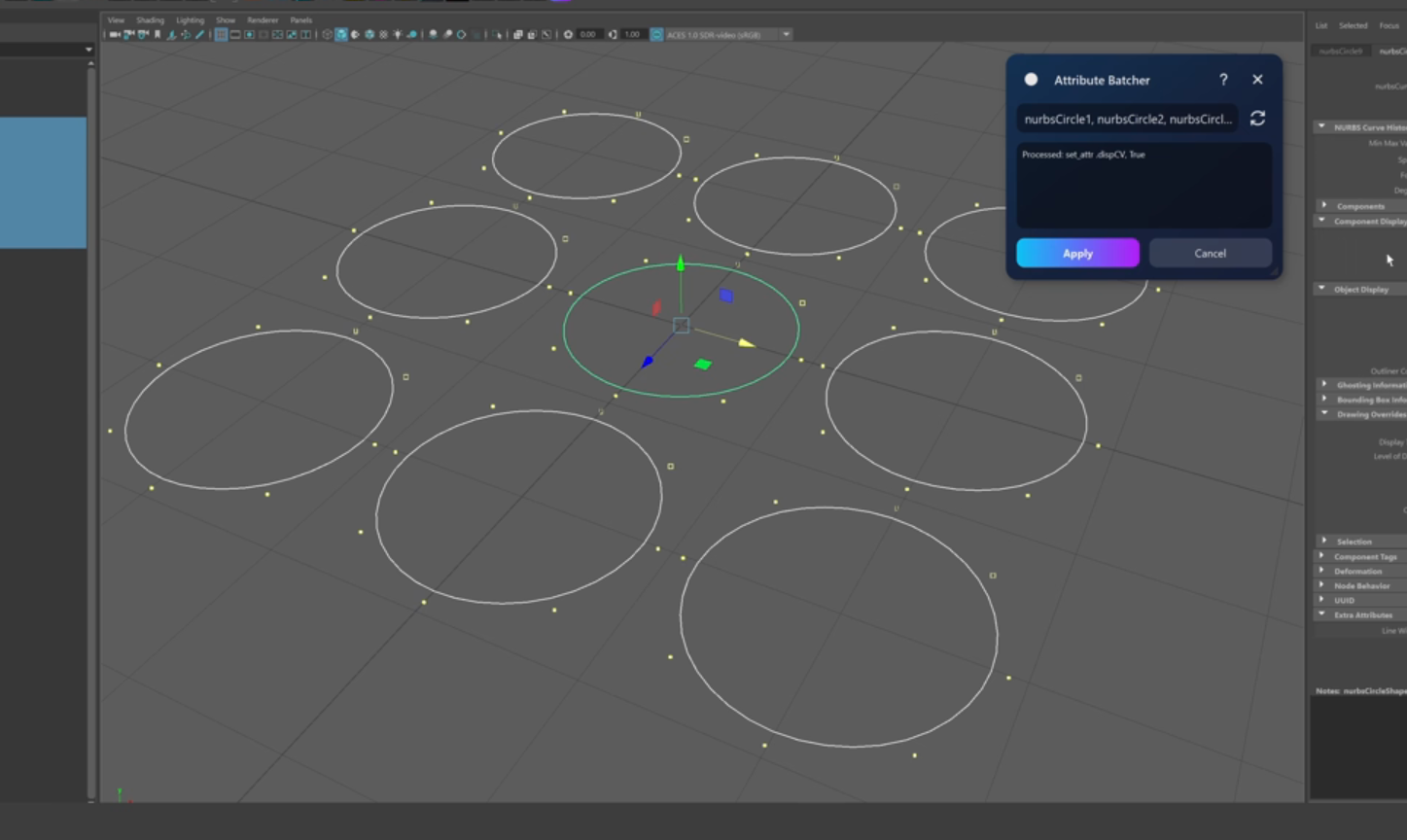 Check out Attribute Batcher, a Maya tool by Slava Borovik that records attribute edits and applies them across multiple objects.
 -
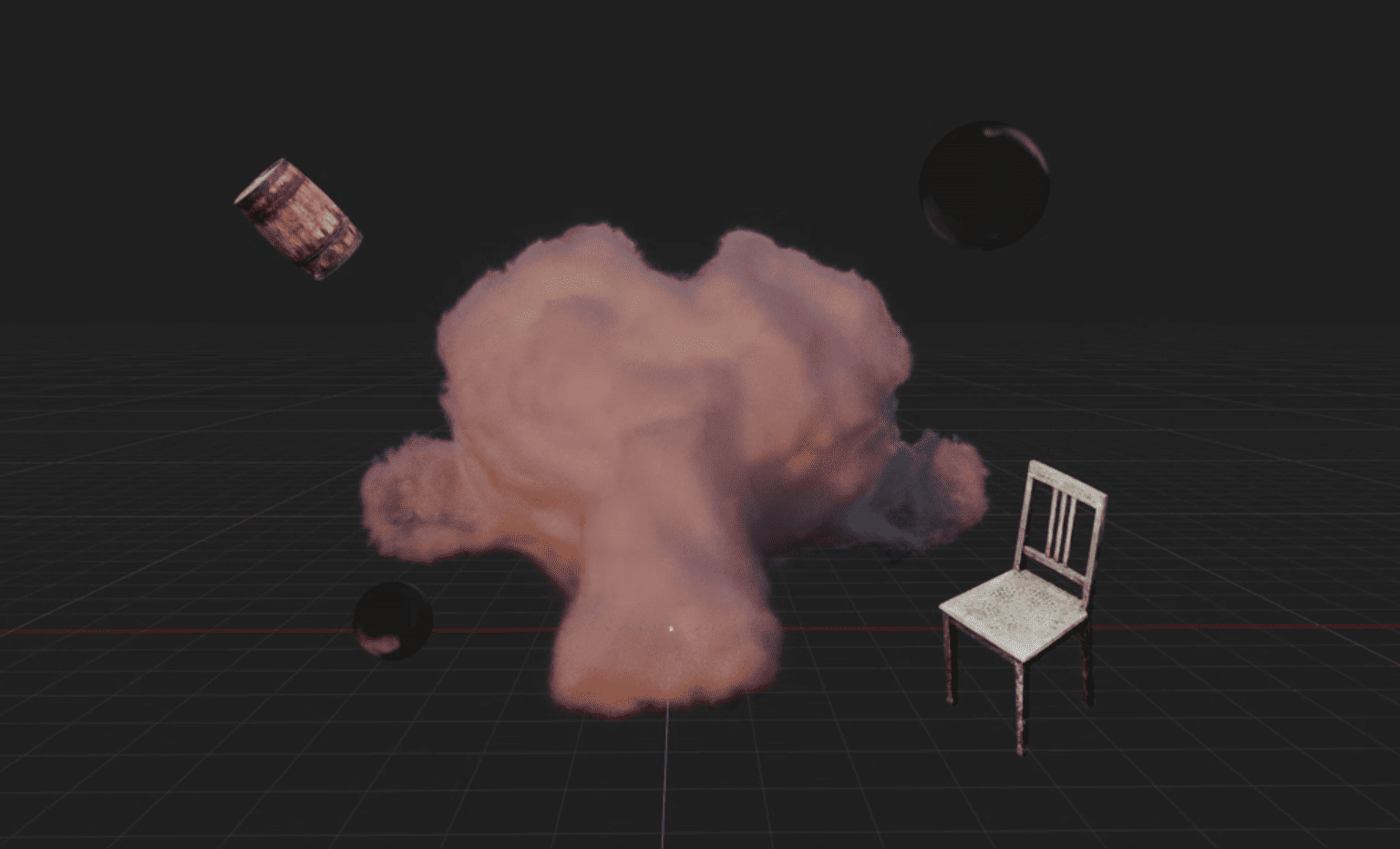 Blender artist Sören Schmidt-Clausen released BlendSplat, a node library that brings Gaussian Splats into Blender and makes them editable through Geometry Nodes.
