
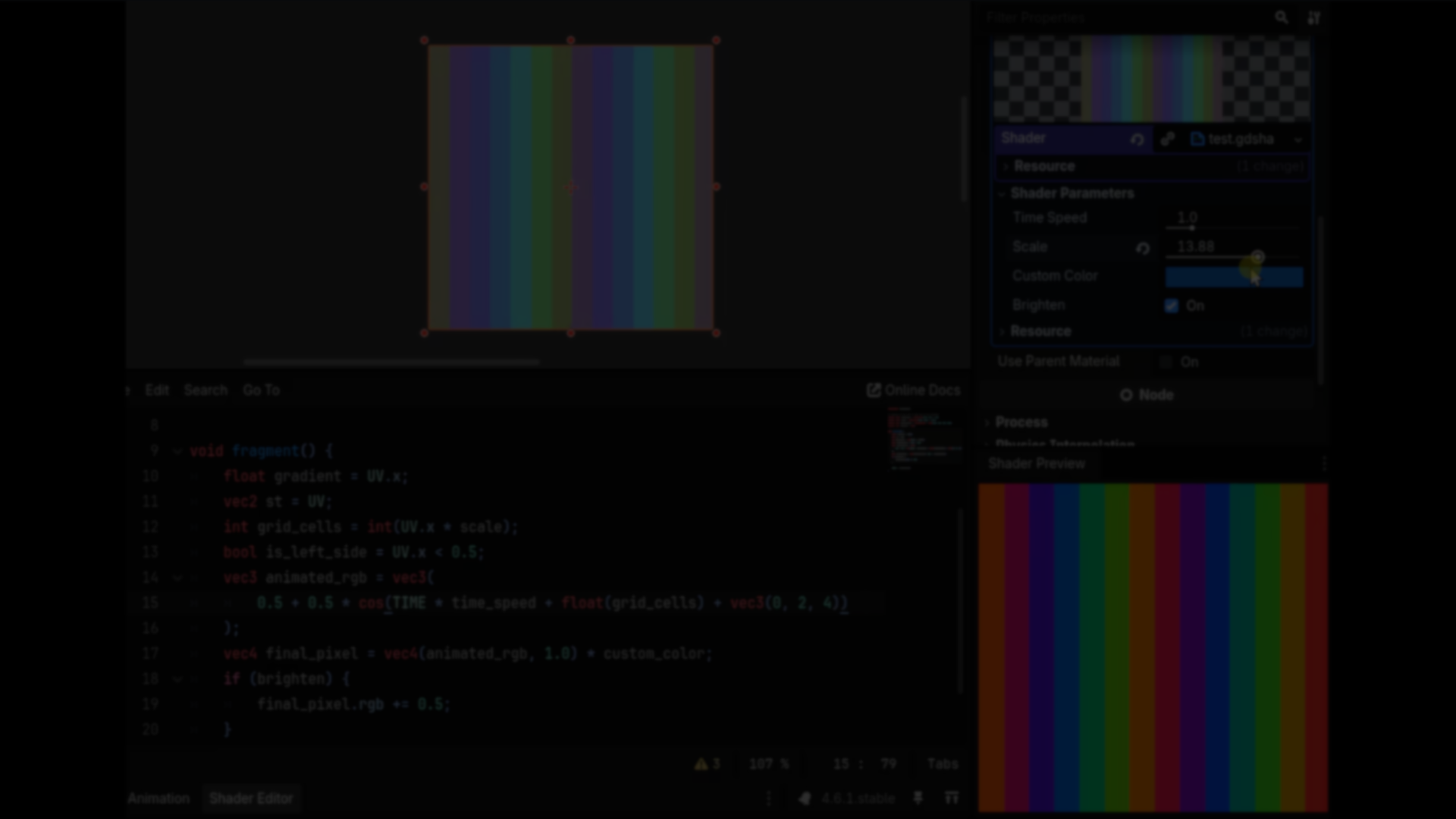
Godot Shader Previewer: Visual Debugging in the Code Editor.
by Jettelly
Published |
When writing shaders in Godot, understanding intermediate values usually requires workarounds. You might temporarily route a variable to ALBEDO or COLOR, comment and uncomment lines, or manually construct debug outputs just to inspect what a value looks like.
Visual Shader users get node previews. Text-based shader users do not. Godot Shader Previewer by OldDew bridges that gap.
What the Plugin Does
Godot Shader Previewer adds a real-time visual debugger to the .gdshader code editor. It allows you to:
- Preview the value of a variable at the current cursor line
- Inspect intermediate results inside the fragment() function
- Mirror uniform values from the selected node in your scene
The result is a workflow similar to node preview systems, but inside the text-based shader editor.
Line-by-Line Inspection
The core feature is cursor-based inspection. Place the cursor on a line that assigns a value inside fragment():
float mask = ...The plugin evaluates that variable at that exact point in execution and displays a visual representation in a dock panel. It supports:
- bool
- int
- float
- vec2
- vec3
- vec4
This allows inspection of masks, noise fields, lighting terms, UV transformations, or any intermediate calculation without rewriting the shader output. It also works with multiline assignments.
Live Uniform Synchronization
The plugin detects the selected node in your scene and mirrors its uniform values automatically.
That means:
- Colors match the material currently applied
- Textures are respected
- Numeric uniforms remain consistent with the scene setup
You do not need to manually duplicate parameters in a separate debug environment.
Known Limitations
There are some technical constraints:
- Shader compile errors will appear twice in the Output panel because the addon generates additional shader variants.
- Uniform matching relies on name comparison rather than exact shader equivalence, which may lead to false positives if two shaders share identical uniform names.
- Godot does not expose a public API for the Shader Editor, so the plugin accesses it through internal editor structures. Future Godot updates could break this integration.
These limitations are tied to current editor API restrictions.
Where It Fits Best
Godot Shader Previewer is particularly useful for:
- Developers writing custom lighting models
- Procedural shader experimentation
- Debugging masks, UV logic, and blending
- Transitioning from Visual Shader to code-based shaders
Similar and Useful Tools
- Shader Previewer: A Godot Asset Library plugin that adds a real-time shader preview and variable inspector inside the editor. It lets you see how shader changes affect output live in a custom preview pane, easing iteration and debugging without running the scene.
Differences: This plugin provides a dedicated shader preview panel with live variable inspection, similar to godot-shader-previewer but hosted directly via the Asset Library, making installation and updates simpler.
- Godot Better Shader Preview (GitHub): An open-source plugin that adds a shader preview dock to the Godot editor, giving more space and focus for shader visualization while editing code. Currently in development and intended to be added to the Asset Library.
Differences: Unlike godot-shader-previewer, this tool aims to give a separate preview dock that doesn’t share space with other editor views, which makes it easier to work with large shader files.
✨ Godot Shader Previewer is now available on GitHub.
📘 Interested in mastering shaders in Godot from the ground up? Check out The Godot Shaders Bible, a complete step-by-step guide covering mesh composition, lighting and rendering, procedural shapes, vertex animation, and advanced VFX for Godot 4.x.
📘 Interested in mastering shaders in Godot from the ground up? Check out The Godot Shaders Bible, a complete step-by-step guide covering mesh composition, lighting and rendering, procedural shapes, vertex animation, and advanced VFX for Godot 4.x.
These are all the shaders we've created so far while writing the Godot Shaders Bible! Want to learn shaders? Start step by step today! ✨ https://t.co/pTFh4XfXUt#godot #indiedev #3DCG pic.twitter.com/mXFKQ6Sn3k
— Shaders Bible Series (@ushadersbible) December 1, 2025
Jettelly wishes you success in your professional career!
Did you find an error? No worries!
Write to us at [email protected], and we'll fix it!
Level up your Technical Art skills! Grab our book and start learning today.
We invite you to explore "The Godot Shaders Bible", a comprehensive book on the concepts and fundamentals seen in this post.
Other posts that might interest you.
-
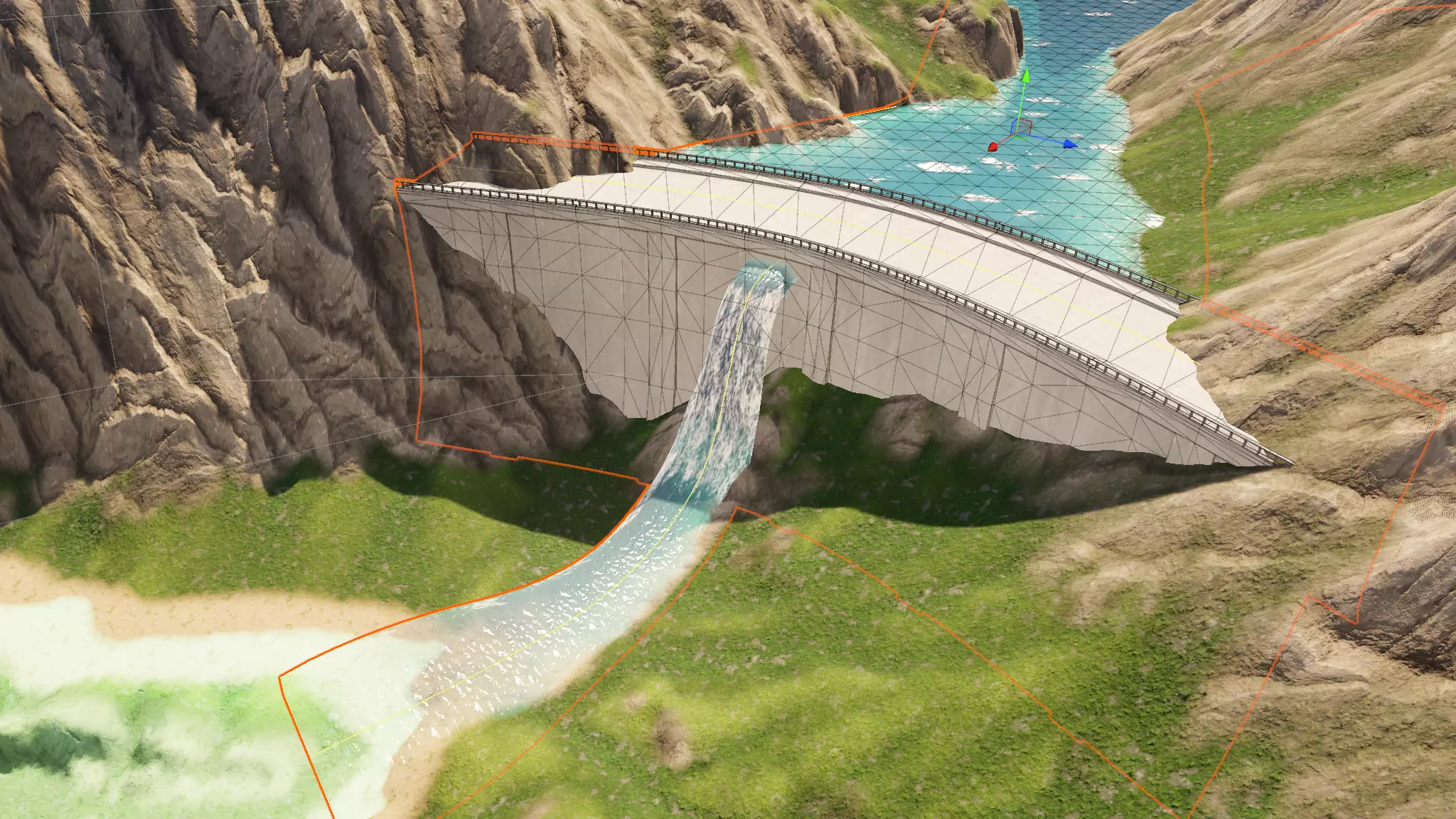 We take a look at Spline Mesher Pro by Staggart Creations, a spline-based mesh generation tool rebuilt with Unity Jobs and the Burst compiler.
 -
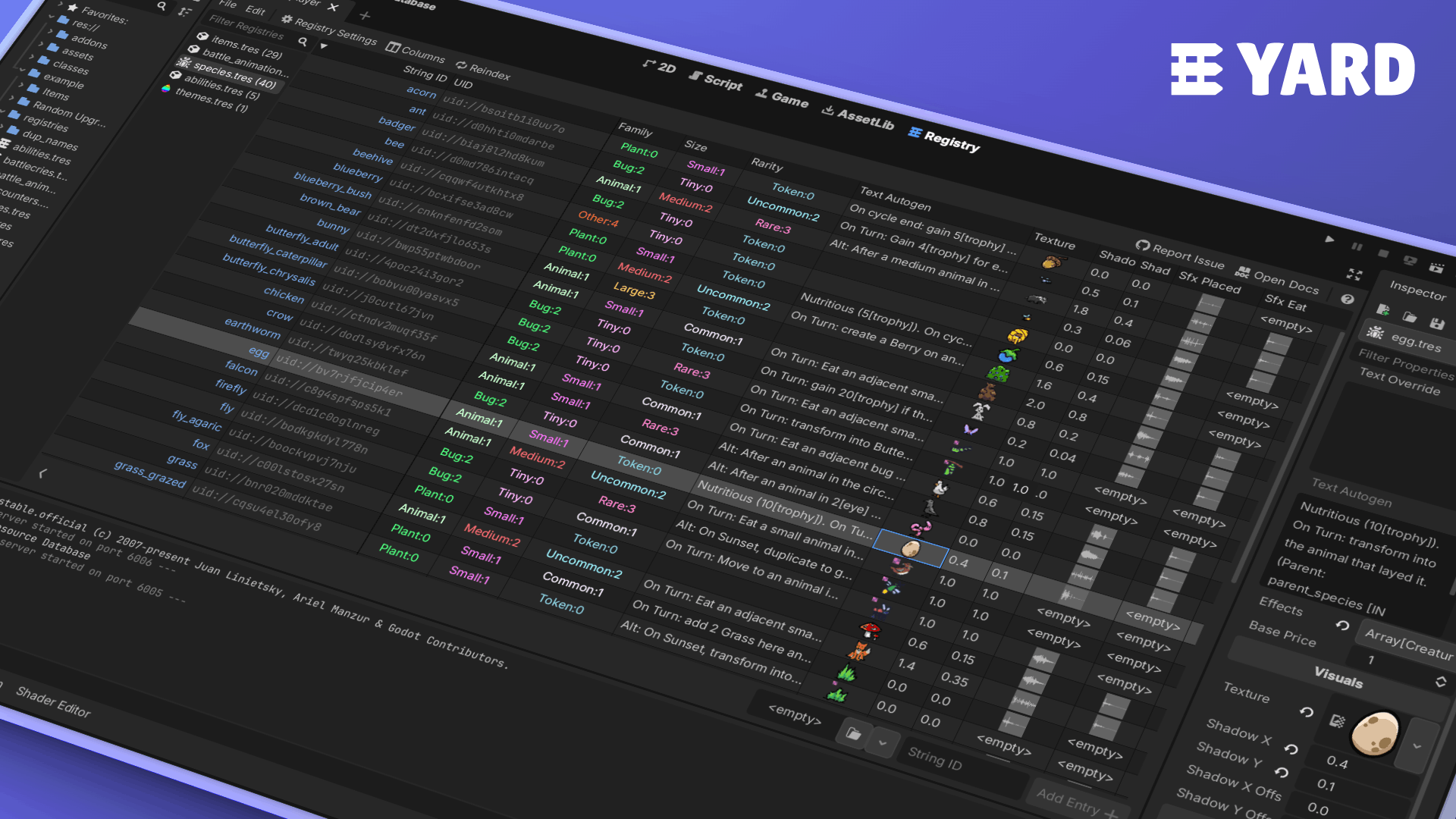 We take a look at YARD by Elliot Fontaine, a free Godot 4 plugin that introduces table-based resource registries and a lightweight runtime API for querying resources without loading them.
 -
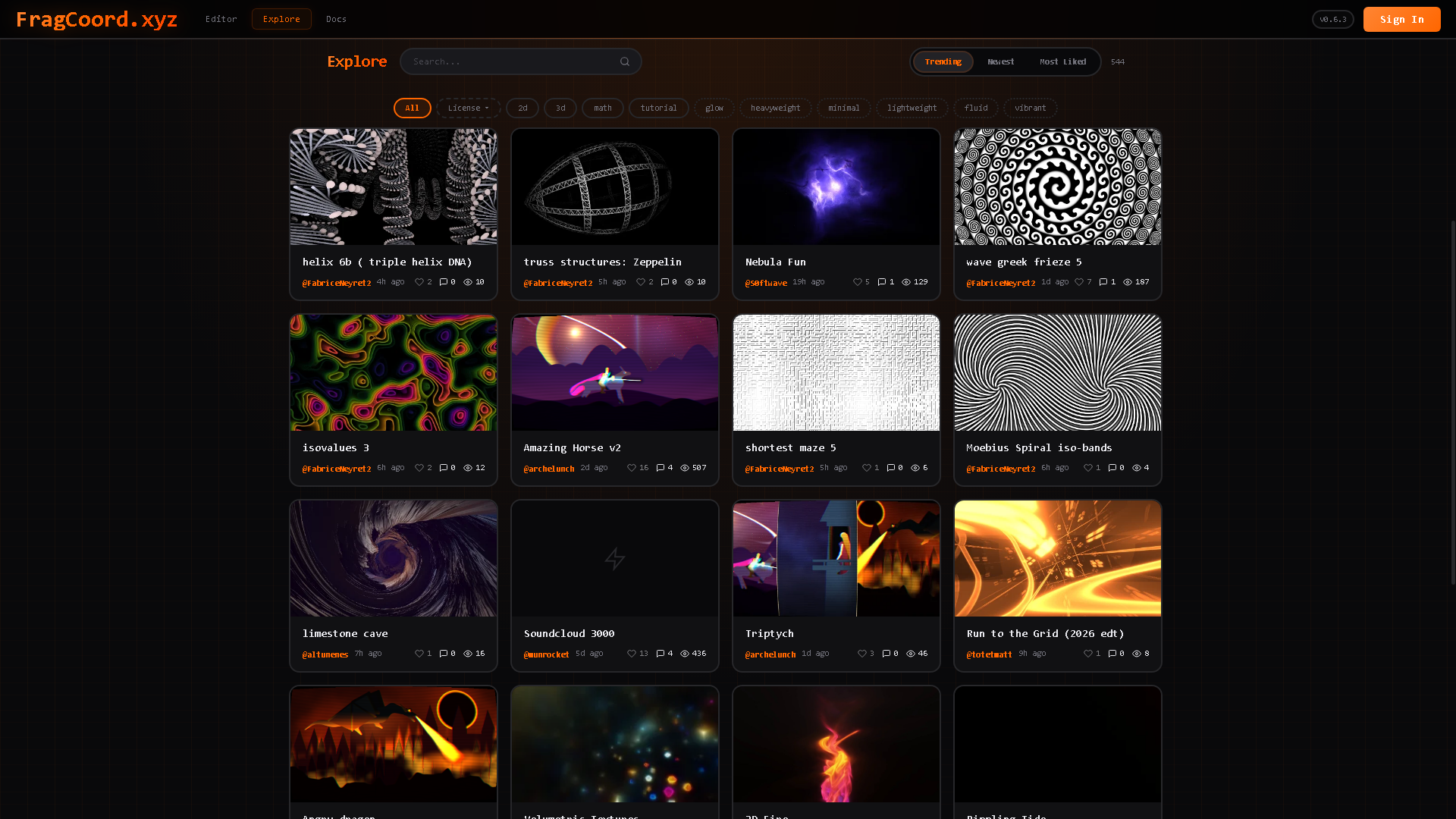 We take a look at FragCoord by XorDev, a real-time GLSL fragment shader editor designed to improve debugging, inspection, and multi-pass workflows beyond what traditional online shader tools offer.
