
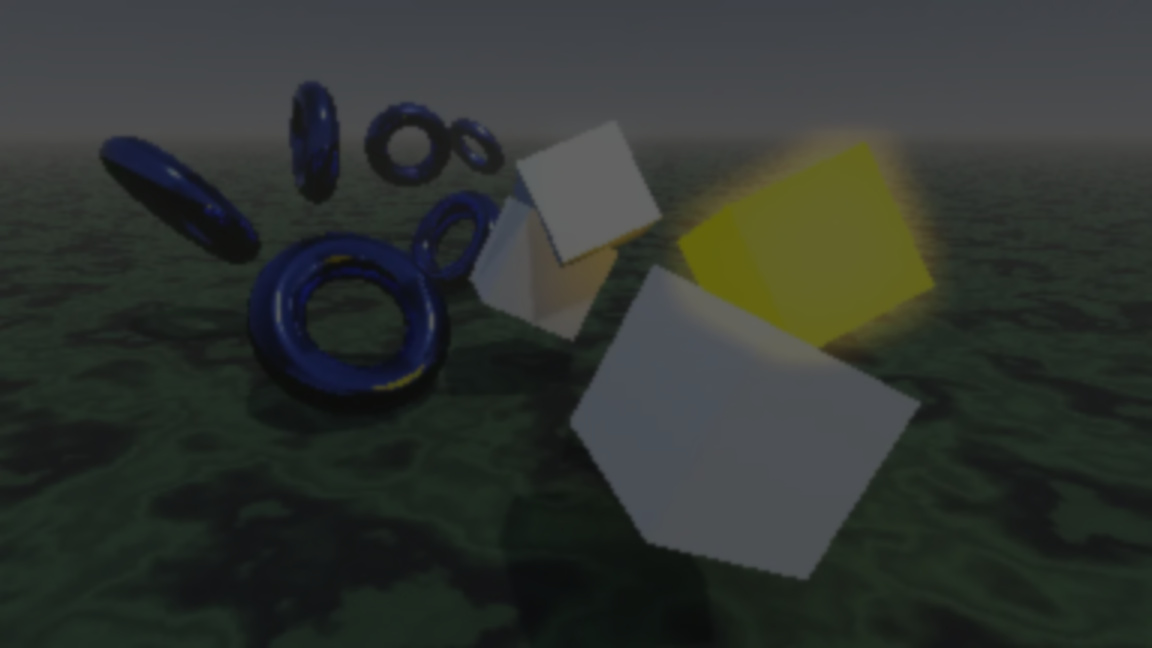
#GodotEngine 4.7-dev4 has arrived! Grab your nearest neighbor, and sample our most recent batch of improvements firsthand:https://t.co/2Y7qKNSX5i
— Godot Engine (@godotengine) April 9, 2026
Not so long ago, Godot 4.6 was released, it came with a lot of changes and improvements on the well-known open source engine. Since then, development hasn’t stopped, and there are already four snapshots available for version 4.7. But what does this update actually bring?
To answer that, we need to take a quick look at what the key points of this new update are.
Dev Snapshot #1
(From “Dev snapshot: Godot 4.7 dev 1”)
One of the new additions is VirtualJoystick, a system now integrated into Godot for touch-based joystick controls on mobile. In the past, this had to be implemented manually or through addons to achieve a similar result.
DrawableTexture is another important addition. It allows drawing directly onto textures without relying on complex APIs. This makes it easier to implement things like runtime painting, dynamic effects, or even in-game tools.
Vulkan ray tracing groundwork is also introduced. While it’s not usable as a full feature yet, it starts the internal foundation for future ray tracing support in Godot.
Dev Snapshot #2
(From “Dev snapshot: Godot 4.7 dev 2”)
In this snapshot, we can observe some changes, smaller but not less important, more focused on improving fluidity in certain areas, for example with the addition of copy/paste for entire sections in the inspector.
You no longer have to copy properties one by one. You can copy full blocks of settings.
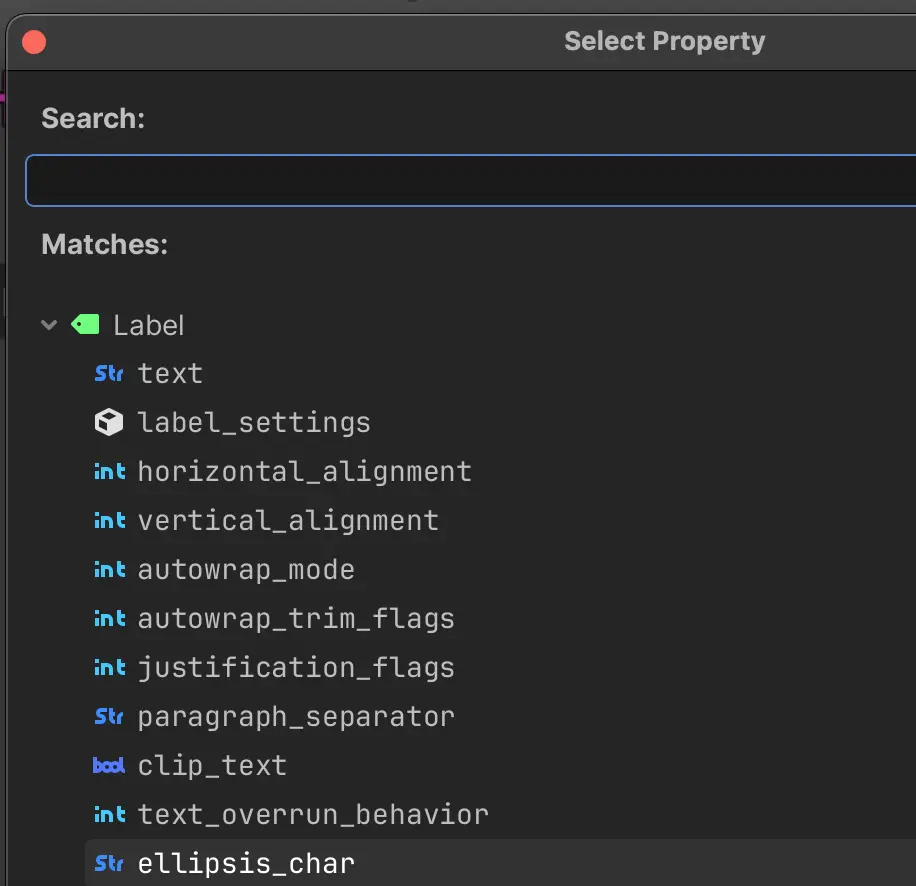
Monospaced fonts in the UI for code: the editor now uses a different font for things like methods, properties, and signals. It’s a small change, but it makes things easier to read.
On the animation side, you can now collapse track groups. This makes larger animation projects easier to manage.
Dev Snapshot #3
(From “Dev snapshot: Godot 4.7 dev 3”)
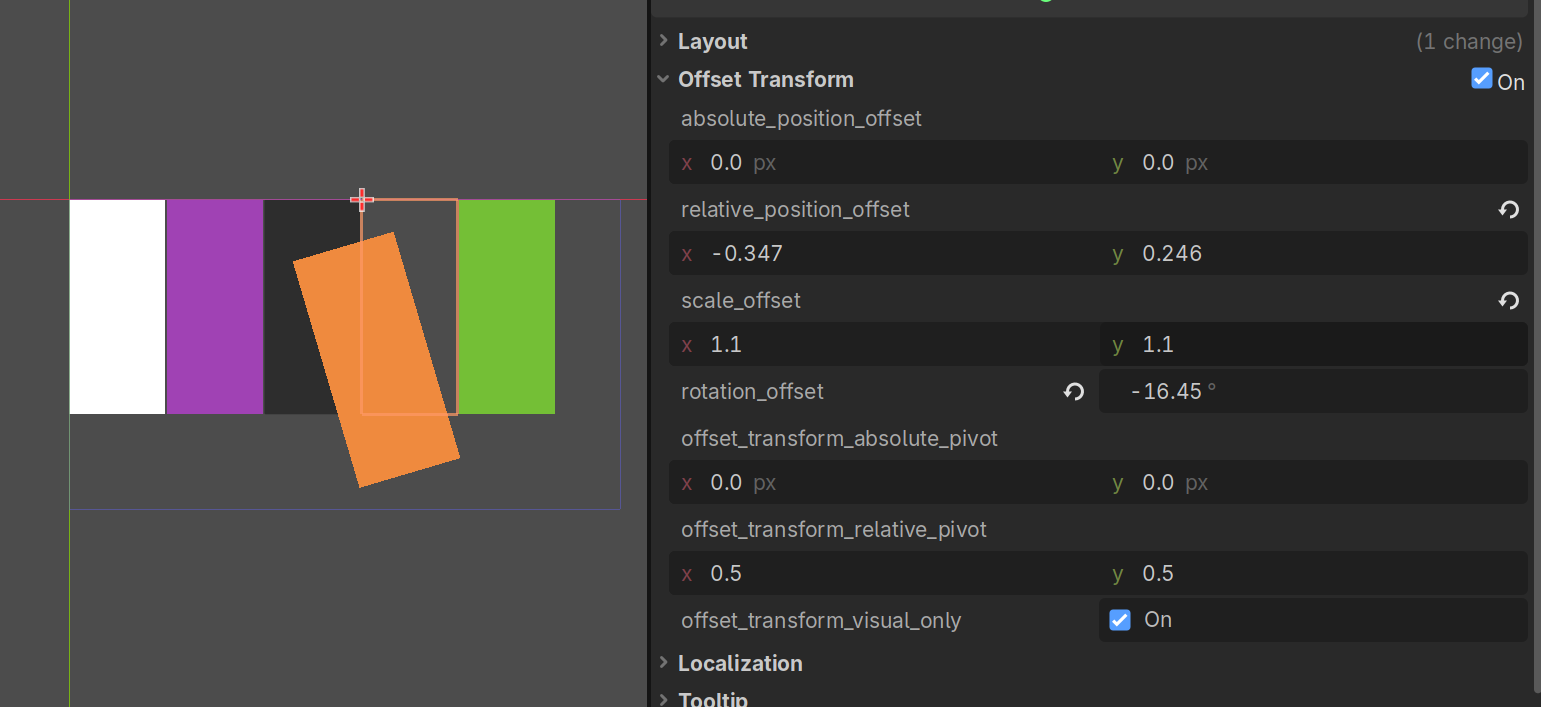
You can now move, rotate, or scale UI elements without breaking the container layout. This is especially useful when you are working on UI animations.
In this snapshot, they started by presenting a new search bar to PopupMenu, making it easier to navigate long lists of options.
Dev Snapshot #4
(From “Dev snapshot: Godot 4.7 dev 4”)
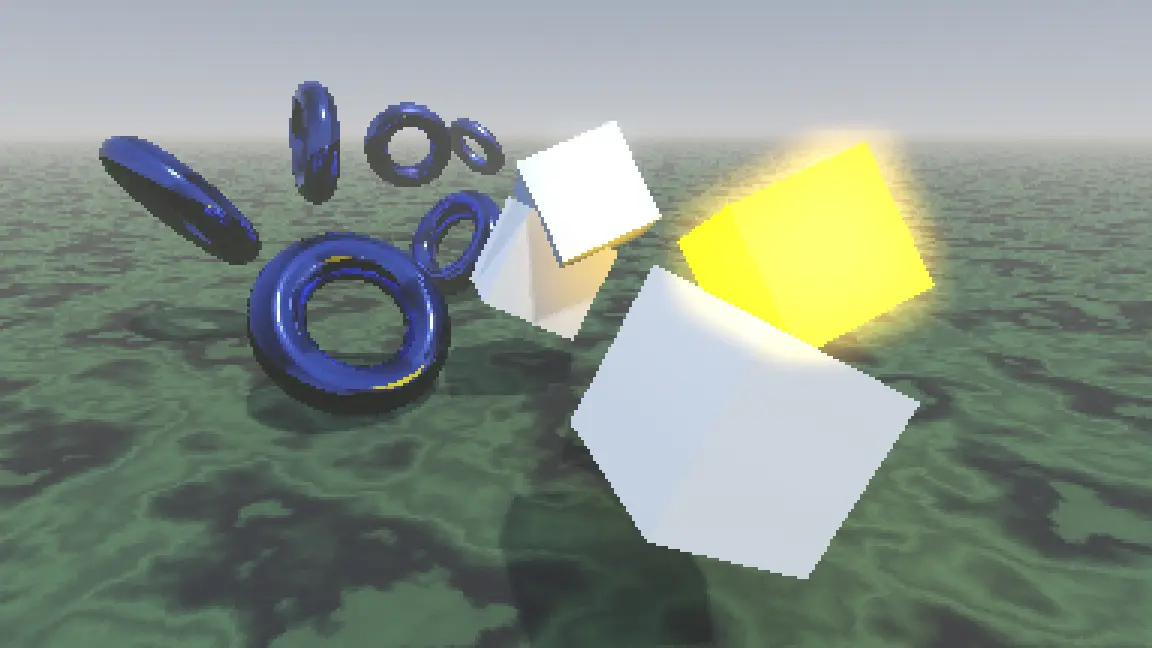
Nearest-neighbor scaling is now available for 3D viewports. It avoids blur when working with low resolutions or pixel-art visuals, keeping edges sharp.
In this latest snapshot, drag-and-drop in Tree has been updated. You can now see where an item will be placed before dropping it.
Those are some of the main changes and additions in this new coming version of Godot. There’s still more to check, so it’s worth taking a look at the snapshots yourself.
Interested in learning more?
If you’re interested in learning how shaders work in Godot, The Godot Shaders Bundle includes a book and two practical tutorials focused on real-time graphics techniques.
These are all the shaders we've created so far while writing the Godot Shaders Bible! Want to learn shaders? Start step by step today! ✨ https://t.co/pTFh4XfXUt#godot #indiedev #3DCG pic.twitter.com/mXFKQ6Sn3k
— Shaders Bible Series (@ushadersbible) December 1, 2025
Jettelly wishes you success in your professional career!
Did you find an error? No worries!
Write to us at [email protected], and we'll fix it!
Level up your Technical Art skills in Godot! Grab our book and start learning today.
We invite you to explore "The Godot Shaders Bible", a comprehensive book on the concepts and fundamentals seen in this post.
Other posts that might interest you.
-
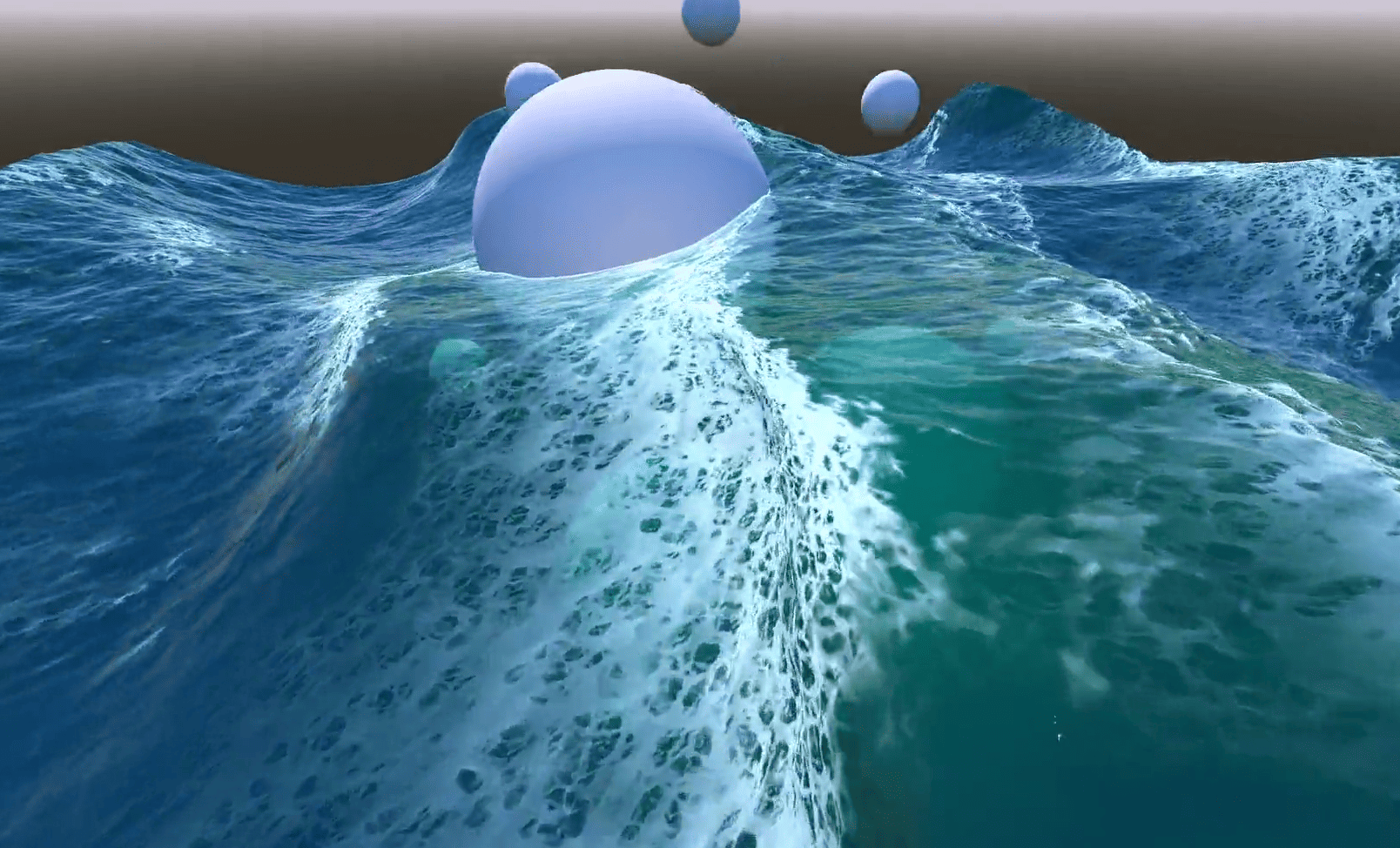 In Emil's Godot ocean, foam appears where waves bunch together and fades after they spread. He shares how he built the effect.
 -
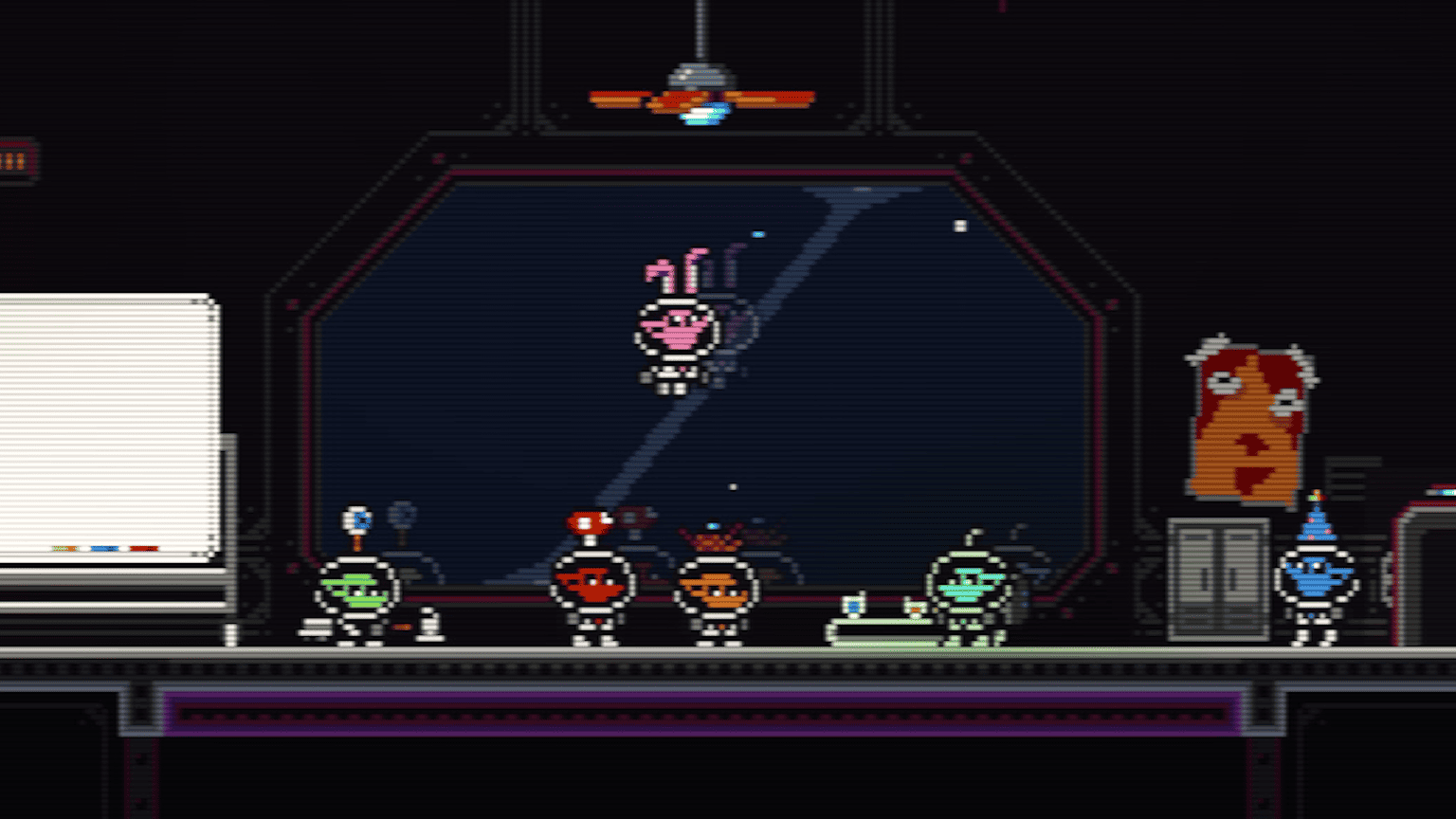 In Castronauts, the mattress sinks under a player's feet and slowly rises when they jump away. The team shares how they made it in Godot.
 -
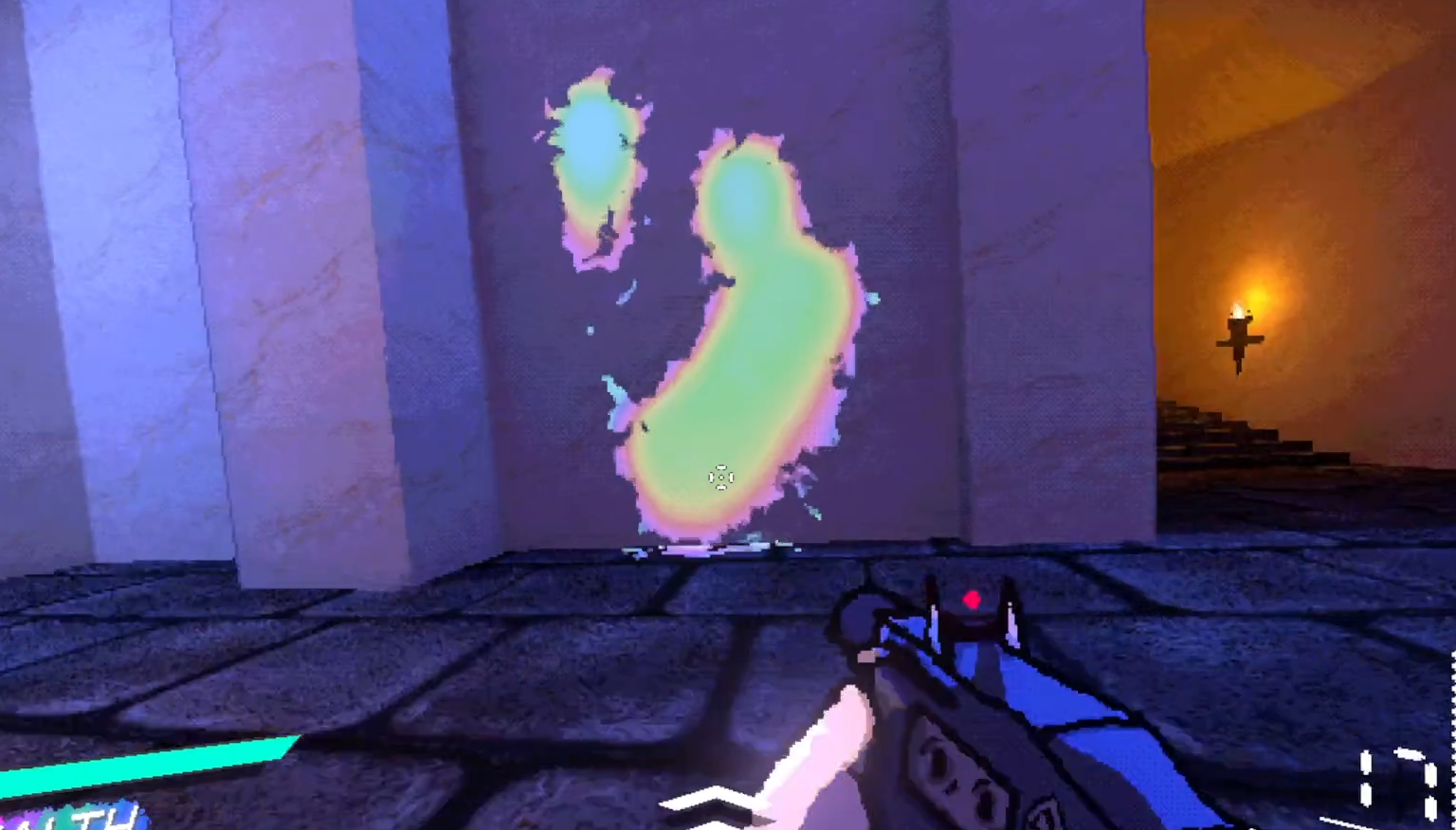 In EXUVIA, rainbow blood covers the arenas and drips down walls. Elliptical shares how they built the effect in Godot.
