
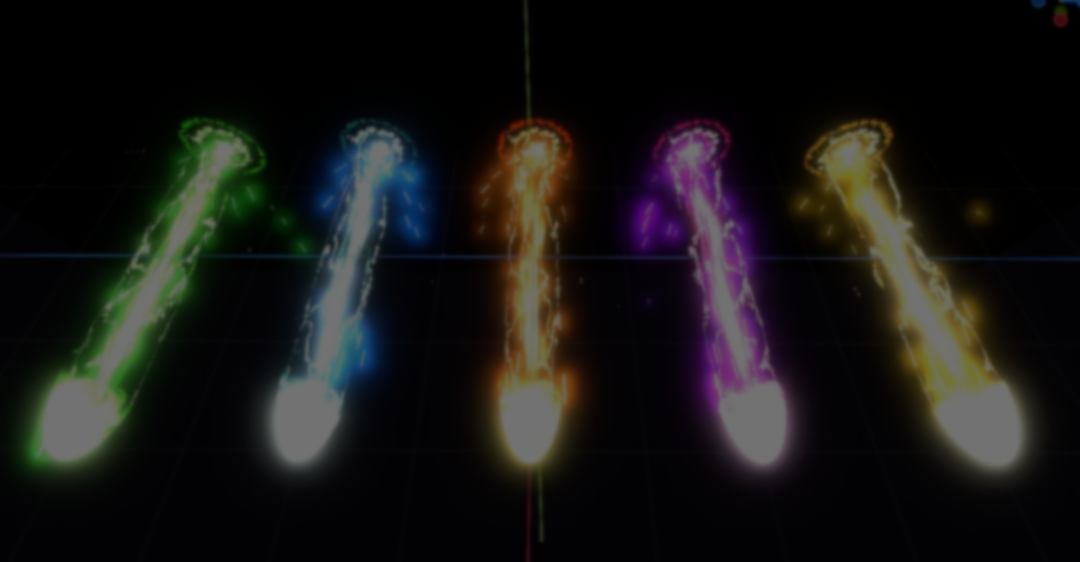
Game Developer SingerLuch gave us a breakdown of their beam VFX asset in Godot, built for effects like energy attacks and healing beams.
The effect has a few different layers working together:
The effect has a few different layers working together:
- Core
- Cap
- Enclosing
- Impact
- Particles
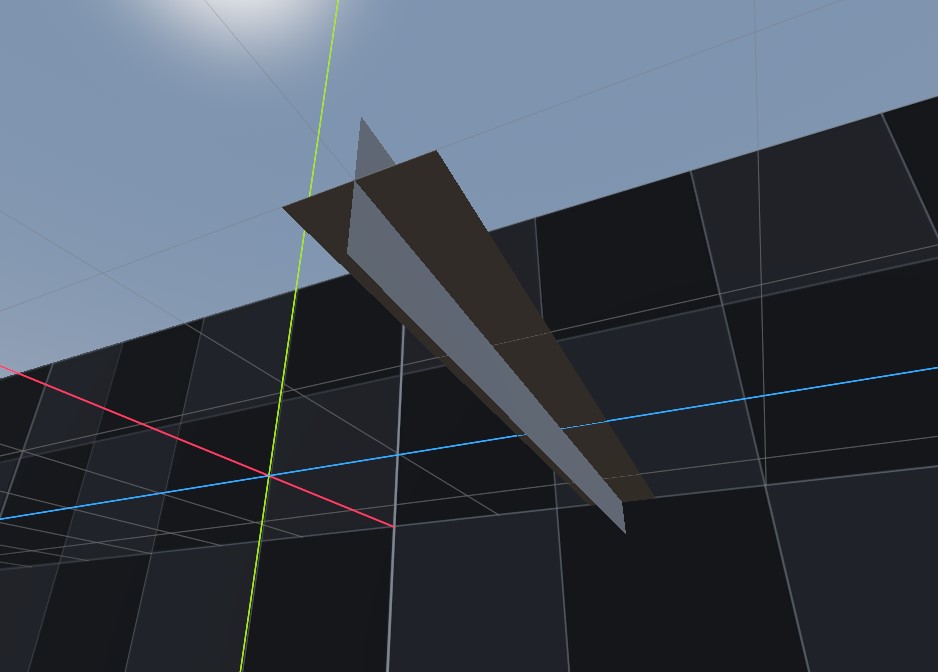
At the center of each effect is the beam's core (the straight body). It is built using two QuadMeshes rotated against each other to help the effect look good from different angles.
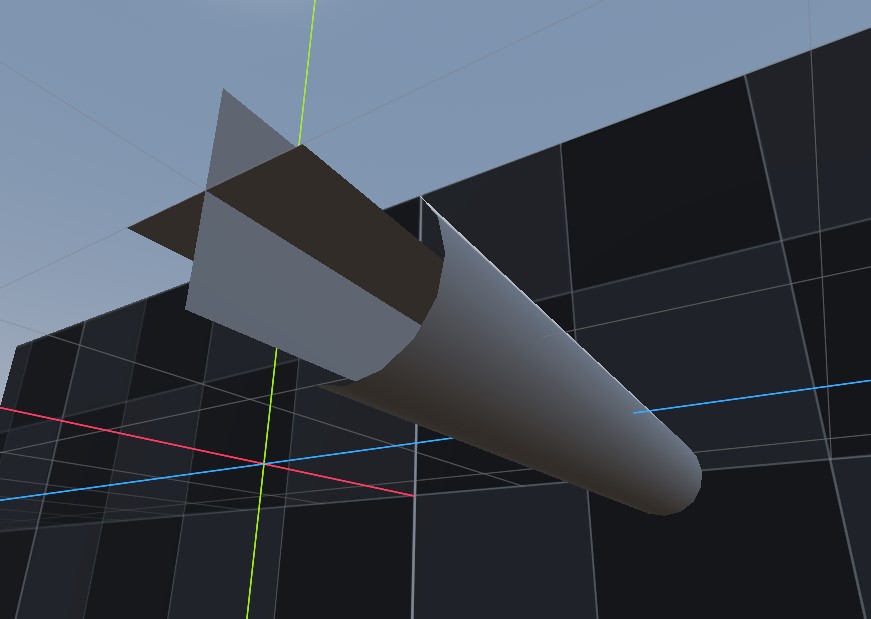
SingerLuch then added a CylinderMesh wrapping around it called the Enclosing layer, which creates the spiraling energy strands moving around the effect.
The shaders use procedural noise to keep the effect from looking too static. According to SingerLuch, the same general logic runs across all of them: scrolling noise, color gradients, and masks to control where the energy appears or fades out.
# Original shader code shared by creator

vec3 beam_col = mix(color_base.rgb, color_mid.rgb,  smoothstep(0.0, 0.5, final_intensity));
beam_col      = mix(beam_col,       color_core.rgb, smoothstep(0.45, 1.0, final_intensity));

vec3 col = clamp(
    vec3(
        beam_col.r * 1.5 * final_intensity,
        beam_col.g * 1.5 * pow(final_intensity, 1.5),
        beam_col.b * pow(final_intensity, 2.5)
    ),
    0.0, 1.0
);
One important part of the effect was softening the edges. Without it, the meshes would show hard edges that break the illusion of the effect.
To avoid this, the core has a fade near the ends of the mesh. And a fade is also used in the spherical cap (the one at the origin) which uses animated noise to dissolve its edges into a burst of energy.
To avoid this, the core has a fade near the ends of the mesh. And a fade is also used in the spherical cap (the one at the origin) which uses animated noise to dissolve its edges into a burst of energy.
The Enclosing layer works differently. The shader generates spiral strands by calculating them from the UV coordinates, then warps them with the same noise function so the strands bend and break as they scroll.
# Original shader code shared by creator

float spiral_field = (distorted_uv.y * spiral_count) + (distorted_uv.x * spiral_slant) - (safe_time * scroll_speed * 1.5);
float frac = fract(spiral_field);
float dist_from_line = abs(frac - 0.5) * 2.0;
float line_mask = smoothstep(line_thickness + line_softness, line_thickness, dist_from_line);
The beam also includes a separate impact effect. A BoxMesh uses the screen's depth texture to reconstruct the world coordinates behind it, isolating the effect to that volume.
From there, it draws expanding rings over the surface. Noise distorts them so the collisions don't look perfectly circular on irregular surfaces.
And to finish the effect, GPU particles do the sparks at both the origin and impact points.
If you want to check out the asset or see more about the creator, the link will be right below.
Want to learn Godot shaders and VFX? ✨
Our Godot All About VFX Bundle covers shaders, particles, and VFX for 2D, UI, and 3D games with step-by-step examples. Over 600 pages of content!
We now have a new bundle: Godot: All About VFX! ✨
— Shaders Bible Series (@ushadersbible) September 21, 2026
It includes the Complete Godot VFX Handbook and the Godot Shaders Bible! ➡️ https://t.co/aBEtLP7VPP#indiedev #godot pic.twitter.com/7STucAvnN3
Jettelly wishes you success in your professional career!
Did you find an error? No worries!
Write to us at [email protected], and we'll fix it!
Level up your Shaders & VFX in Godot!
We invite you to explore "The Godot All About VFX Bundle", a comprehensive bundle on the concepts and fundamentals seen in this post.
Other posts that might interest you.
-
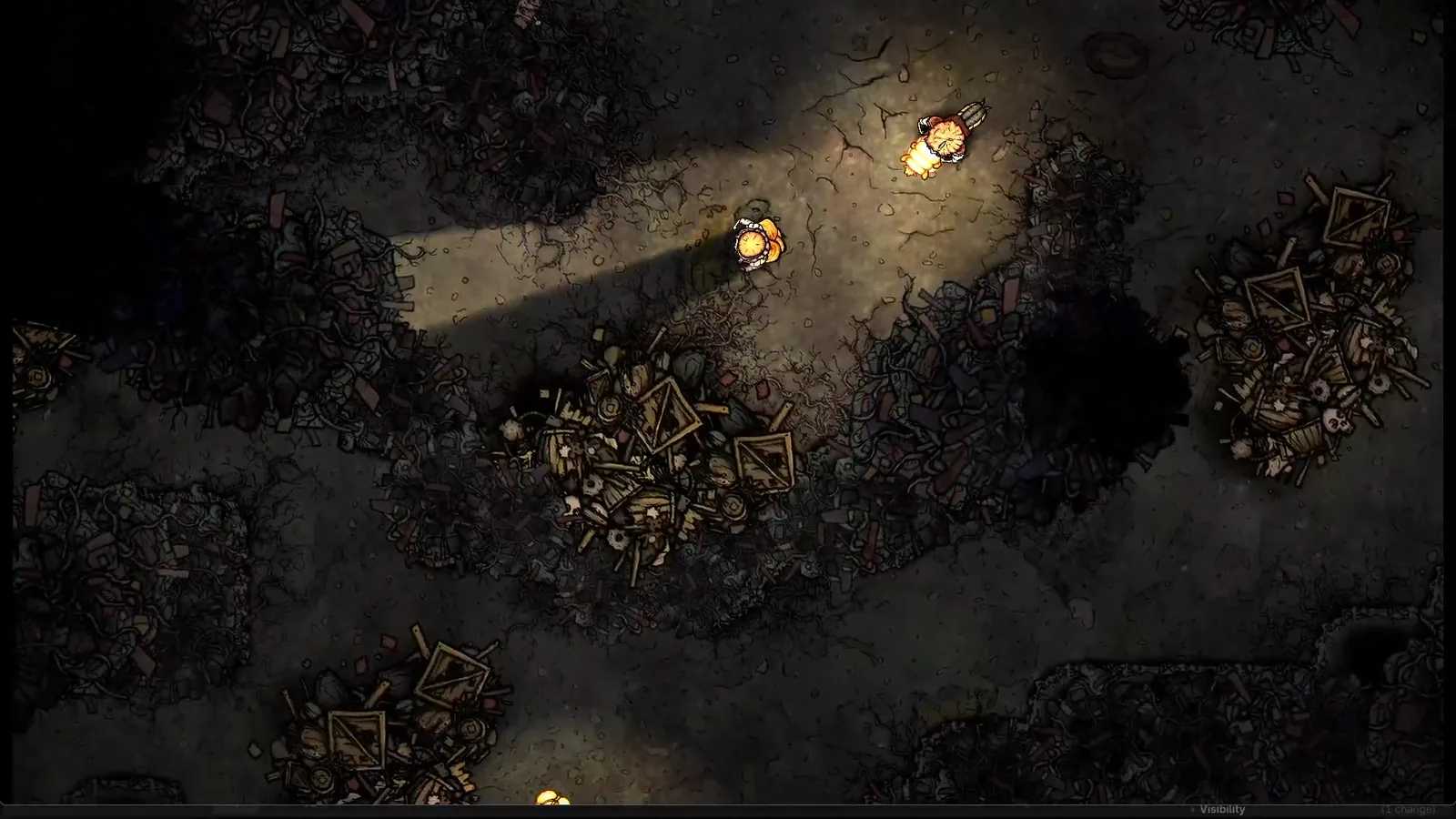 Silk & Sorrow's trees and trash piles seem to have height, but they are made from sprites. Florian Heynen of Snowberry Games made the effect by stacking, moving and lighting those layers in Godot.
 -
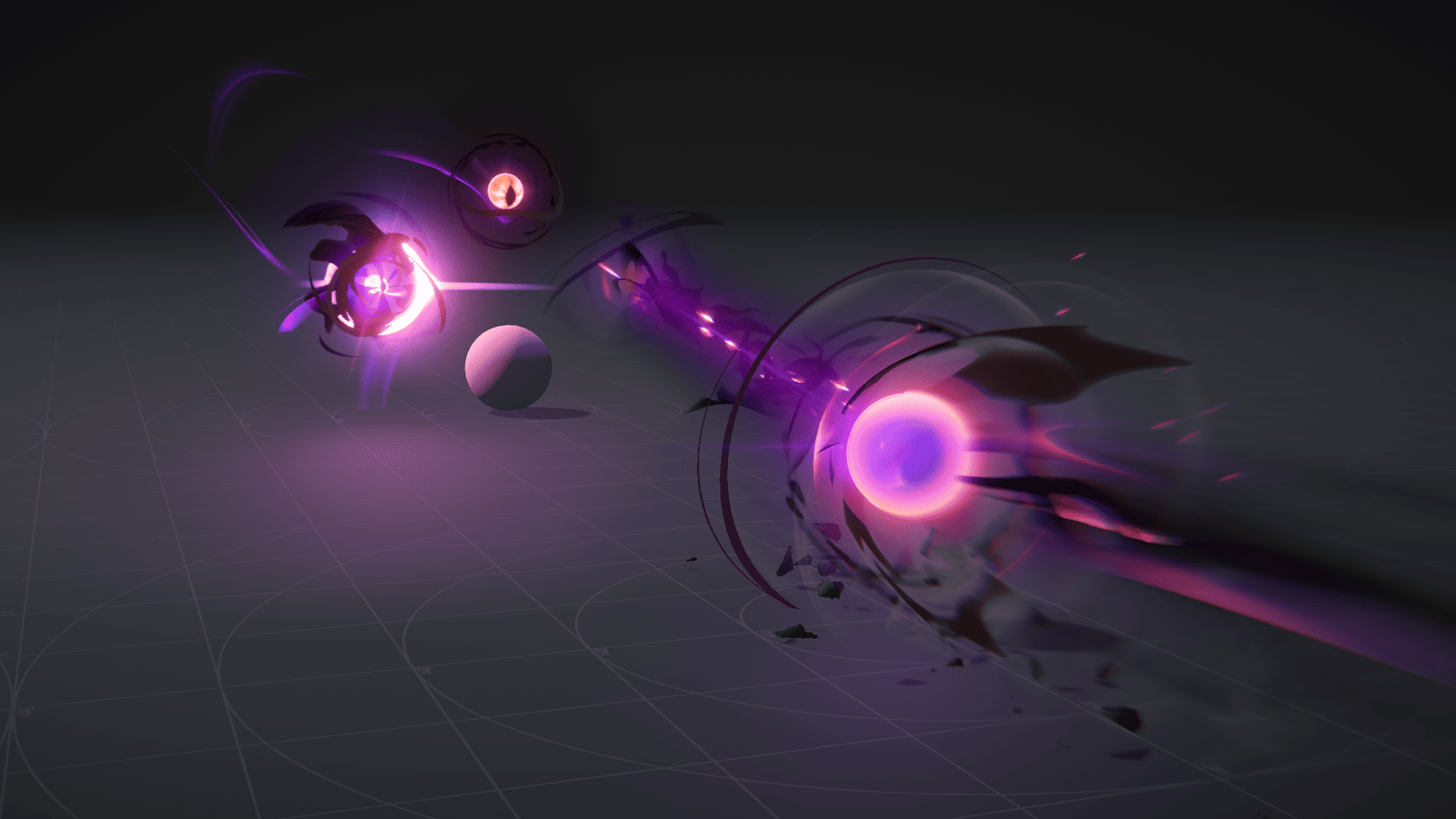 Ryan Gee’s Eldritch Blast uses procedural eyes and exaggerated motion to give the spell weight, without relying on camera shake.
 -
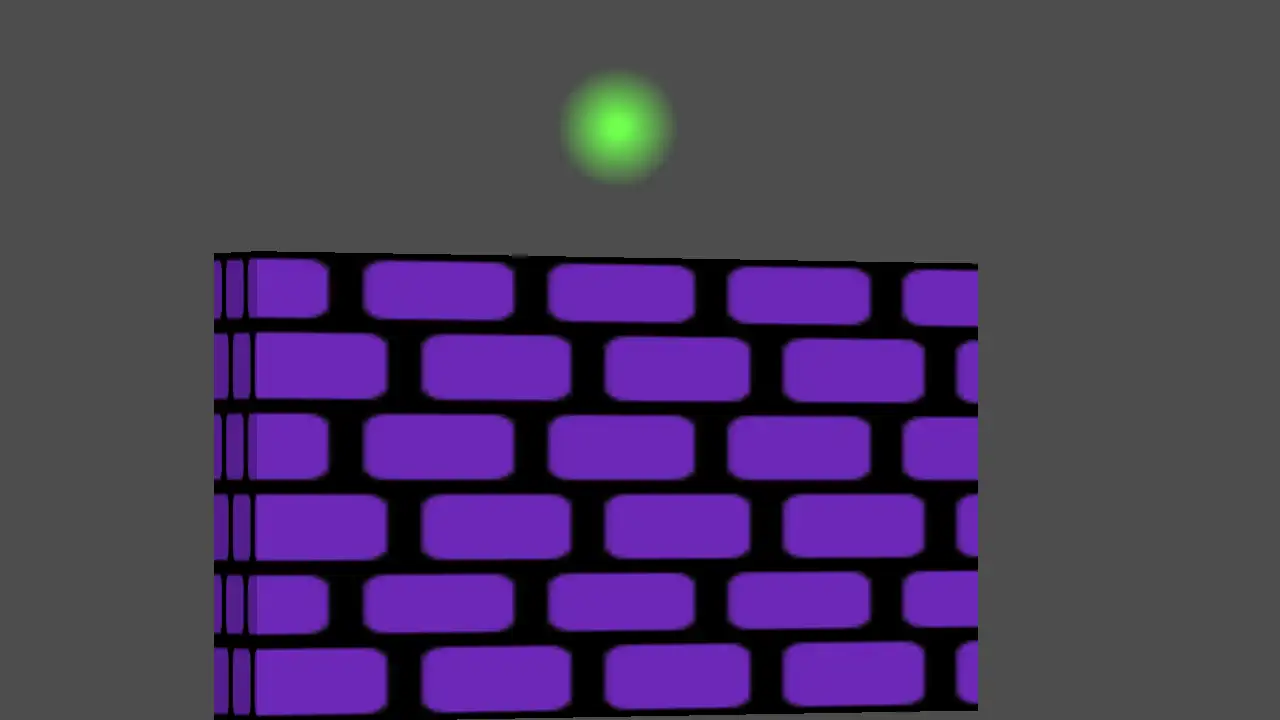 Perspective Quads gives 2D Godot scenes a sense of depth through texture warping, animated view changes and interfaces that stay interactive.
