

If you’re getting into shaders, one of the biggest obstacles might not be the code itself, but understanding what’s actually happening.
The Unity Shaders Bible breaks this down, showing how shaders work with the data inside a mesh instead of jumping straight into effects.
You can learn things like:
- How meshes are built from vertices
- What UVs, normals, and tangents actually represent
- How that data is used during rendering
- A simple example of building a mesh manually to see how it all connects
And also more advanced concepts like coordinate spaces and how the render pipeline works.
Welcome to the world of Technical Art ✨
— Shaders Bible Series (@ushadersbible) April 17, 2026
We’re currently writing a book about it 🔗 https://t.co/hLHBiQ05zV#godot #unity3d #b3d pic.twitter.com/ueyCKm8JR1
For example, do you know what a shader actually reads from a mesh? Here’s a quick look at how the book explains it.
Each vertex doesn’t just store position, it also includes data like UVs and normals, which define how textures are placed and how light reacts to the surface. Instead of treating these as abstract terms, the book explains them as simple values that shaders can read and modify directly.
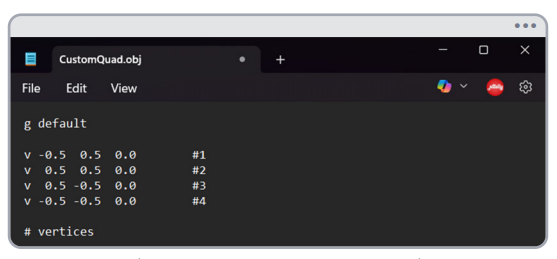
(Vertices of a simple quad defined in Object Space, p. 19)
To make this clearer, the book includes a small exercise where a quad is built manually by defining its vertices step by step. It’s a simple setup, but it shows exactly what Unity needs to render an object, and how that same data is later used inside a shader.
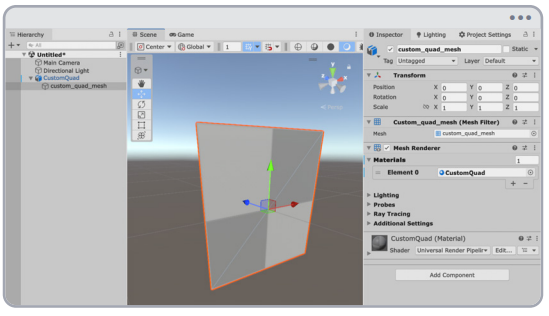
(Quad created from manually defined mesh data, p. 26)
If you want to learn more about this, you can check out the free sample here, along with the full book. Click on the book's picture, or click the Preview button at the bottom to check it out!
Level up your Technical Art skills!
Start from the ground up and build real VFX skills in Unity.
Jettelly wishes you success in your professional career!
Did you find an error? No worries!
Write to us at [email protected], and we'll fix it!
Other posts that might interest you.
-
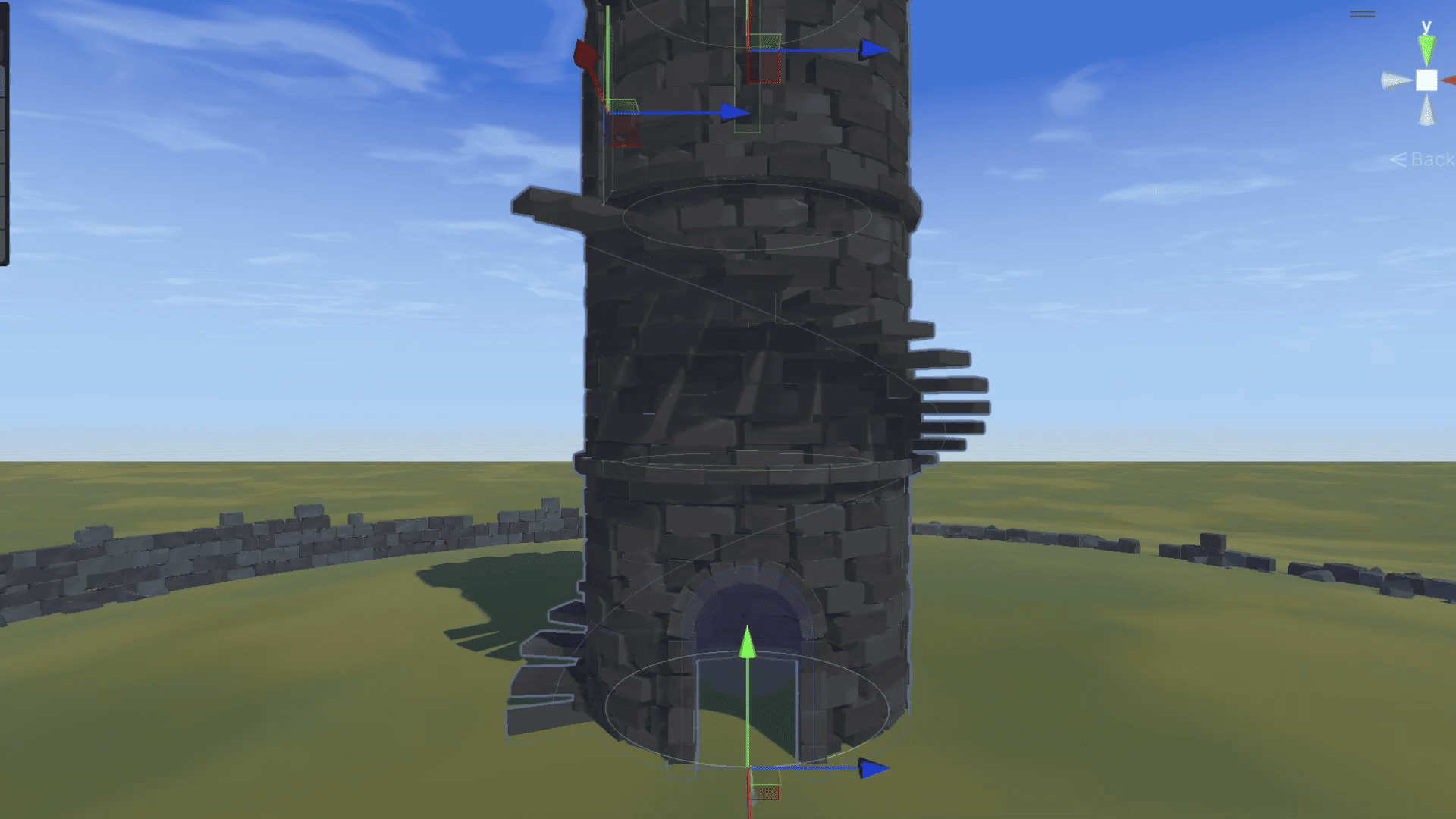 Aaron from R2R Games shared part of the process behind StoneWorks, his procedural building system for generating walls, towers, destruction, and erosion effects in real time inside Unity.
 -
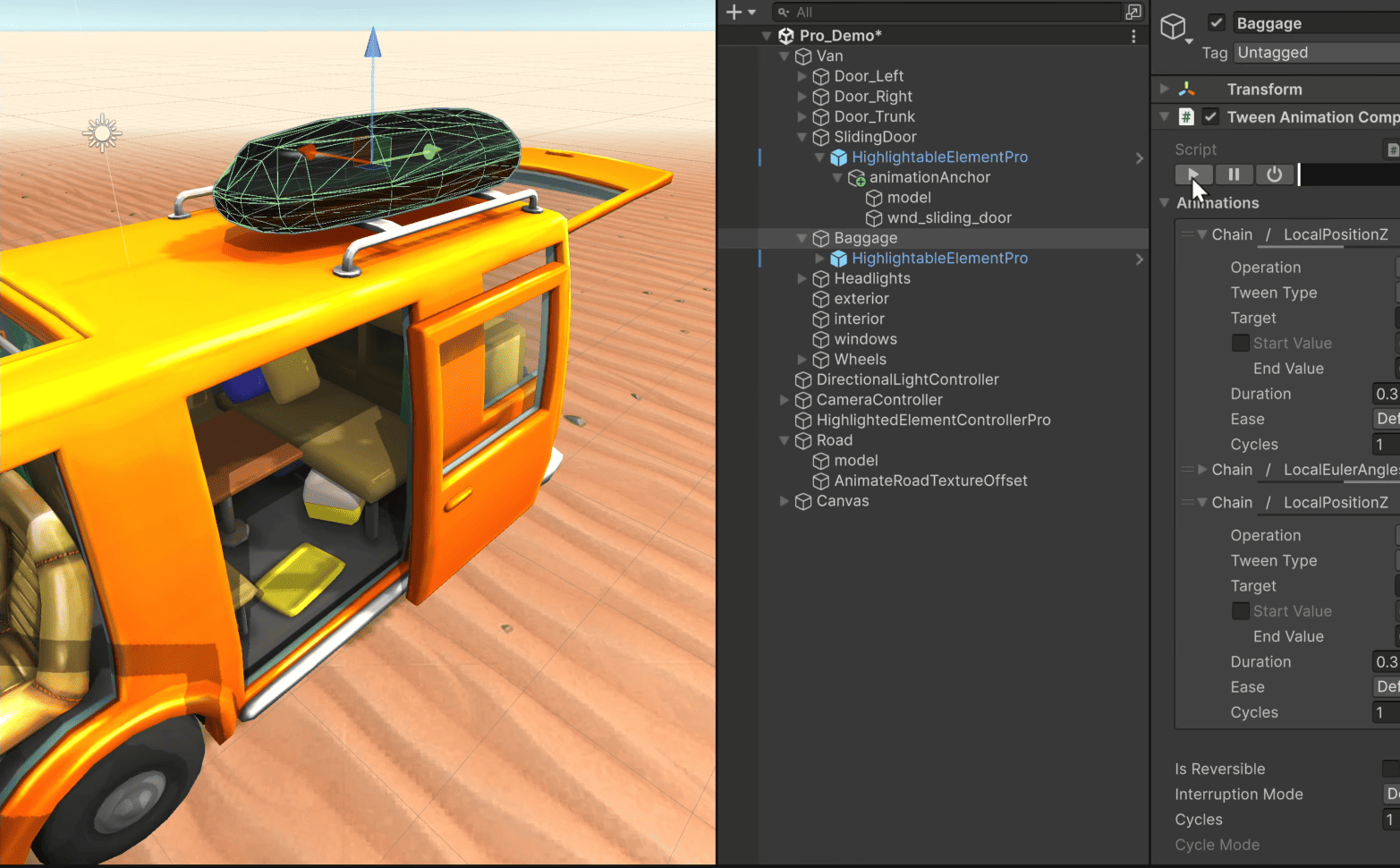%20(1).png) Kyrylo Kuzyk broke down how PrimeTween PRO brings PrimeTween’s animation system into the Unity Inspector while keeping the same structure as before.
Kyrylo Kuzyk broke down how PrimeTween PRO brings PrimeTween’s animation system into the Unity Inspector while keeping the same structure as before. -
.png) FoxGameLab made a quick breakdown of the dissolve effect they have been building in Unity using HLSL and VFX Graph.
FoxGameLab made a quick breakdown of the dissolve effect they have been building in Unity using HLSL and VFX Graph.
