
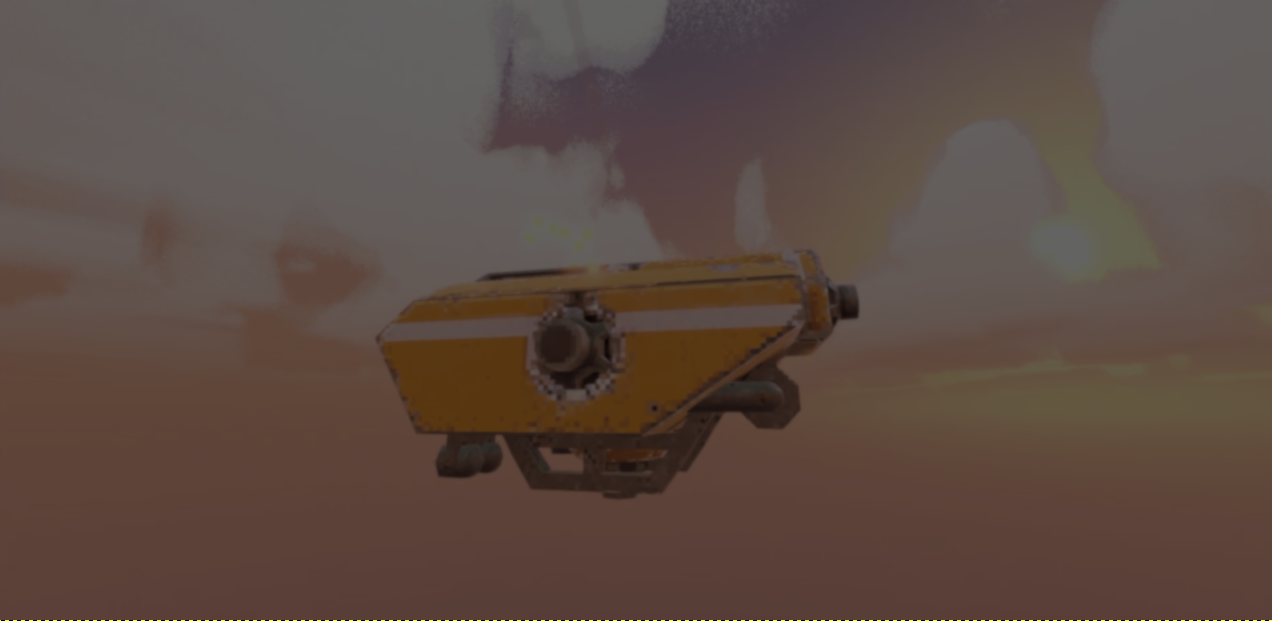
Exploring Steel Defiance’s Texture-based Armor system in Godot.
by Vicente C.
Published |
874
The developers behind Steel Defiance recently showed the texture-based armor system they have been building for their upcoming multiplayer mech game in Godot.
Instead of using decals or visual bullet holes, this system modifies the texture data across different texture maps, including a custom armor texture.
One of the trickiest parts of the system was mapping a 3D collision point onto the correct position on a 2D texture. By enabling Enable Ray Cast Face Index inside Godot Jolt, the raycast can return the exact triangle face hit by the bullet.
Using Godot’s MeshDataTool, the system can then access the vertex positions and UV coordinates for that specific triangle. After converting the hit position into local space, the developers used barycentric interpolation to find the exact position on the texture.
# Example code by the developers for the 3D -> 2D mapping:

# Mesh Data Tool
var mdt := MeshDataTool.new()

# Vertex indices for the face
var i0: int = mdt.get_face_vertex(face_index, 0)
var i1: int = mdt.get_face_vertex(face_index, 1)
var i2: int = mdt.get_face_vertex(face_index, 2)

# Local vertex positions
var v0: Vector3 = mdt.get_vertex(i0)
var v1: Vector3 = mdt.get_vertex(i1)
var v2: Vector3 = mdt.get_vertex(i2)

# UV coordinates
var uv0: Vector2 = mdt.get_vertex_uv(i0)
var uv1: Vector2 = mdt.get_vertex_uv(i1)
var uv2: Vector2 = mdt.get_vertex_uv(i2)

# Transform global hit to local space and calculate Barycentric coordinates
var local_hit: Vector3 = mesh_instance.to_local(hit_position)
var bary: Vector3 = Geometry3D.get_triangle_barycentric_coords(local_hit, v0, v1, v2)

# Interpolate UV to find the exact pixel position
var uv: Vector2 = uv0 * bary.x + uv1 * bary.y + uv2 * bary.z
var image_size: Vector2 = Vector2(image.get_size())
var pixel_pos: Vector2 = uv * image_size

# Get the color from the pixel
var pixel: Color = armor_image.get_pixelv(Vector2i(pixel_pos))
Once the texture position is found, the game draws circles onto different texture layers around the impact point. The size and depth of the damage change depending on the shell type and the amount of force behind the shot.
The paint gets stripped away and the armor weakens around the hit area. If enough damage builds up in the same spot, the projectile penetrates the armor completely.
The paint gets stripped away and the armor weakens around the hit area. If enough damage builds up in the same spot, the projectile penetrates the armor completely.
Performance was also one of the main concerns during development because the system constantly updates multiple textures while bullets impact the mech. According to the developers, stress tests with around 100 bullets per second kept the bullet hole and armor calculations around 0.52ms.
It is also fairly easy to synchronize in multiplayer. Each bullet hit stores information like penetration, diameter, position, and face index inside an array, allowing the same calculations to later run on other player clients.
If you want to follow the development of Steel Defiance, the links will be right below.
- Instagram: https://www.instagram.com/steeldefiance/
- YouTube: https://www.youtube.com/@SteelDefiance
Want to learn Godot shaders and VFX? ✨
Our Godot All About VFX Bundle covers shaders, particles, and VFX for 2D, UI, and 3D games with step-by-step examples. Over 600 pages of content!
We now have a new bundle: Godot: All About VFX! ✨
— Shaders Bible Series (@ushadersbible) September 21, 2026
It includes the Complete Godot VFX Handbook and the Godot Shaders Bible! ➡️ https://t.co/aBEtLP7VPP#indiedev #godot pic.twitter.com/7STucAvnN3
Jettelly wishes you success in your professional career!
Did you find an error? No worries!
Write to us at [email protected], and we'll fix it!

Level up your Shaders & VFX in Godot!
We invite you to explore "The Godot All About VFX Bundle", a comprehensive bundle on the concepts and fundamentals seen in this post.
Other posts that might interest you.
-
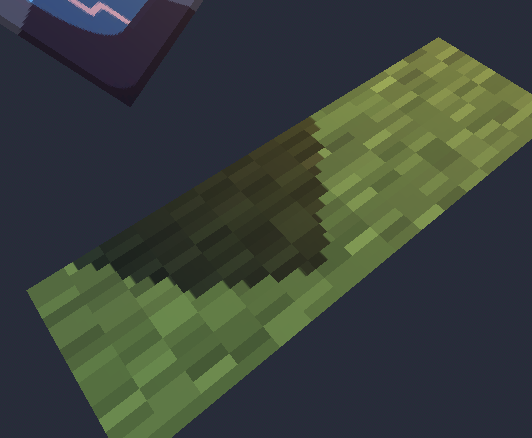 GreatOdds recreated a Minecraft-style effect that keeps shadow edges locked to the texture as the model moves and rotates.
 -
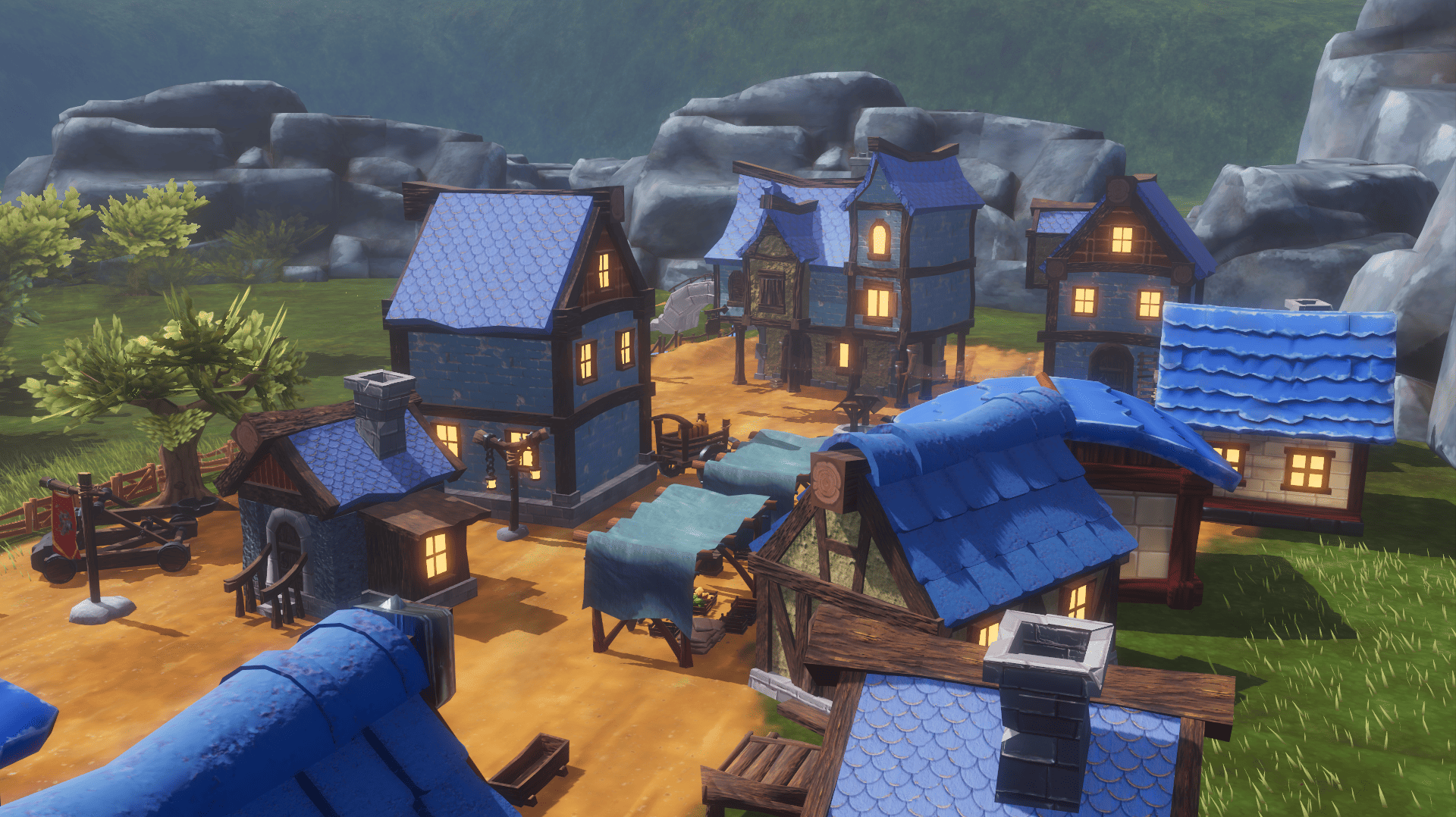 What began as a Blender challenge grew into 40 free models and a playable Godot scene showing how they work together.
 -
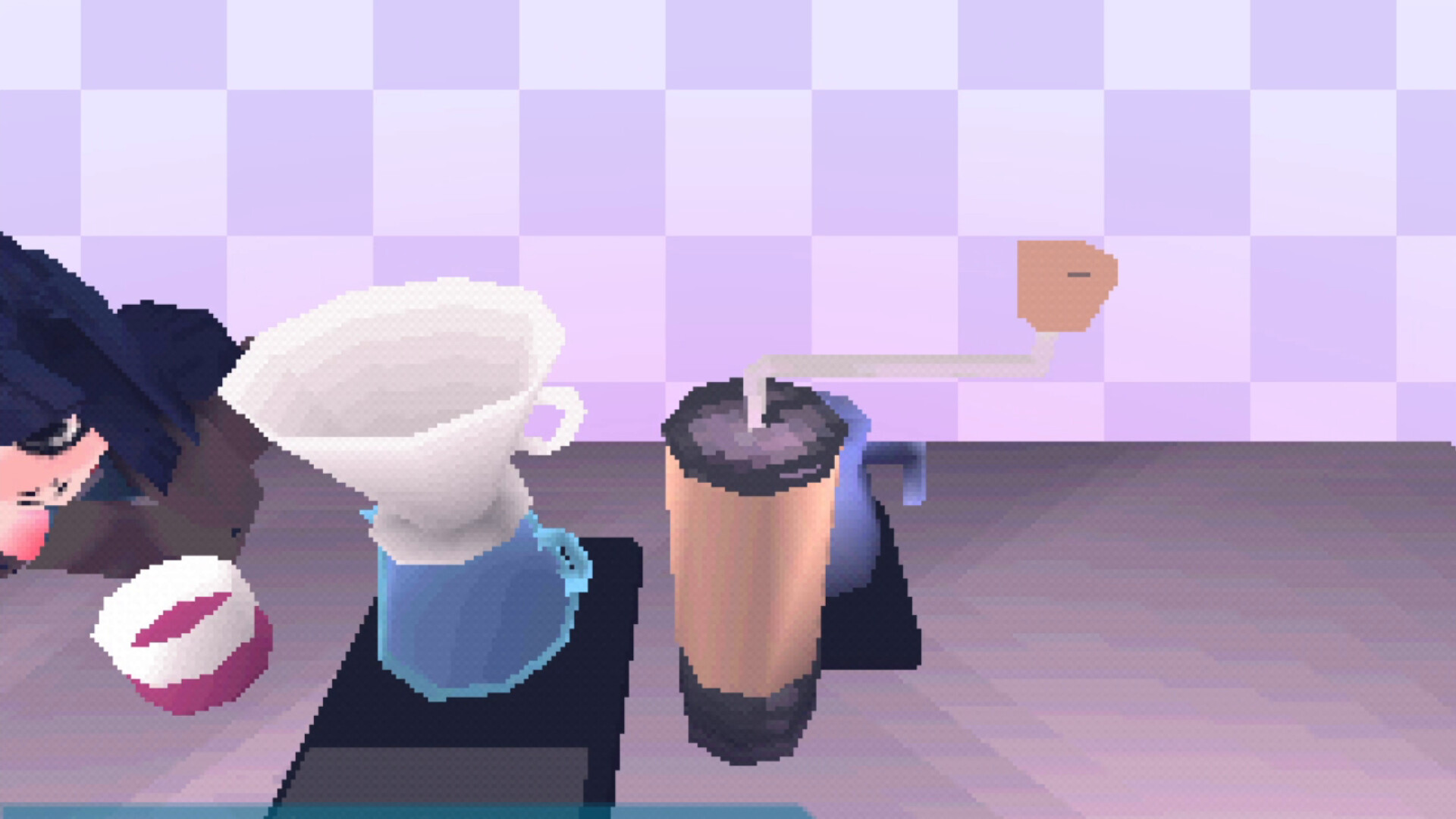 Calin P. turned lessons from building a PS1 emulator into a Godot 4 addon that follows the original console's rendering behavior.
