
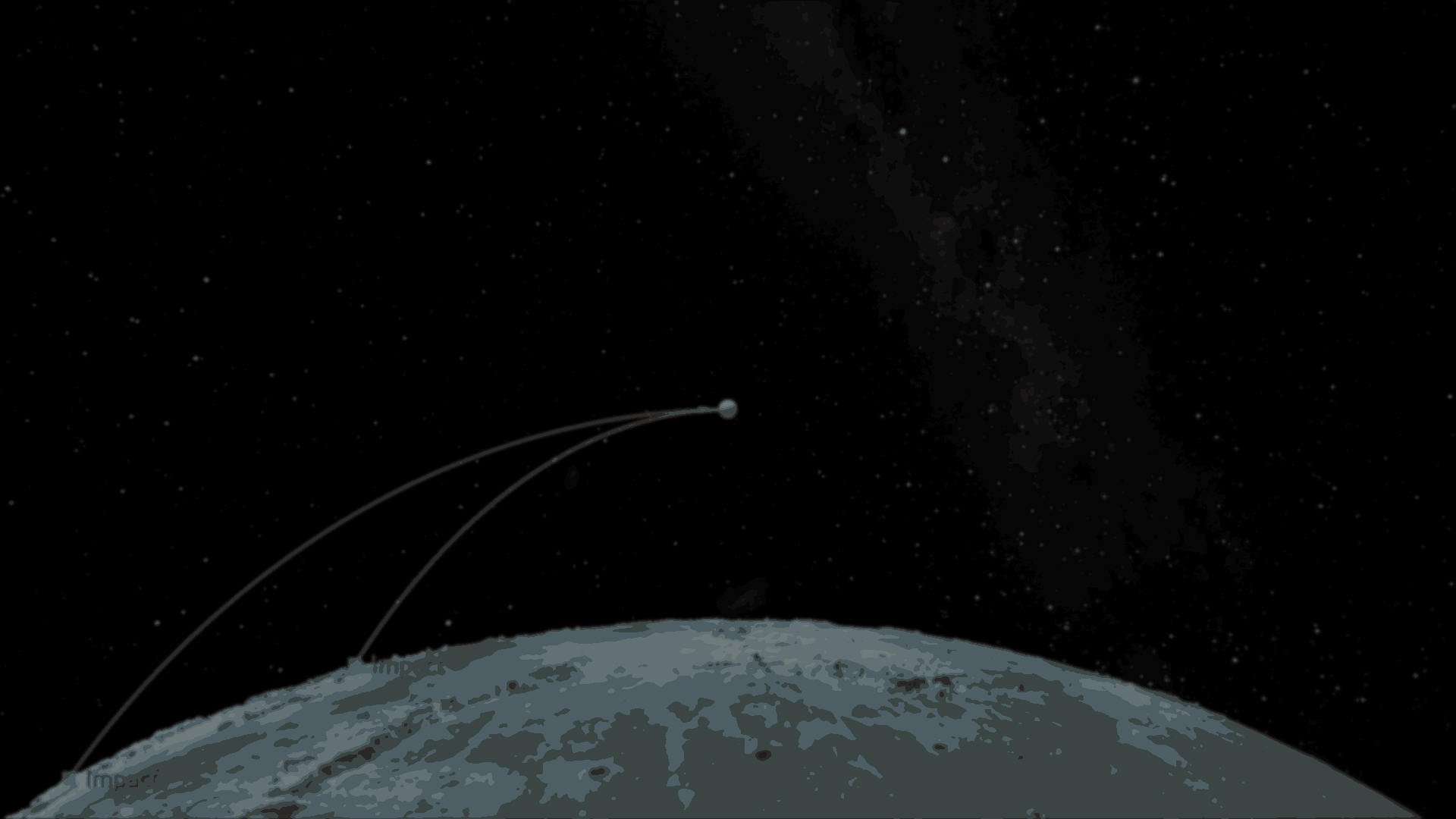
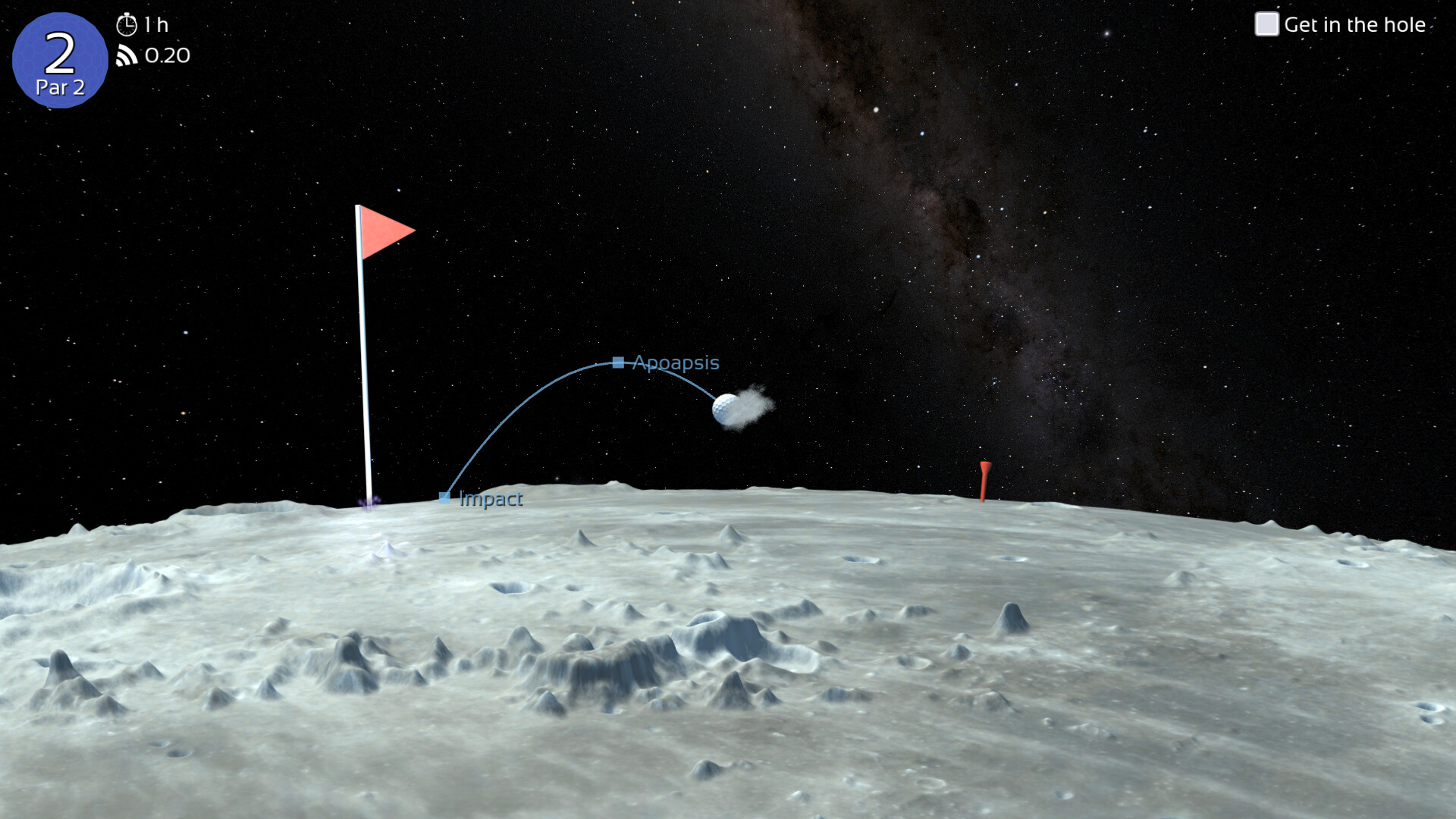
Indie developer Matt recently showed some of the systems behind Celestial Golf, their upcoming 2D space simulation game that mixes golf with real orbital mechanics.
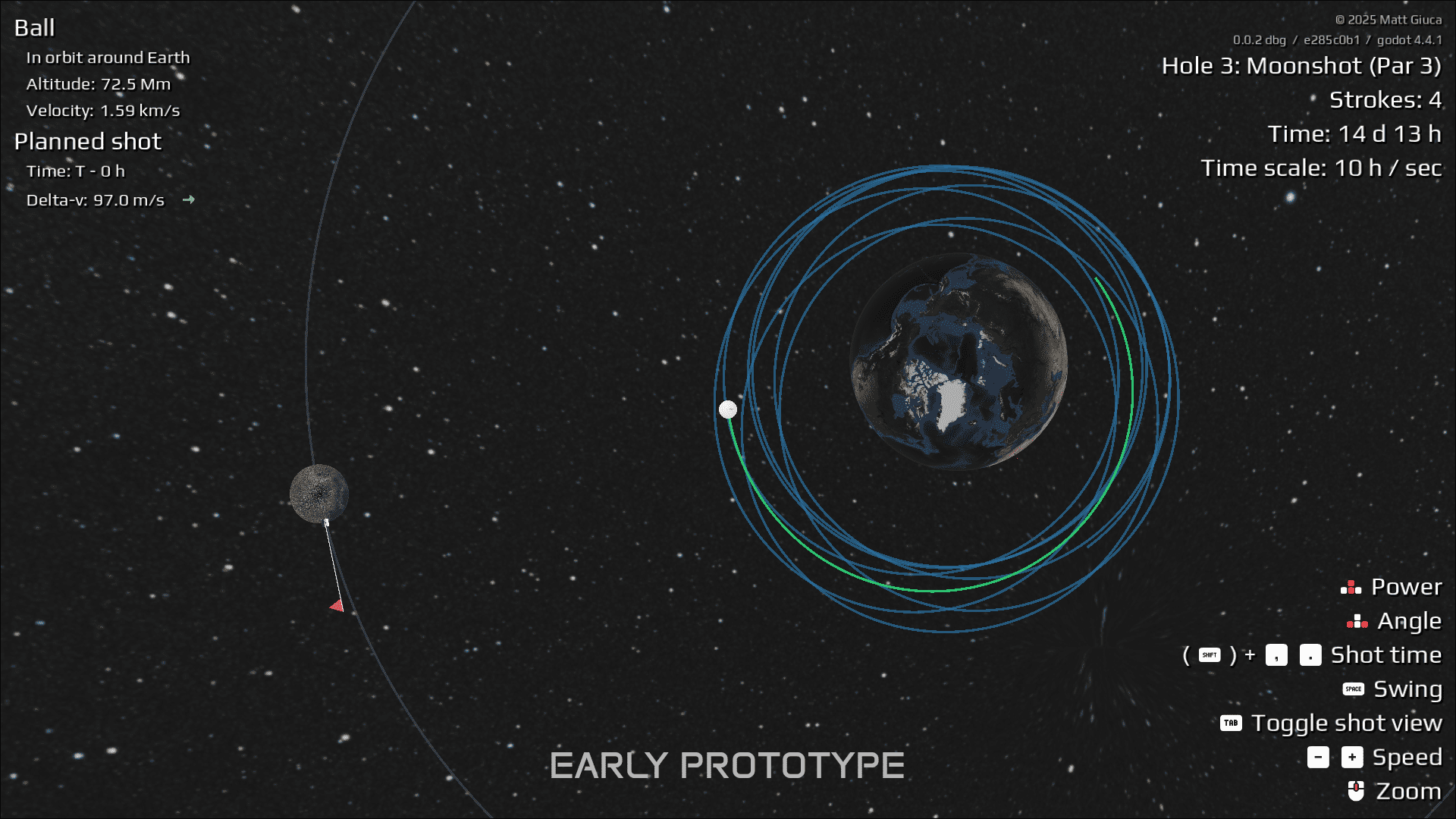
The game originally started with a full n-body simulation, meaning every planet and moon affected the ball at the same time using Newton’s inverse square law.
Posts from the solodevelopment
community on Reddit
At first, the system worked by having nearby planets and moons slightly pull the ball every frame depending on their mass and distance. Since the solar system only contained around twenty bodies, there were no performance issues.
The issue here was predictability, because even when orbiting around Earth, nearby bodies like the Moon would constantly alter the trajectory a little bit, causing chaotic orbits over time.
Once the game started speeding up time, those small changes kept building up until the ball would eventually get thrown far out into space.
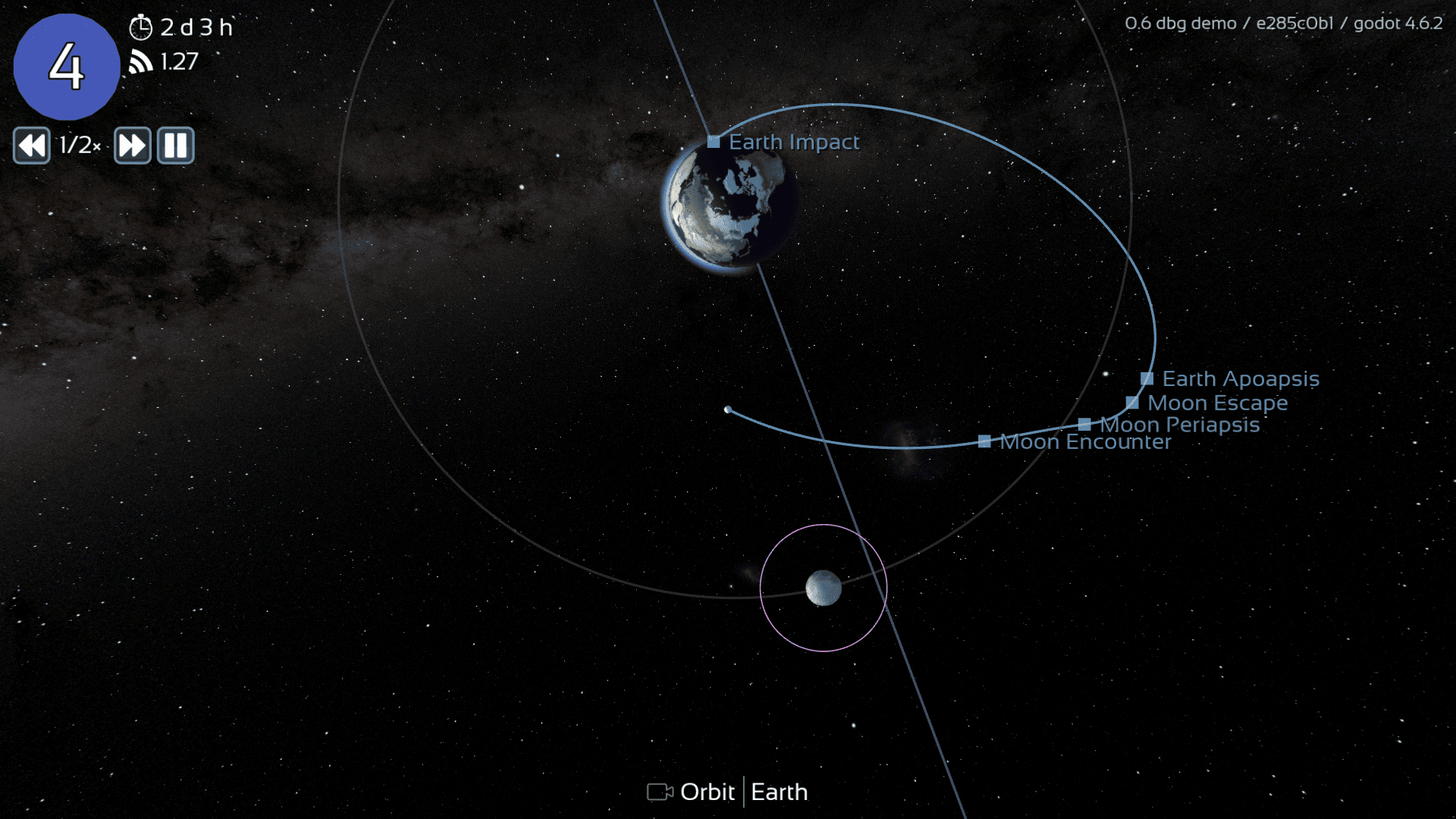
To solve this, Matt switched to a patched conic approximation, similar to the system used in Kerbal Space Program. Instead of having every planet and moon affect the ball at the same time, the game only uses the gravity from whichever celestial body the ball is currently closest to.
This makes the orbits much easier to predict and also allows the game to use analytical orbit calculations instead of just doing calculations frame by frame.
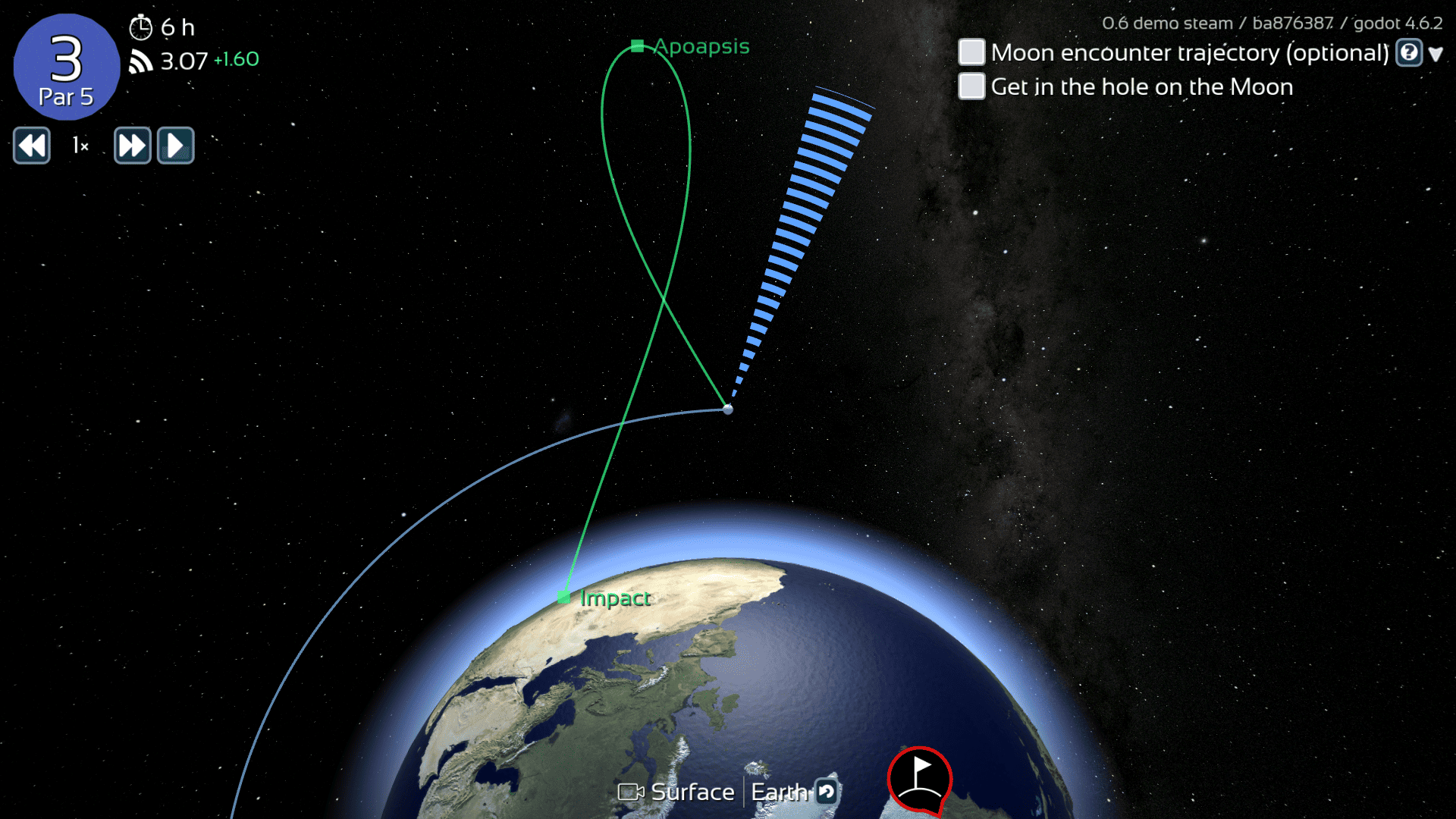
Because only one gravitational source is active at a time, the trajectories remain stable even at very high time speeds, while also making concepts like apoapsis, periapsis, encounters, and escape points easier for the player to understand visually.
Another big challenge was floating point precision. Since the game simulates the entire solar system, positions can become extremely large, which starts reducing precision during smaller physics interactions.
Godot uses 32-bit floats inside vectors, so Matt adjusted the scale of the solar system and settled on 1 unit representing 1 megametre (1 million metres). The distances between planets were shortened, while the planets themselves were made larger to help make gameplay easier for the player.
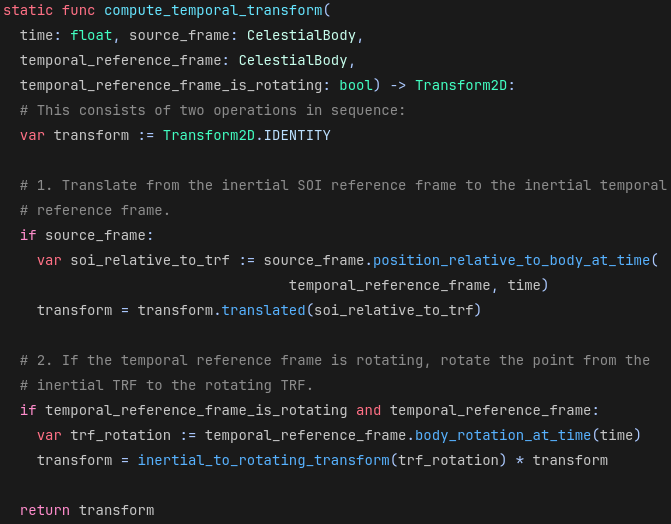
To avoid precision problems near distant planets, the game shifts the reference frame depending on where the ball currently is, keeping the nearby planet close to the origin.
The next issue came from rotating planets. Continuously spinning terrain caused problems with Godot’s physics system, preventing the ball from properly coming to rest on the surface.
Matt solved this by keeping the nearby planet stationary and rotating the rest of the universe around it instead. This required introducing centrifugal and Coriolis forces, the fictional forces that describe the motion of objects inside a rotating reference frame.
The system eventually led to one of the game’s most interesting features: players can switch between inertial and rotating reference frames while viewing trajectories.
In the inertial frame, the orbit appears as a regular ellipse. In the rotating frame, the same orbit creates looping ribbon-like patterns because the planet itself is rotating underneath the trajectory.
If you want to see more from Matt or follow the development of Celestial Golf, the links will be right below.
Interested in learning more?
If you’re interested in learning shaders in Godot, The Godot Shaders Bible covers everything from shader basics and rendering pipelines to stylized shading, screen-space VFX, lighting models, and vertex manipulation.
It is aimed at both beginners and experienced developers who want to better understand how shaders work and improve the visuals of their games through practical examples.
It is aimed at both beginners and experienced developers who want to better understand how shaders work and improve the visuals of their games through practical examples.
Did you know The Godot Shaders Bible is structured step by step? ⤵️
— Jettelly Inc. (@jettelly) February 19, 2026
You start with fundamentals like the render pipeline, then move into real shader effects such as post-processing, portals, and distance-based transparency.
Get it here, use code GSB3OFFFEB26 ✨… pic.twitter.com/9POdogLbaN
Jettelly wishes you success in your professional career!
Did you find an error? No worries!
Write to us at [email protected], and we'll fix it!
Level up your project's VFX in Godot!
We invite you to explore "The Godot Shaders Bible", a comprehensive book on the concepts and fundamentals seen in this post.
Other posts that might interest you.
-
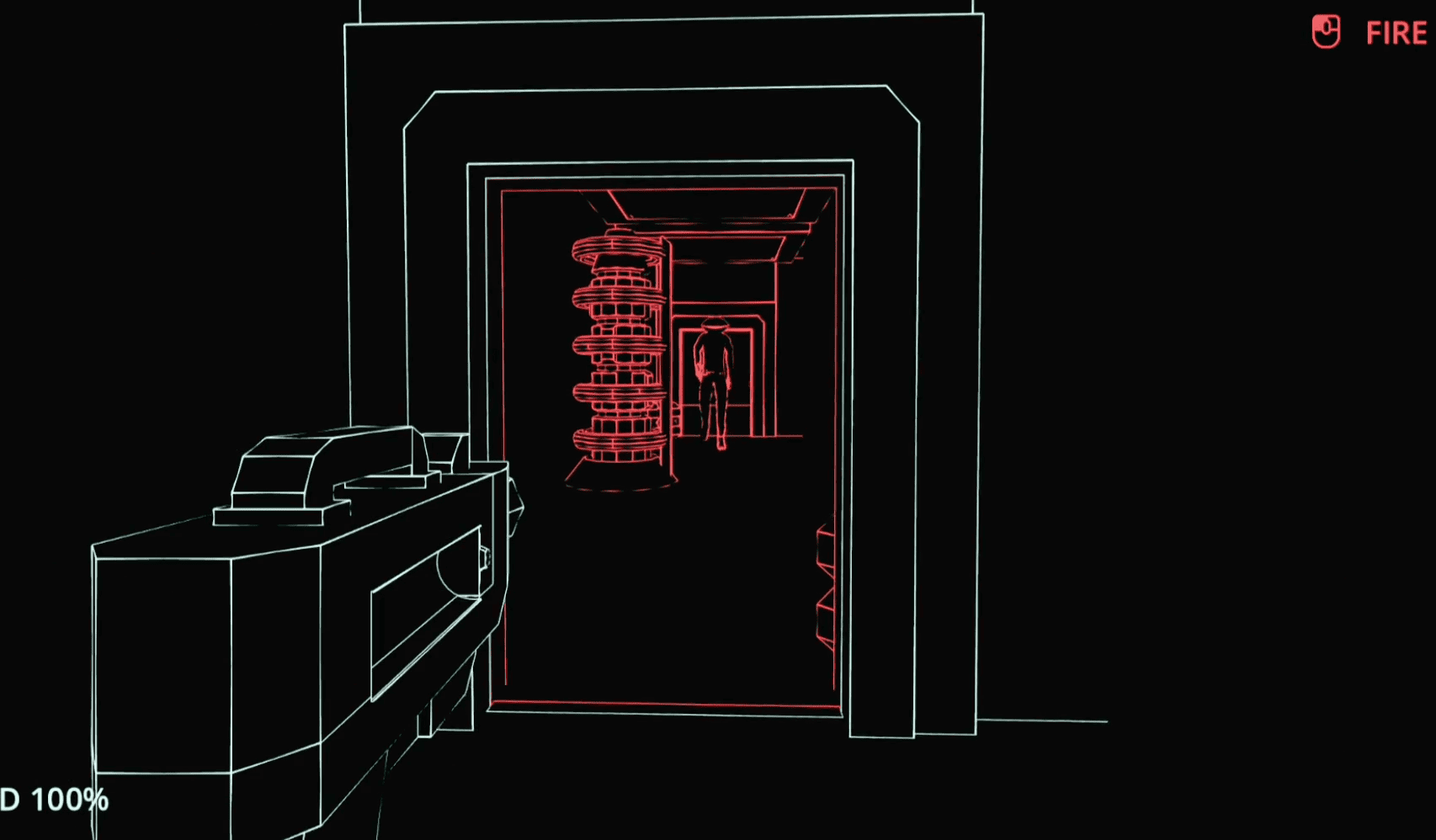 In Impermanence, rooms change when you look away. Liam Flannery shares how he and John Salvaris built the mechanic for their Godot horror game.
 -
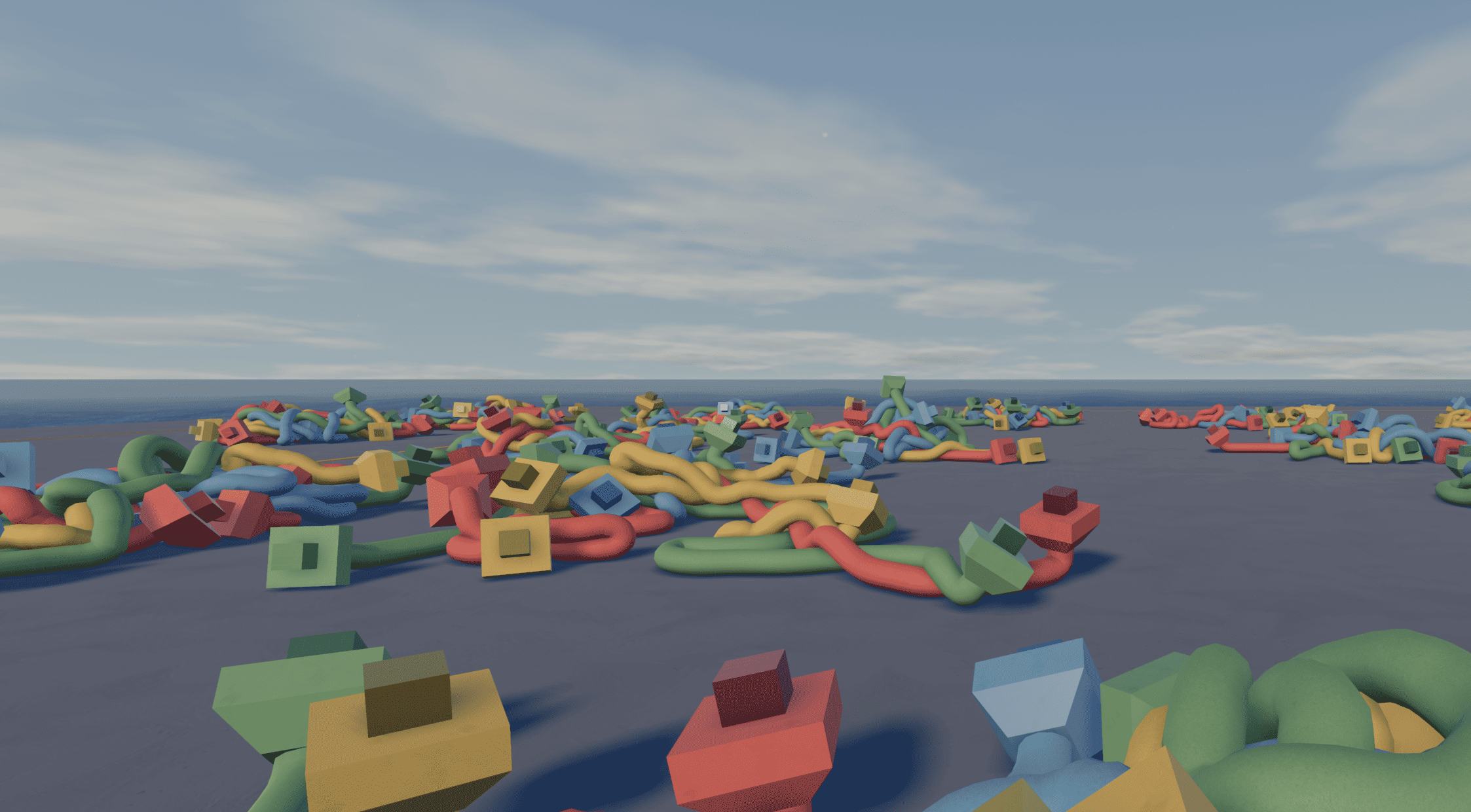 A cable in Knode can snag on a ledge, form a knot or slip back down after a long climb. Developer Denis shares how the simulation makes those puzzles work.
 -
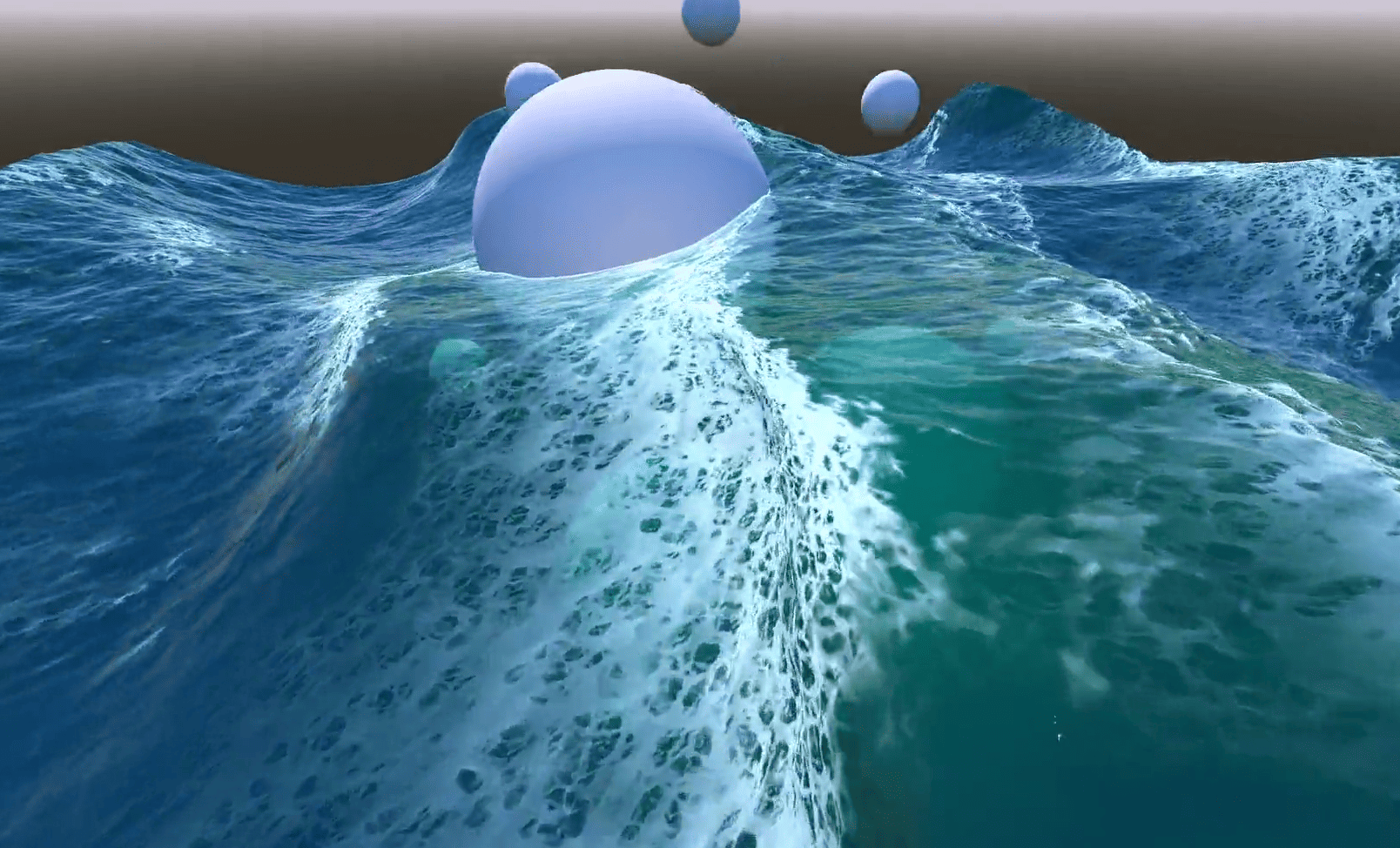 In Emil's Godot ocean, foam appears where waves bunch together and fades after they spread. He shares how he built the effect.
