

Creating convincing clouds in Blender often involves a mix of volume shaders, particle systems, or hand-modeled assets, depending on the style and level of control required. Cloud Creator approaches the problem from a Geometry Nodes perspective, treating clouds as procedural geometry that can be generated, reshaped, and iterated directly inside Blender’s node-based workflow.
Cloud Creator is a Geometry Nodes tool created by Adrien Latran. It allows users to generate clouds procedurally or convert existing meshes into cloud-like volumes, using a structured, two-step node setup.
What Cloud Creator Does
At its core, Cloud Creator is built around two Geometry Nodes setups:
- Generator: used to procedurally generate a base cloud mesh.
- Converter: used to transform an existing mesh into a cloud volume.
This separation makes it possible to either start from scratch or reuse modeled geometry. Any mesh, including simple primitives or more complex shapes, can be turned into a cloud form and refined through node parameters.
The workflow stays fully procedural, meaning changes to parameters update the result immediately without baking or destructive steps.
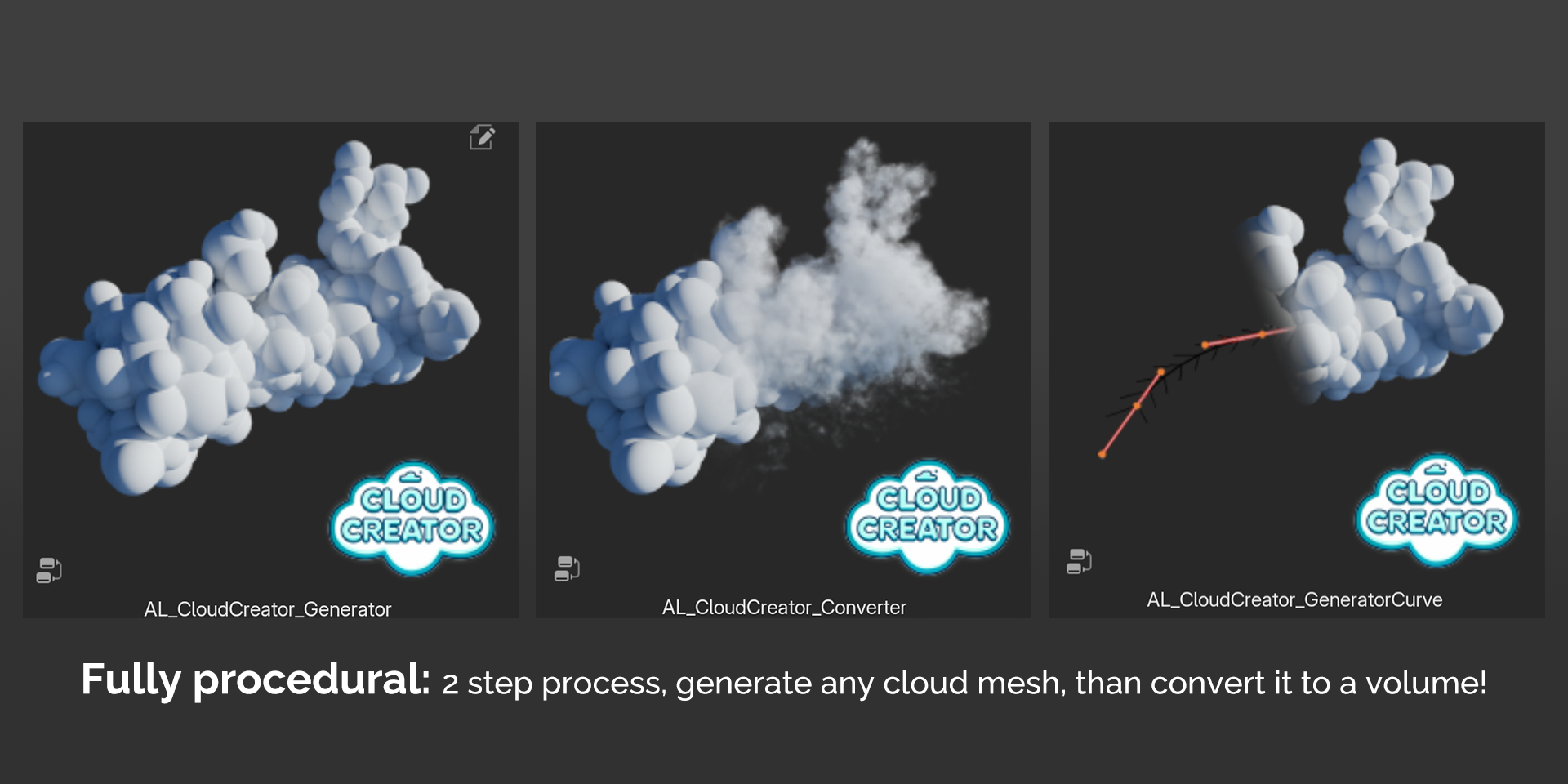
Geometry Nodes Workflow
Because Cloud Creator is built on Geometry Nodes, it integrates cleanly into existing node-based setups. Clouds can be part of larger procedural systems, duplicated across scenes, or adjusted late in production without rebuilding assets.
This approach also makes it easier to experiment. Parameters can be tweaked interactively, and results update immediately.

Lite Version: Mesh-to-Cloud Conversion
The free, Lite version focuses on converting meshes into clouds. This makes it useful for scenes where cloud shapes need to follow a specific silhouette or match an existing asset.
Key aspects of the Lite version include:
- Converting any mesh into a cloud volume using Geometry Nodes
- Real-time parameter editing for iteration and adjustment
- A default cloud shader included, avoiding the need to build materials from scratch
- Controls for resolution, noise, and base flattening to shape the cloud form
This setup is well suited for quick scene dressing, stylized shots, or situations where clouds need to match a specific outline.
Pro Version: Procedural Cloud Generation
The Pro version extends the system with a dedicated Generator node for building clouds procedurally, without relying on an input mesh.
Additional functionality includes:
- Procedural cloud generation with adjustable seed, dimensions, distortion, and detail
- Multiple cloud mesh presets for variation
- Curve-based drawing tools to define cloud shapes directly
- Optional animation controls to add motion over time
- A more advanced shader with extra artistic parameters
- Additional shaping tools such as vortex and wind effects
- Camera-based culling to reduce unnecessary geometry outside the view
Where Cloud Creator Fits Best
Cloud Creator is most relevant for artists who:
- Prefer procedural workflows over manual modeling
- Want cloud shapes that can be easily adjusted and reused
- Need a Geometry Nodes–based solution that stays editable
- Work on scenes where clouds are a visual element rather than a background texture
The Lite version covers basic mesh-to-cloud use cases, while the Pro version expands into procedural generation and animation, for more involved setups.
Similar and Useful Tools
Easy Clouds: A free Blender addon that lets you create procedural clouds with one-click tools and customizable presets directly in the 3D View, using Geometry Nodes and simple UI controls.
Differences: Easy Clouds focuses on quick, simple cloud generation with minimal setup, while Cloud Creator provides both cloud generation and mesh conversion from shapes, more detailed parameter control, and curve-driven shaping for artistic output.
Cloud Generator – Procedural Volumetric Clouds: A Geometry Nodes-based cloud tool that generates volumetric cloud meshes for Blender with procedural control. It lets you create varied cloud shapes via node setups and is affordable for rapid scene population.
Differences: Cloud Generator provides a dedicated volumetric cloud system built with Geometry Nodes, similar to Cloud Creator. However, Cloud Creator adds mesh-to-cloud conversion and adjustable presets, while Cloud Generator is more focused on generating general cloud forms without custom mesh converters.
✨ Cloud Creator is now available on Gumroad.
📘 Interested in creating your own Tools and Shaders? Check out the Godot Shaders & Blender Tools Bundle, which includes: Blender Tool Development Fundamentals and The Godot Shaders Bible.
Our best-selling indie Bundle: Godot shaders + Blender tools ✨ https://t.co/zSlHDCuGVC#b3d #GodotEngine #3DCG pic.twitter.com/sjdYxXjKUB
— The Unity Shaders Bible (@ushadersbible) November 16, 2025
Jettelly wishes you success in your professional career!
Did you find an error? No worries!
Write to us at [email protected], and we'll fix it!
Other posts that might interest you.
-
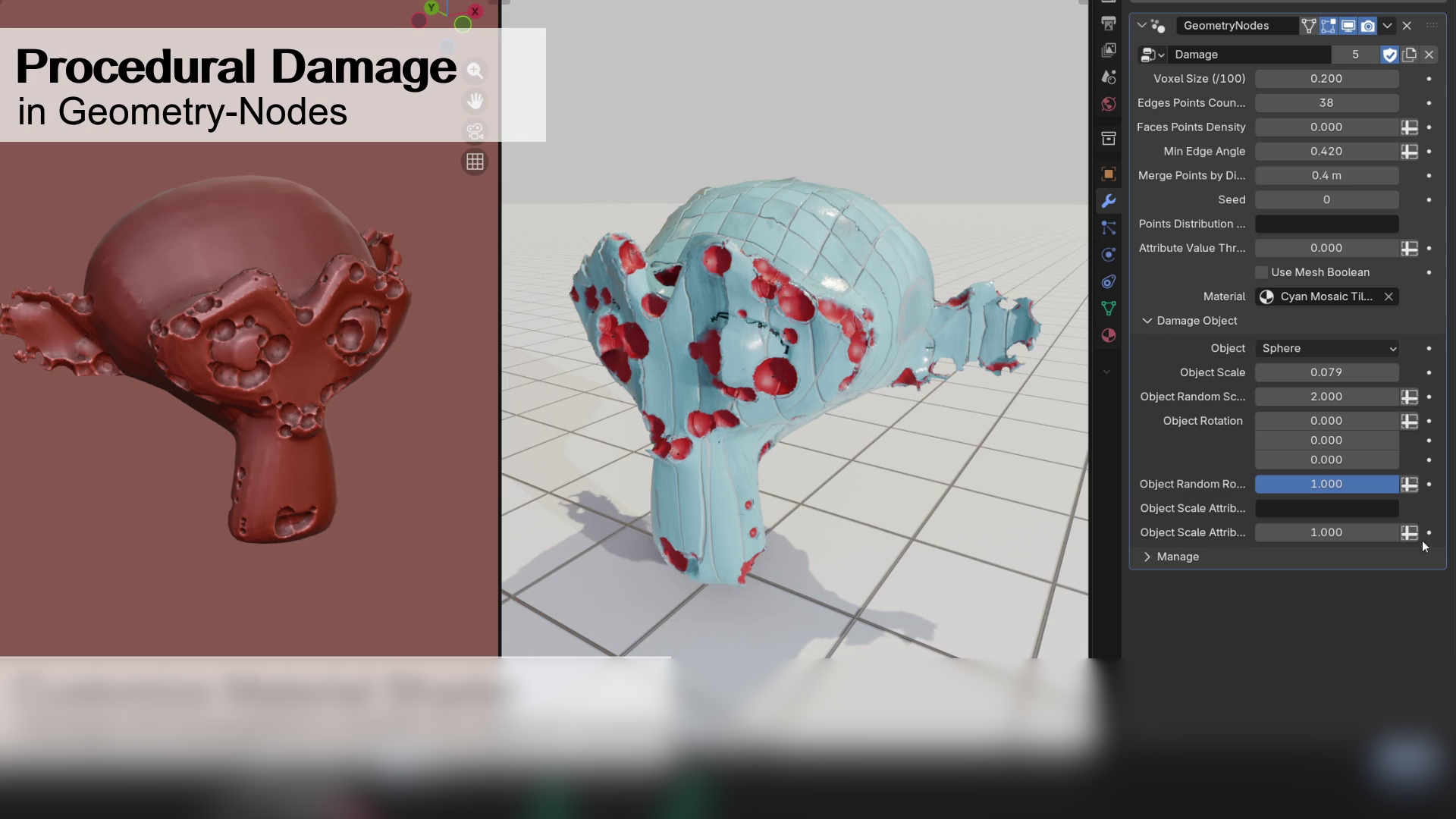 We take a look at a free Geometry Nodes setup by Alex Martinelli that procedurally adds damage and surface imperfections to any mesh using instanced booleans and volume-based subtraction.
 -
 We take a look at BagaIvy V3 by Baga, a Geometry Nodes-based tool for generating and simulating ivy growth in Blender, with over 300 assets and support for animation-ready vegetation.
 -
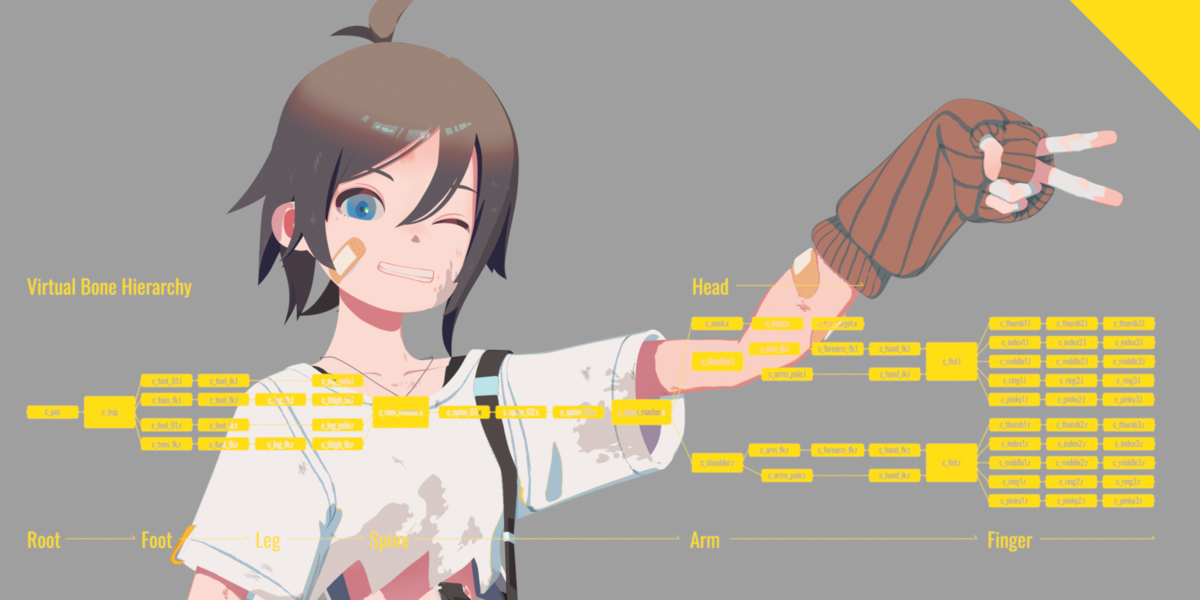 We take a look at Close Bone Picker by POPREQ, a Blender add-on designed to speed up bone selection through shortcuts, custom hierarchies, and pie menus.
