
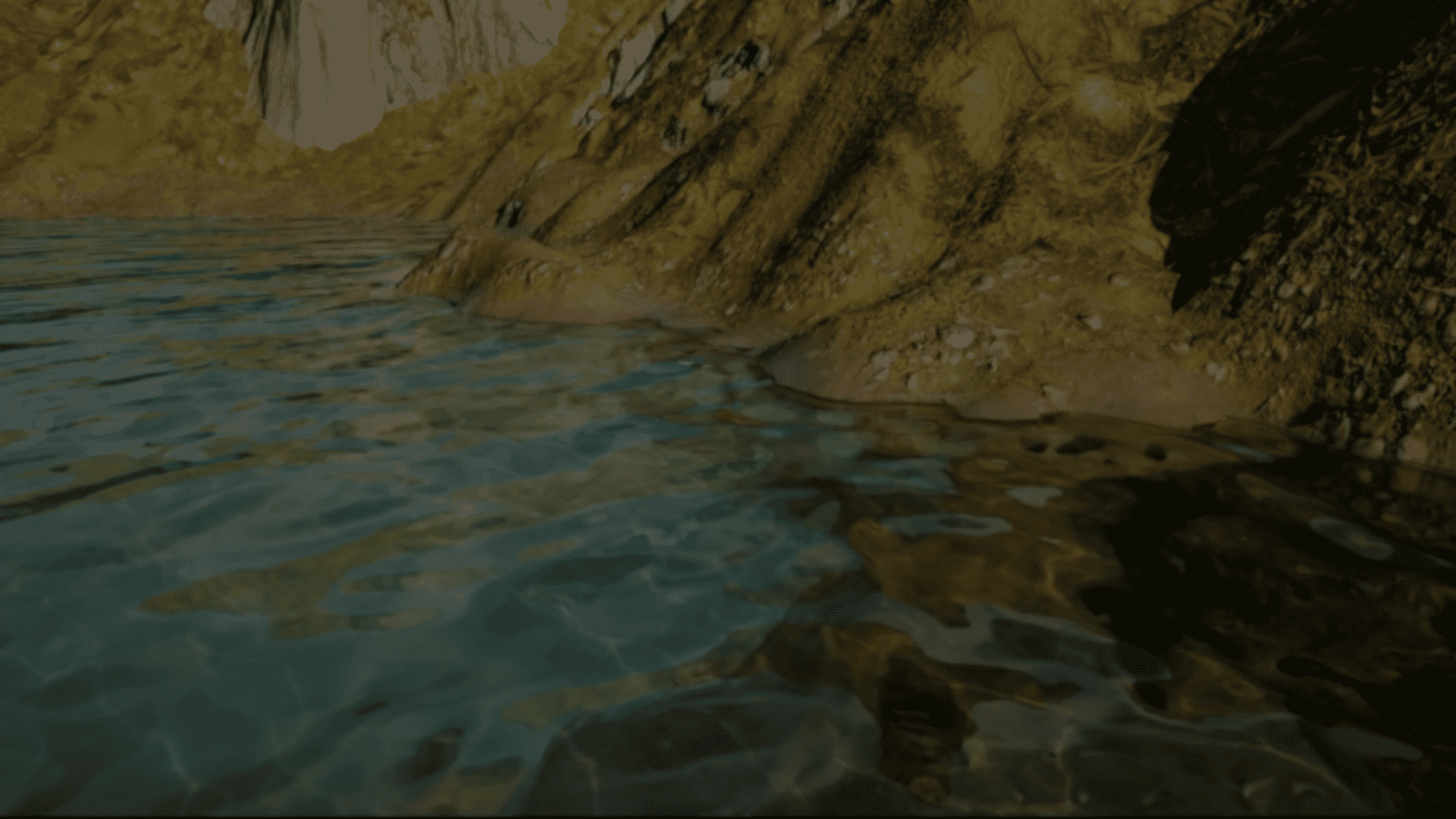
Technical Artist Adrian Caminero Navarro recently shared a water shader study built in Unreal Engine around Single Layer Water.
The goal was to explore ways to make the water react better to its surroundings, focusing on shoreline behavior, contact foam, and collision-based refraction.
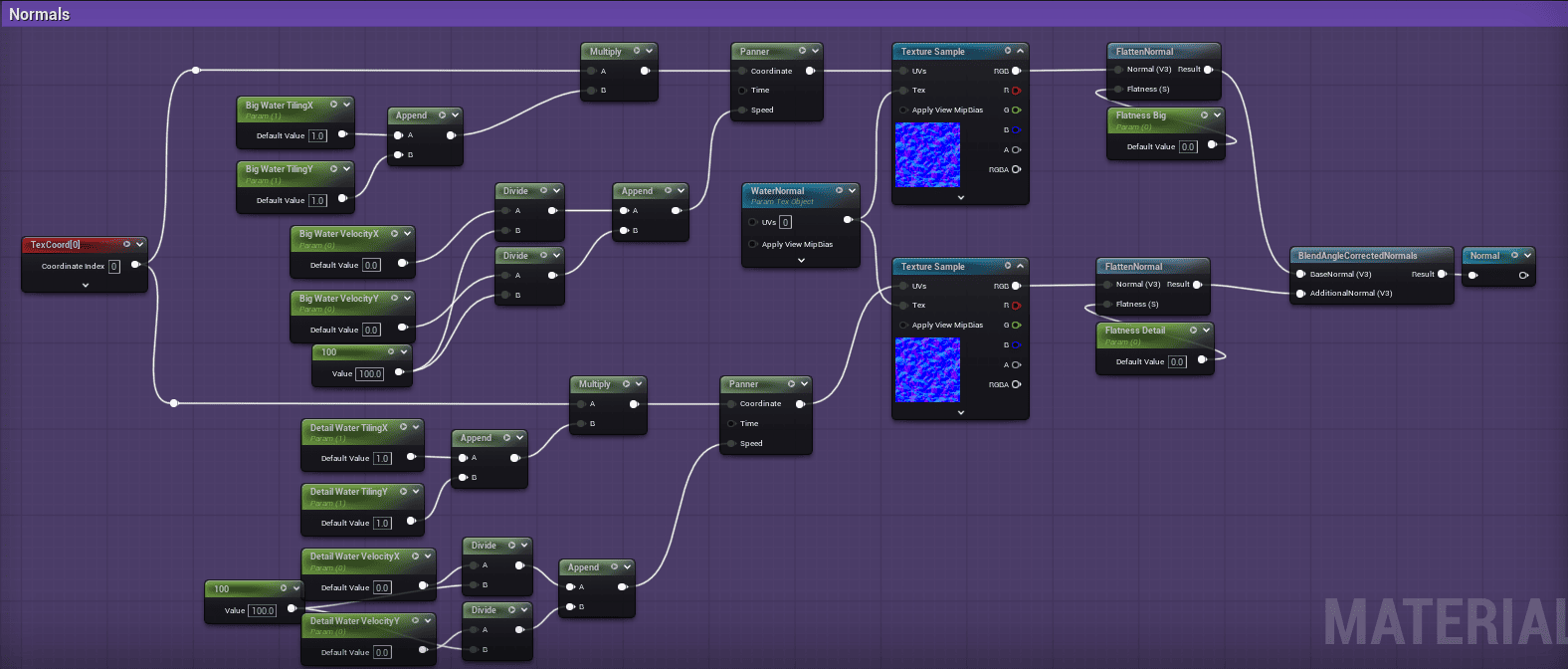
Adrian starts by building the surface motion. The shader uses two layers of normals: a larger wave pattern for the overall movement of the water, and a smaller detail normal to break up the surface and avoid a flat look.
A very important part of the setup, as the author explains, is DistanceToNearestSurface, which allows the shader to detect nearby geometry like the shoreline or objects intersecting the water. That same information is reused across multiple effects to keep everything consistent.
For foam, it defines where it appears along the edges, and the result is animated using erosion and foam textures. For refraction, the same mask is used to distort the surface, creating localized distortion near contact areas.
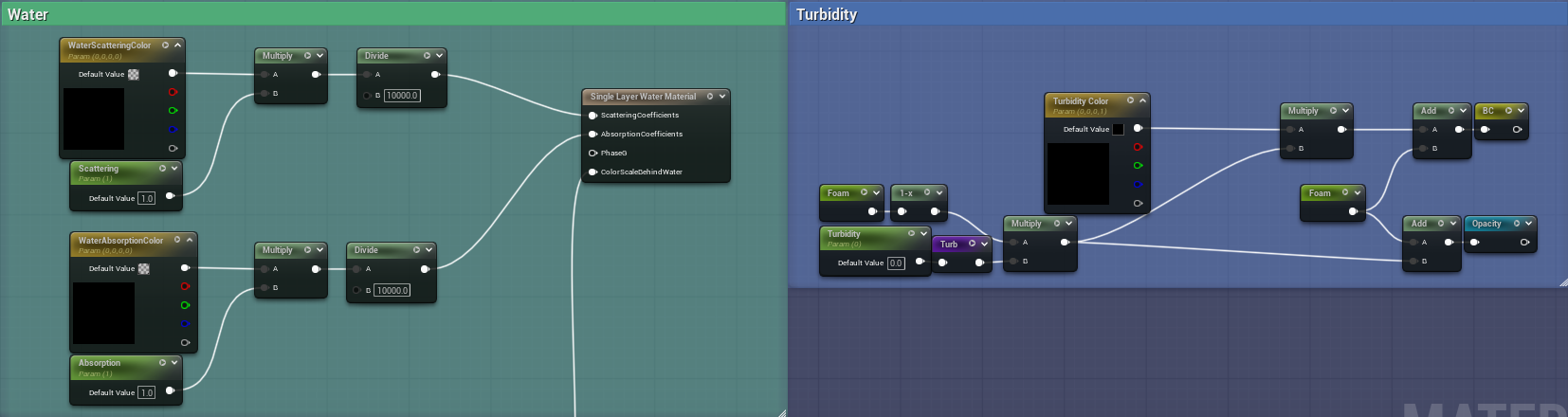
Adrian also pointed out that part of the setup involves controlling how light behaves inside the water.
The material includes parameters like scattering, absorption, turbidity, and color, which help define how clear or dense the water appears depending on the environment.
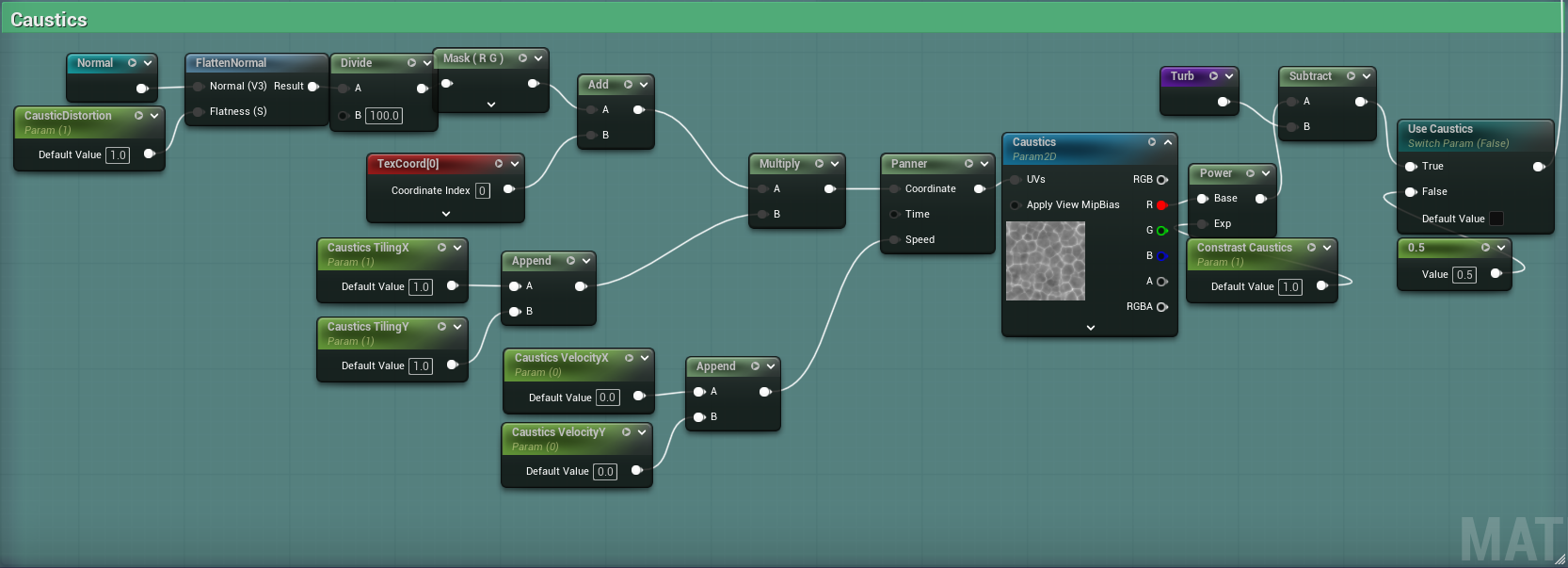
To push the look a little further, the shader adds animated caustics, mainly in shallow areas. These are adjusted through contrast and distortion, and are driven by the surface motion so they stay consistent with the rest of the water.
Another key part, as Adrian explains, is how everything is exposed in the Material Instance.
Most of the important parameters, including foam, refraction, surface motion, caustics, and overall appearance, can be adjusted directly without touching the shader graph, which makes iteration much faster.
One last thing Adrian wanted to highlight is that this breakdown comes from just a case study, not a final solution. If he continues working on it, the next step would likely be pushing directional waves and more complex shoreline behavior.
If you found this useful or want to see more of Adrian’s work, you can find his links below.
Interested in learning more?
If you’re interested in the technical side of Unity? The Unity Dev Bundle brings together six books covering shaders, math, procedural shapes, editor tools, and character customization.
This is for developers and technical artists who want to build a stronger foundation and work with more advanced graphics and systems in their projects.
Shaders, tools, animation, math, and more, the new "Unity Dev Bundle" is still available for a bit longer. 🔥 Get it here: https://t.co/gPPcuZDuFX#unity3d #gamedev pic.twitter.com/mnxRUCtUHC
— Jettelly Inc. (@jettelly) April 8, 2026
Jettelly wishes you success in your professional career!
Did you find an error? No worries!
Write to us at [email protected], and we'll fix it!

Level up your skills in Unity, this bundle is limited time!
We invite you to explore "The Unity Dev Bundle", a comprehensive bundle on the concepts and fundamentals seen in this post.
Other posts that might interest you.
-
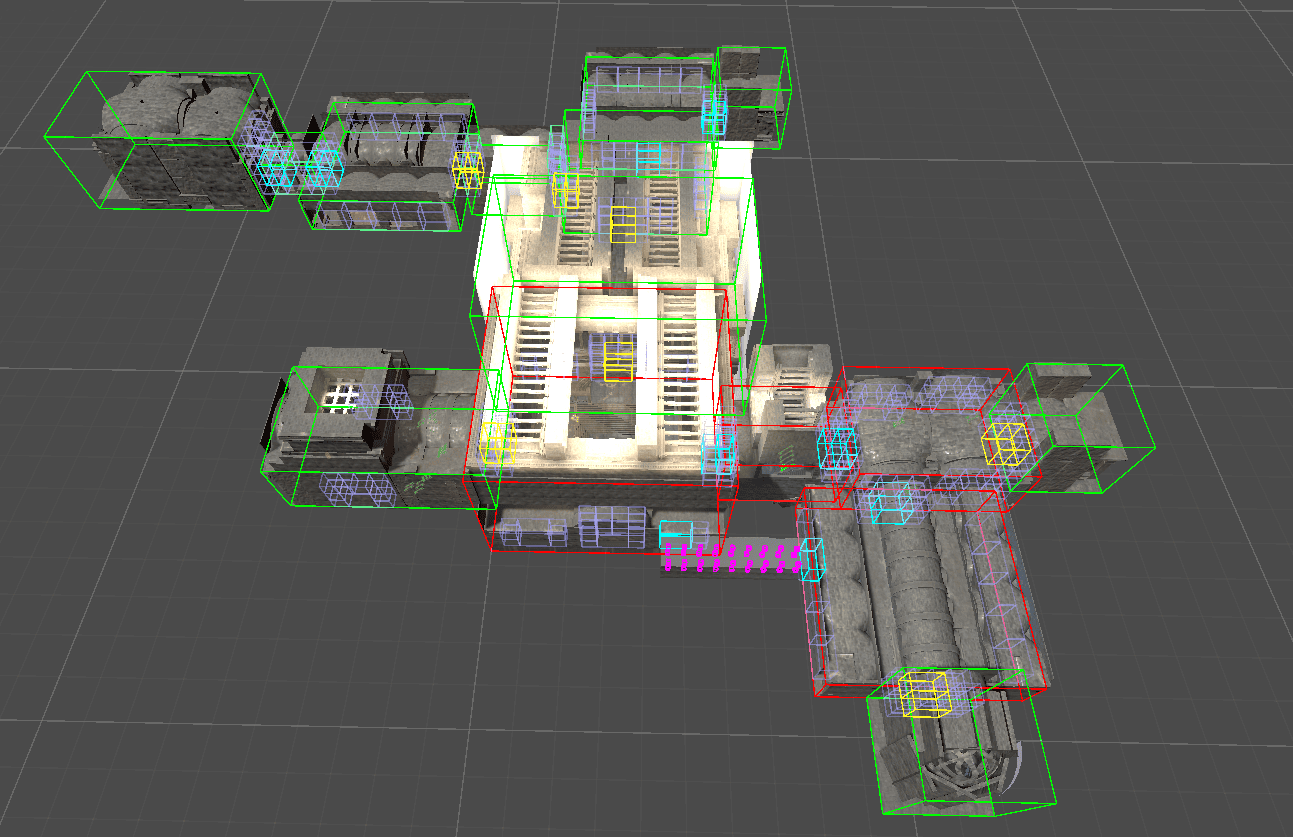 See how Mad Yeti Games did the procedural dungeon generation and timeline-based combat systems behind its upcoming action RPG.
 -
.png) See how Miriam Martin Sánchez built a potion shader in Unity URP, combining C# and Shader Graph to create a liquid effect that reacts to movement.
See how Miriam Martin Sánchez built a potion shader in Unity URP, combining C# and Shader Graph to create a liquid effect that reacts to movement. -
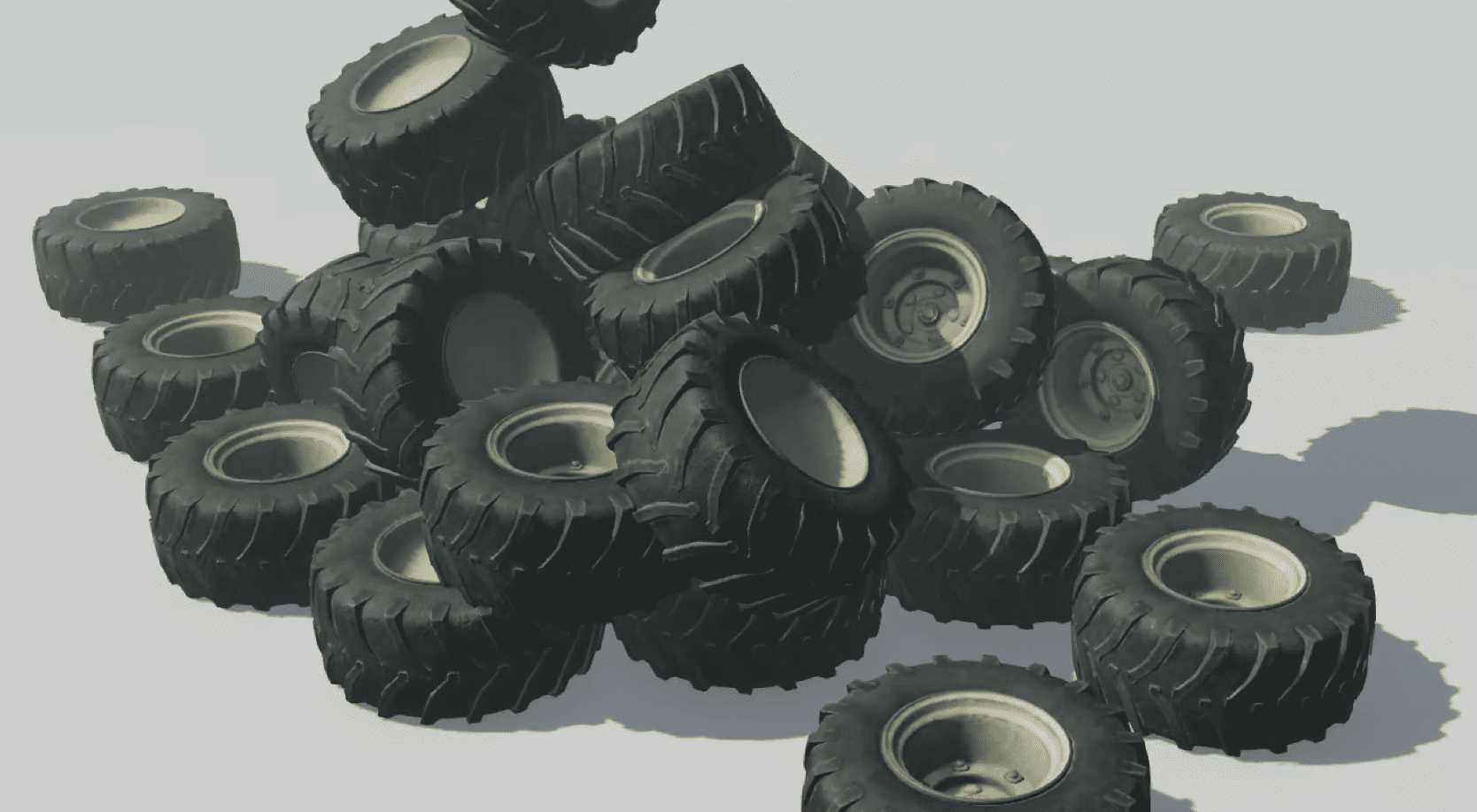 A soft body tire system for Unity by TheLandcaster, made using sphere colliders and joints.
