
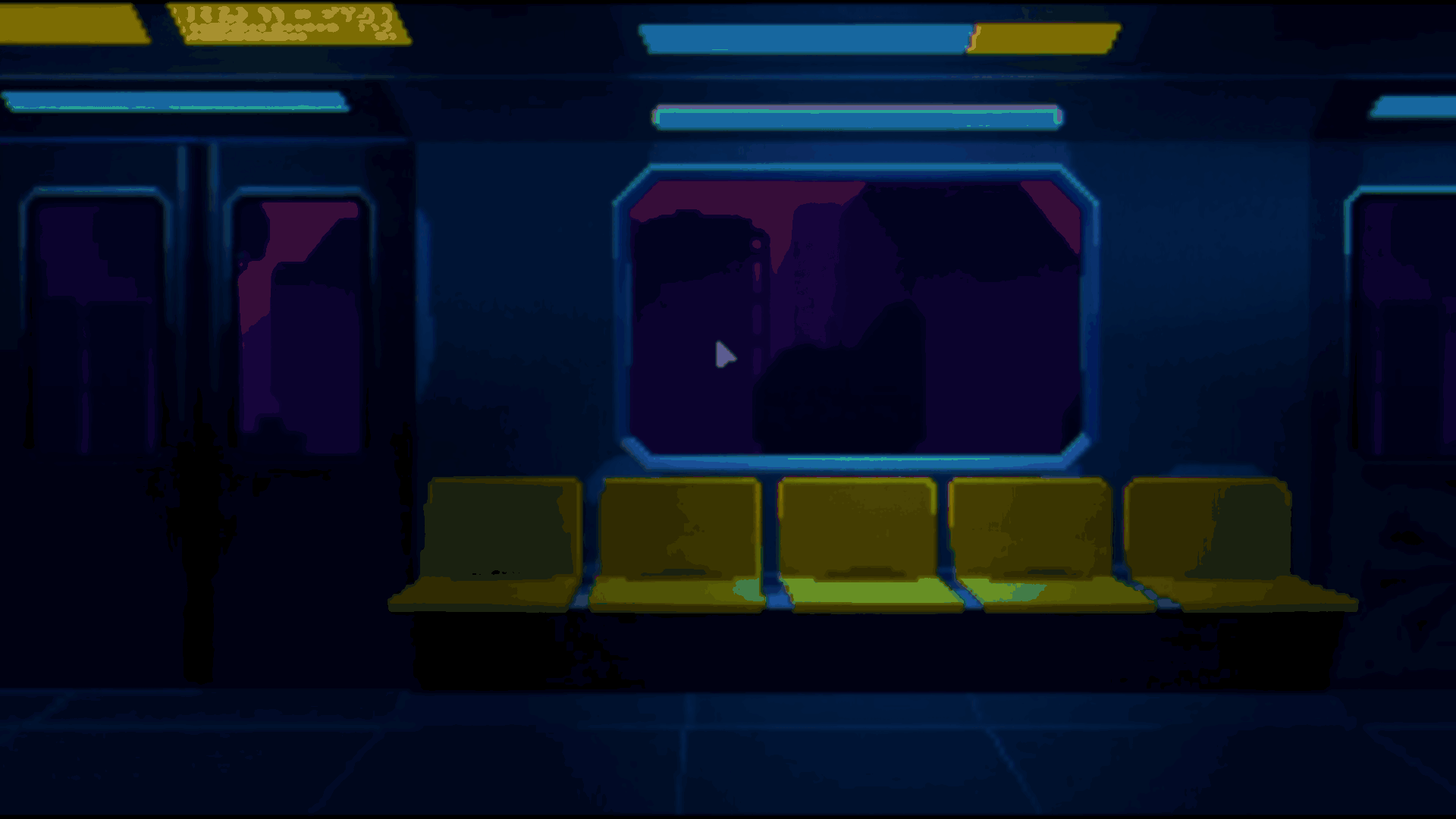
Indie developer Stefan showed the transition used in the menu of their upcoming psychological horror game, Synapse, with the view zooming out from the train window into the full train menu.
The effect is not using a 3D camera at all, everything was made using 2D transforms, scaling, and tweens inside the same scene.
The main idea came from realizing that the menu background was already part of the actual train scene. Instead of creating a separate menu screen, Synapse used the same environment and just changed how it was framed at the start.
The game begins with a heavily zoomed-in view of the train window, and when the player presses New Game, the scene smoothly pulls back into its normal layout, which is the effect that caught a lot of attention in the original post.
To make this work, the scene is split into two main visual layers. One contains the train interior itself, including seats, windows, and interactive objects, while the other contains the moving city outside the train using Parallax2D.
Both layers save their default in-game transforms during _ready(), then immediately switch into a special menu framing with different scales and positions.
@export var window_view_background_scale := Vector2(7.0, 7.0)
@export var window_view_parallax_scale := Vector2(1.18, 1.18)

var background_default_scale := Vector2.ONE
var parallax_default_scale := Vector2.ONE
The train interior is scaled much more than the city outside the window. That difference creates the fake depth effect, making it feel like the camera is positioned close to the glass instead of looking at a flat 2D image.
Inside _ready(), the game first stores the original transforms before applying the menu framing. As Stefan explained, the order here matters , because if the menu values are applied first, the transition loses the original positions it needs to tween back to.
func _ready() -> void:

   background_default_position = background_root.position
   background_default_scale = background_root.scale

   parallax_default_position = parallax_root.position
   parallax_default_scale = parallax_root.scale

   background_root.scale = window_view_background_scale
   parallax_root.scale = window_view_parallax_scale
When the player presses New Game, both layers tween back to their saved transforms at the same time using a parallel tween.
func play_new_game_transition() -> void:

   var tween := get_tree().create_tween()

   tween.set_parallel(true)
   tween.set_trans(Tween.TRANS_CUBIC)
   tween.set_ease(Tween.EASE_OUT)

   tween.tween_property(
       background_root,
       "scale",
       background_default_scale,
       new_game_transition_duration
   )
According to Stefan, a big part of making the effect work was tuning the timing. Small differences in easing and transition duration could make the movement feel unnatural.
The game also runs at a very low resolution using a subviewport, so during the transition the pixels end up snapping to their nearest positions. This created visible jittering while the scene is being scaled.
The game also runs at a very low resolution using a subviewport, so during the transition the pixels end up snapping to their nearest positions. This created visible jittering while the scene is being scaled.
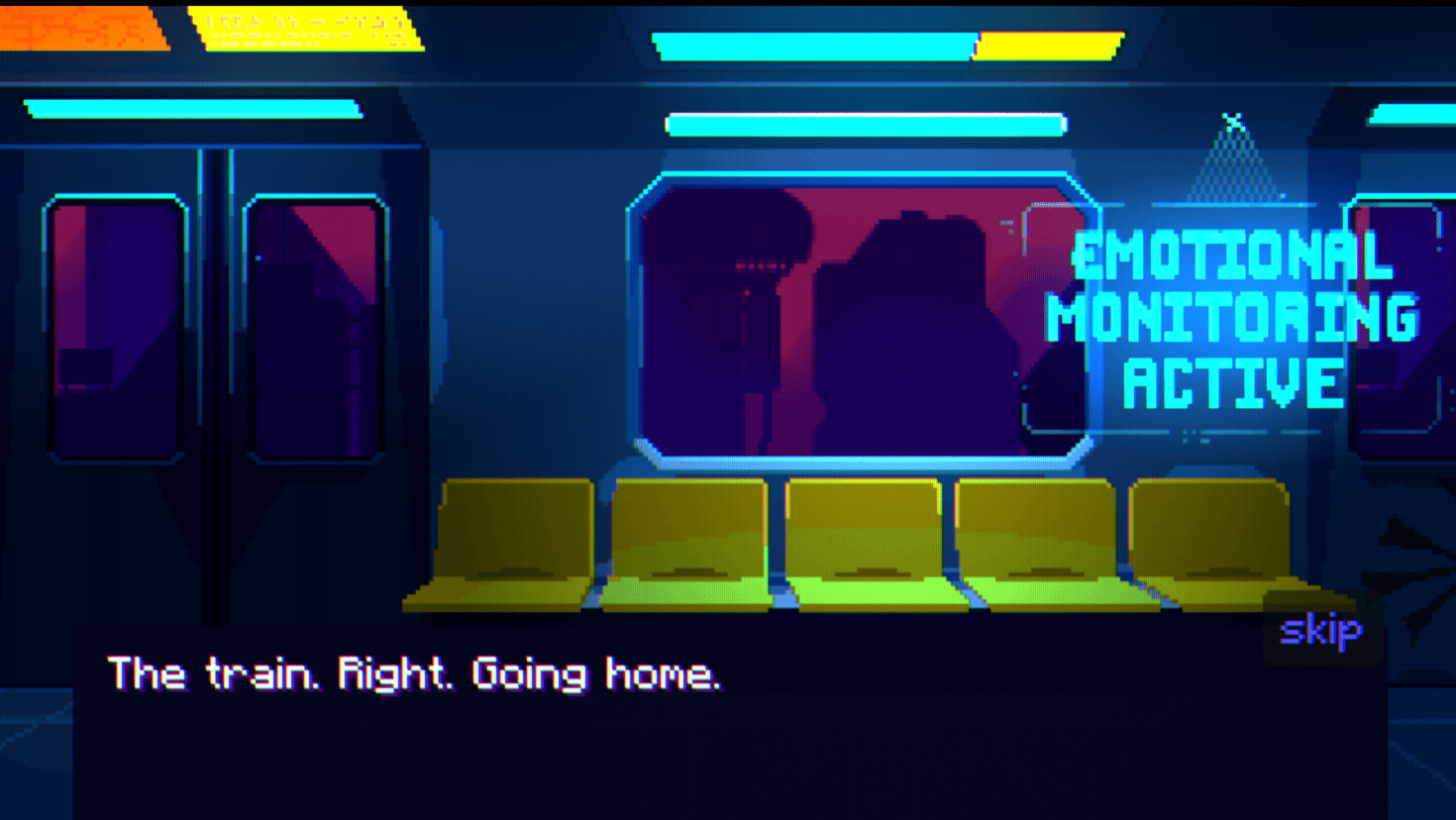
Stefan tried using fractional camera movement to smooth it out, but the result introduced visual artifacts that felt even more distracting.
In the end, the timing and movement of the transition were adjusted until the effect felt natural enough while keeping the pixel snapping to a minimum.
If you want to see more from Stefan or follow the development of their project, the links will be right below.
Interested in learning more?
If you’re interested in learning shaders in Godot, The Godot Shaders Bible covers everything from shader basics and rendering pipelines to stylized shading, screen-space VFX, lighting models, and vertex manipulation.
It is aimed at both beginners and experienced developers who want to better understand how shaders work and improve the visuals of their games through practical examples.
It is aimed at both beginners and experienced developers who want to better understand how shaders work and improve the visuals of their games through practical examples.
Did you know The Godot Shaders Bible is structured step by step? ⤵️
— Jettelly Inc. (@jettelly) February 19, 2026
You start with fundamentals like the render pipeline, then move into real shader effects such as post-processing, portals, and distance-based transparency.
Get it here, use code GSB3OFFFEB26 ✨… pic.twitter.com/9POdogLbaN
Jettelly wishes you success in your professional career!
Did you find an error? No worries!
Write to us at [email protected], and we'll fix it!
Improve your game's VFX in Godot!
We invite you to explore "The Godot Shaders Bible", a comprehensive book on the concepts and fundamentals seen in this post.
Other posts that might interest you.
-
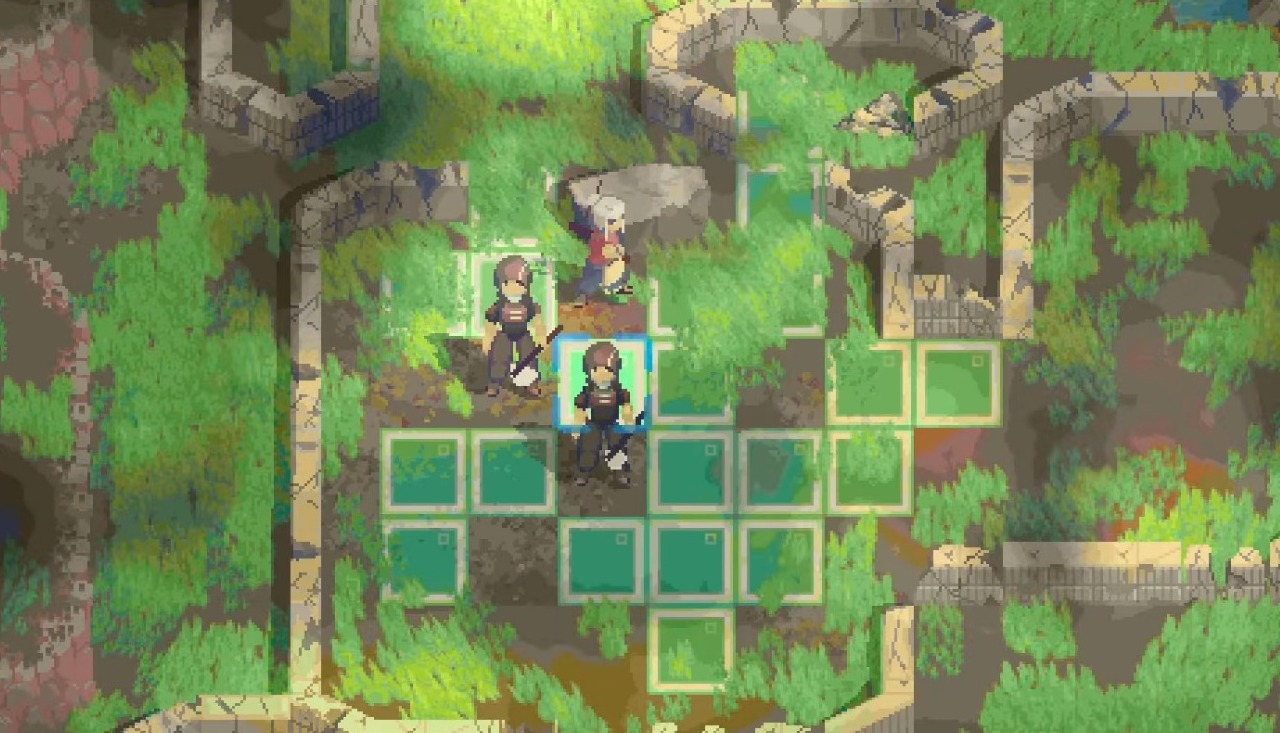 Solo developer Rasim Alam shared the rendering system behind RuneCipher, a tactics RPG built in Godot 4 that achieves directional lighting and dynamic weather in 2D.
 -
 Developer SingerLuch broke down the shader logic behind their new Godot beam VFX asset pack.
 -
 Developer Florian Trautweiler shared how he used Python, MediaPipe, and Godot to create real-time 3D hand tracking using just a webcam.
