
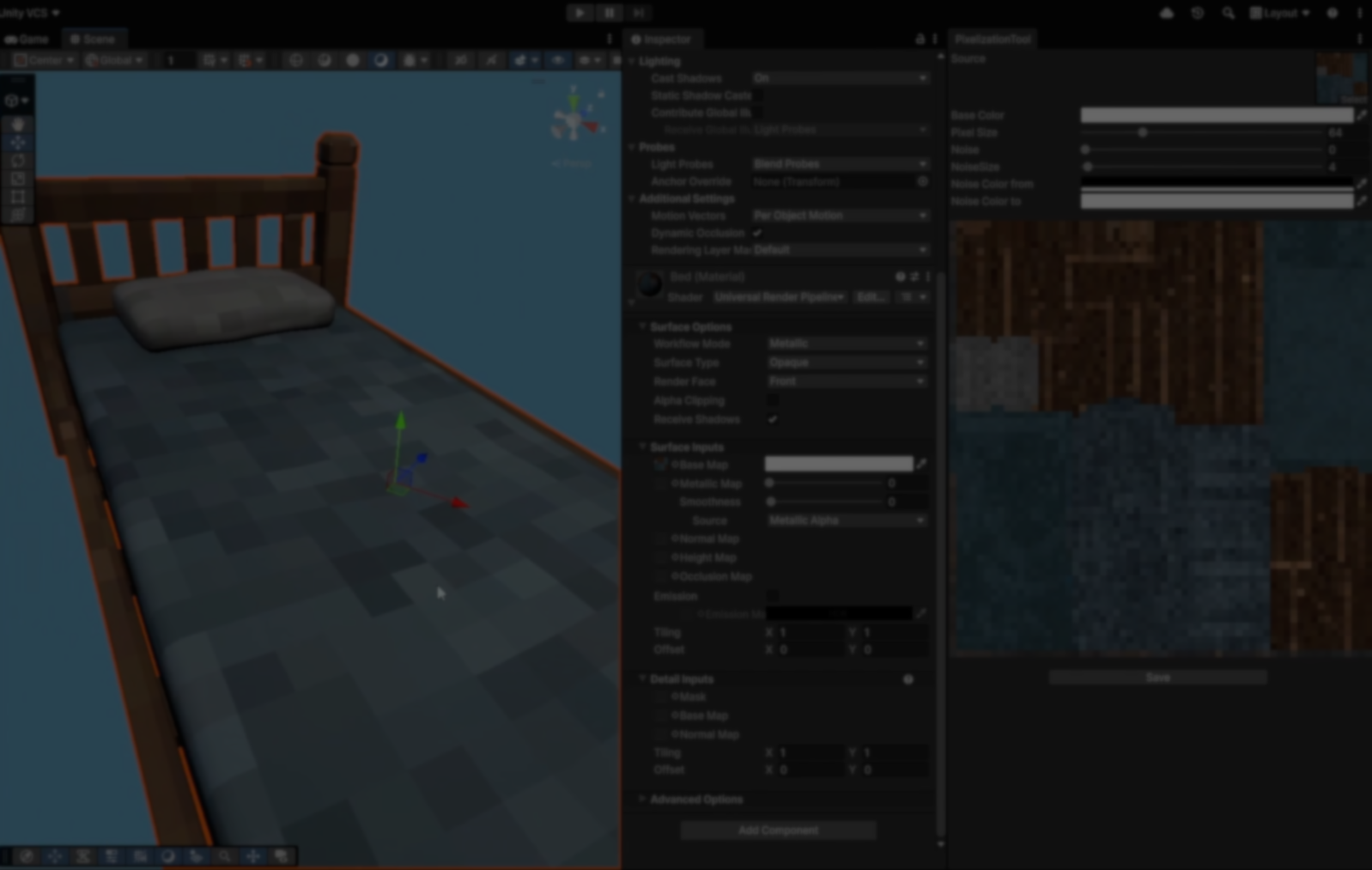
Unity Pixelization Tool: Generating Pixelated Textures Inside the Editor.
by Vicente C.
Published |
176
Matteo Baraldi and his team recently made a Unity tool for pixelizing textures directly inside the editor, coming from the issue of having to constantly jump between Unity and external tools for the textures.
Instead of exporting a texture, editing it in something like Photoshop, and reimporting it back into Unity, the team built this simple tool to do all of that inside the engine.
The process behind it is simple. The tool takes any texture and runs it through a custom shader that breaks the image into pixel blocks based on the size you select.
After that, everything else happens inside the editor window. Here’s what you can tweak:
- Pixel Size: Changes how “blocky” the image looks. Lower values give bigger pixel blocks, higher values keep more detail.
- Base Color: Tints the texture.
- Noise: Adds variation and helps break up flat or repeating areas.
- Noise Size and Colors: Control the noise. You can adjust its scale and the colors it uses.
All the changes update in real time, and once the texture looks right, you can export it directly from the tool. It saves the result as a PNG and imports it back into Unity automatically.
One small detail Matteo mentioned is that it keeps the normal map settings if the original texture was one, so you don’t have to fix them again after exporting.
The tool is available through a custom menu inside Unity and supports working with different texture scales depending on the developer's project.
The tool is available through a custom menu inside Unity and supports working with different texture scales depending on the developer's project.
You can see more of Matteo’s and team work or updates in the links below.
- In-Editor Texture Pixelizer Tool: https://www.patreon.com/posts/in-editor-tool-154098677
- Matteo’s LinkedIn: https://www.linkedin.com/in/matteo-baraldi-51747b103/
- Website: https://toughnuttocrack.it/
Interested in learning more?
If you’re interested in the technical side of game development, The Unity Dev Bundle brings together six books covering shaders, math, procedural shapes, editor tools, and character customization in Unity.
It includes titles like The Unity Shaders Bible and Mastering Compute Shaders in Unity 6, and is aimed at developers and technical artists looking to build a stronger foundation and expand into more advanced graphics and systems.
Jettelly wishes you success in your professional career!
Did you find an error? No worries!
Write to us at [email protected], and we'll fix it!
Level up your Unity skills! Grab our bundle and start learning today.
We invite you to explore "The Unity Dev Bundle", a comprehensive bundle on the concepts and fundamentals seen in this post.
Other posts that might interest you.
-
 Honami is an open source animation system for Unity that replaces Mecanim with its own graph editor, timeline, rigging system, and runtime.
 -
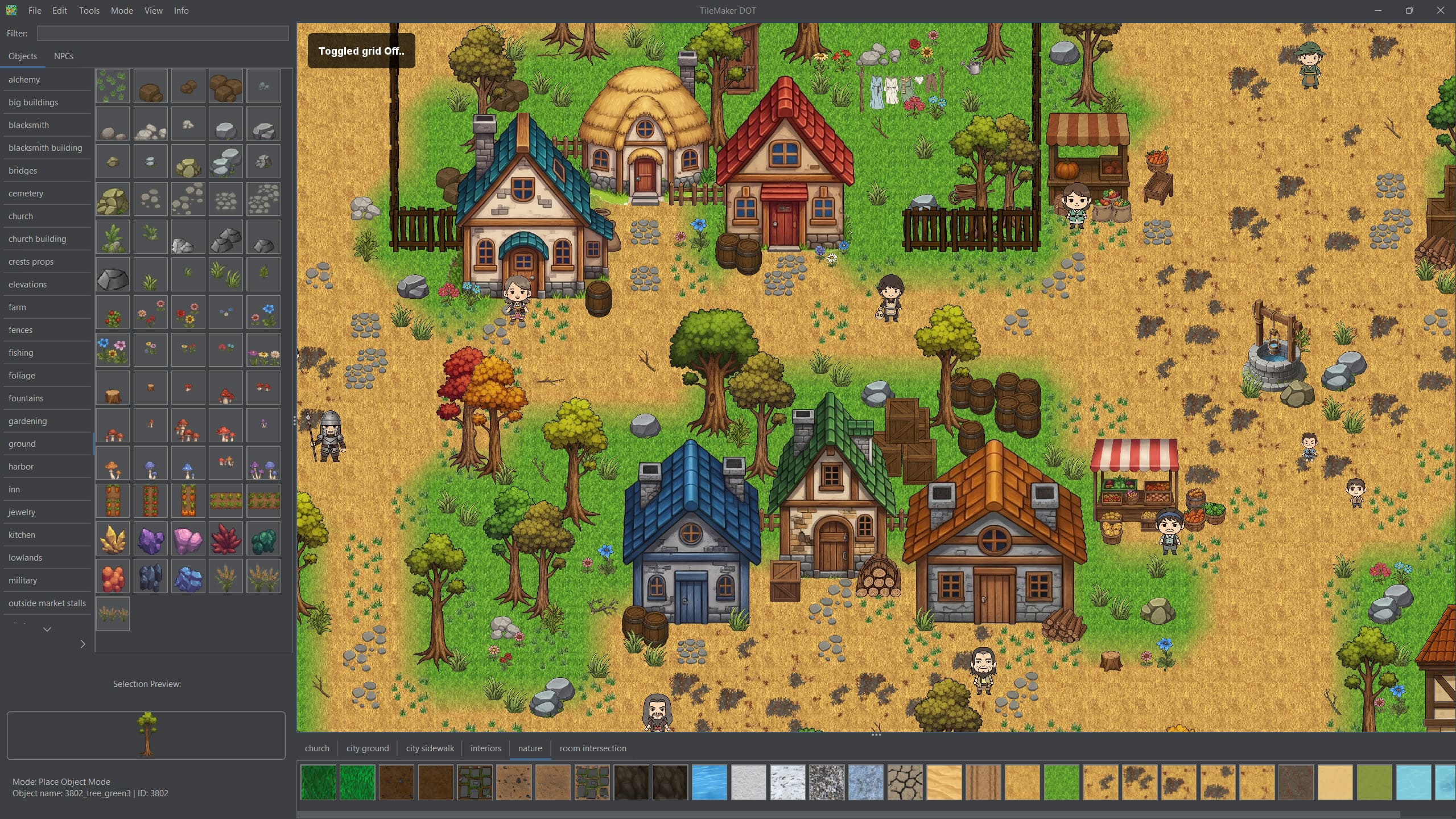.jpg) TileMaker DOT started as a small map editor for one Andrei’s game. Today it is free, open source, and includes automatic object sorting, custom IDs, notes, and more.
TileMaker DOT started as a small map editor for one Andrei’s game. Today it is free, open source, and includes automatic object sorting, custom IDs, notes, and more. -
 Barely Breathing received a new procedural puddle system that uses raycasts, BFS, and Marching Cubes to react to walls and uneven ground.
