
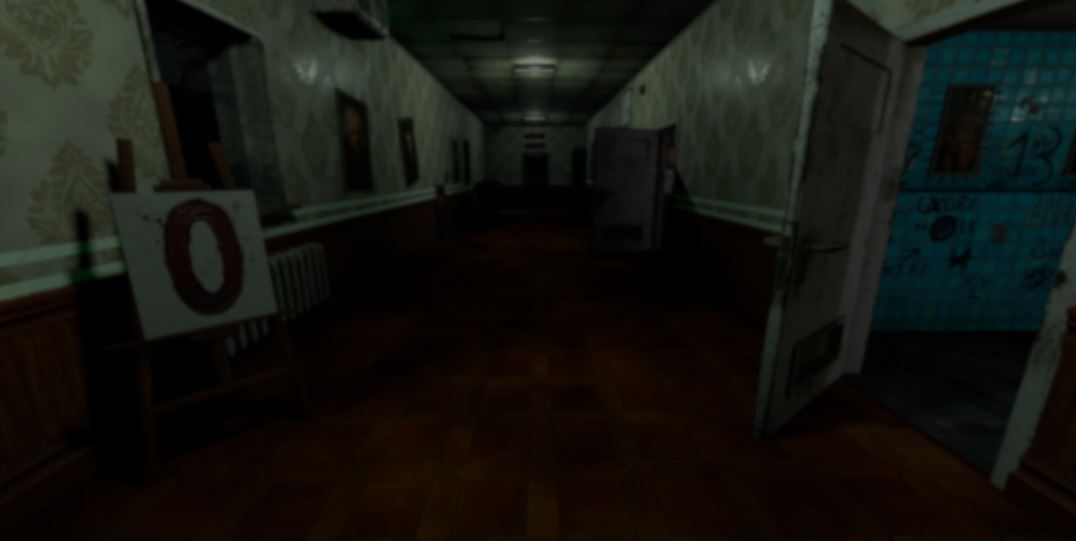
Developer kanuddel recently gave us a breakdown of the optimization work behind Corridor 13, an upcoming horror game they are developing in Godot.
After upgrading their development PC from a GTX 1070 to an RTX 5070, optimization was no longer a priority. That changed when the game started dropping below 100 FPS at the highest graphics settings. So, kanuddel paused development and began optimizing the game.
Corridor 13 uses dynamic lights that constantly flicker, so baking the lighting into lightmaps was not an option.
The player has to determine whether the current corridor is normal or whether something has changed. Loading new assets could reveal an anomaly before the player found it, so every object that can appear in the game already exists from the beginning.
The first optimization was occlusion culling. Godot already performs frustum culling by default, which removes objects outside the camera's view.
Occlusion culling was added on top of that, preventing objects hidden behind walls or other geometry from being rendered.

This increased the frame rate to around 120 FPS, but it was still far from the target for older hardware.
The next step was disabling entire rooms whenever the player was outside them and no longer looking inside. The lights remained active because they still cast shadows into neighboring rooms.
The room itself and the objects inside it were disabled until the player looked back inside, at which point everything became active again.
Some internal tests showed the following results:
- No optimization: 87 FPS
- Occlusion culling: 92 FPS
- Disabled rooms: 178 FPS
- Both optimizations combined: 190 FPS
The developer found that the moonlight shining into the corridor was particularly expensive. Most of the time it was not visible, only appearing when the other lights were turned off, making the god rays visible.
The solution was to only enable the moonlight when it was actually needed. This alone added around 40 FPS. Reducing the range of several other lights provided another smaller improvement.
After that, kanuddel looked at shadow casting.
Objects that did not need to cast shadows, such as props placed against walls, had shadow casting disabled. The improvement was smaller than the previous optimizations, but it still improved performance a bit more.
The last optimization was disabling almost every object behind the player.
When an object enters an area behind the player, it becomes inactive until the player turns back, at which point it becomes active again.
Corridor 13, my game I'm working on for 14 month now, finally has a demo!
by u/PristineBobcat9608 in godot
Together, these optimizations increased the game's performance from roughly 100 FPS to around 400 FPS on the developer's PC.
According to kanuddel, the game now reaches 60 FPS on a GTX 1070 while the game still looks good. So far, none of the testers have managed to make it drop below that target using the lowest graphics settings.
If you want to follow the development of Corridor 13, you can find the links right below.
Interested in learning more?
If you are interested in shaders and the math behind game visuals, the Shaders Bible Collection brings together six books covering shader programming, procedural shapes, and core math concepts in Unity and Godot. (45%OFF)
Are you guys using Unity or Godot?
— Shaders Bible Series (@ushadersbible) August 7, 2026
By the way, this Bundle includes both shader eBooks ✨ https://t.co/hLHBiQ05zV#unity3d #godot pic.twitter.com/wzZfwFbBFa
Jettelly wishes you success in your professional career!
Did you find an error? No worries!
Write to us at [email protected], and we'll fix it!
Other posts that might interest you.
-
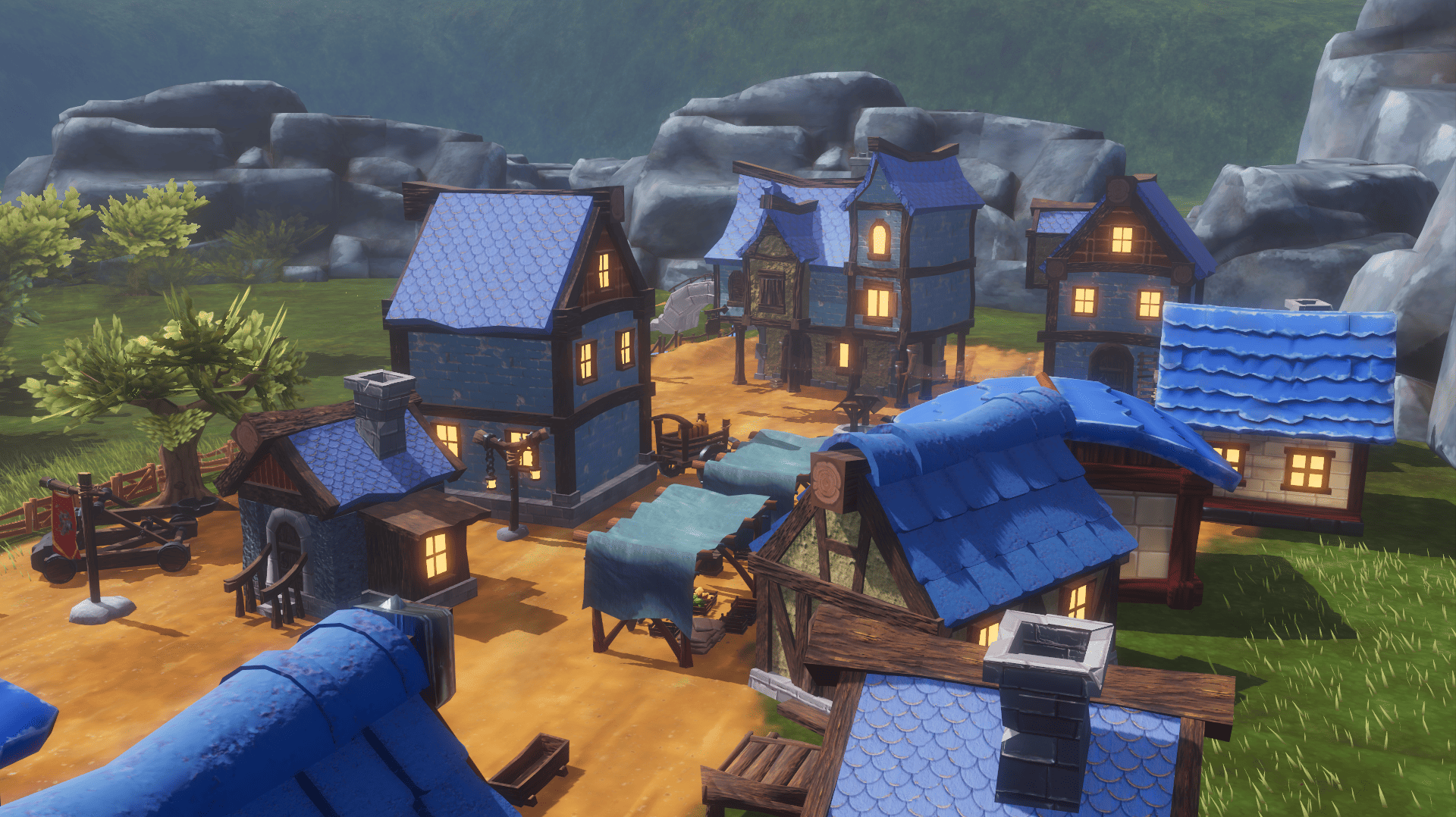 What began as a Blender challenge grew into 40 free models and a playable Godot scene showing how they work together.
 -
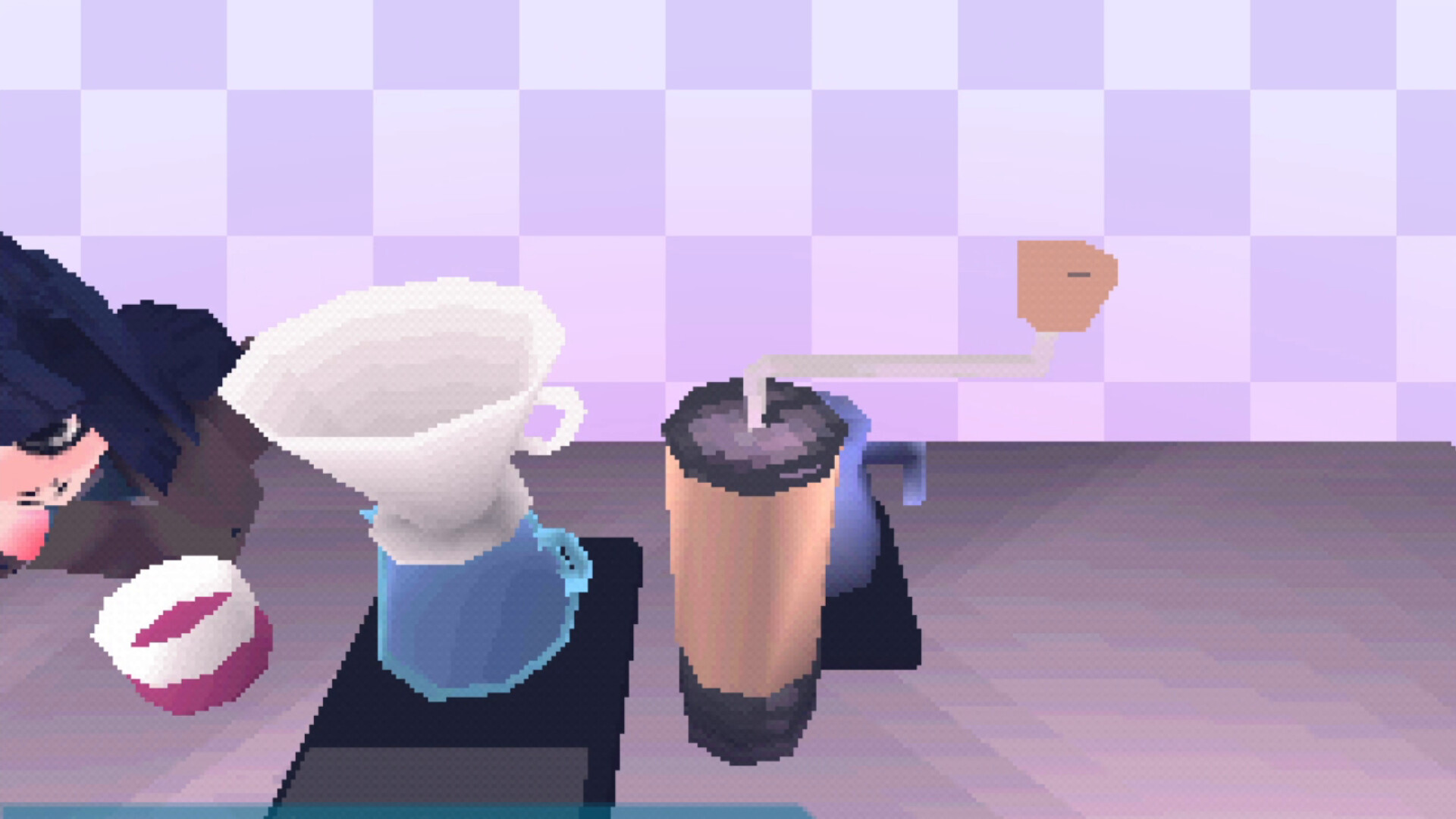 Calin P. turned lessons from building a PS1 emulator into a Godot 4 addon that follows the original console's rendering behavior.
 -
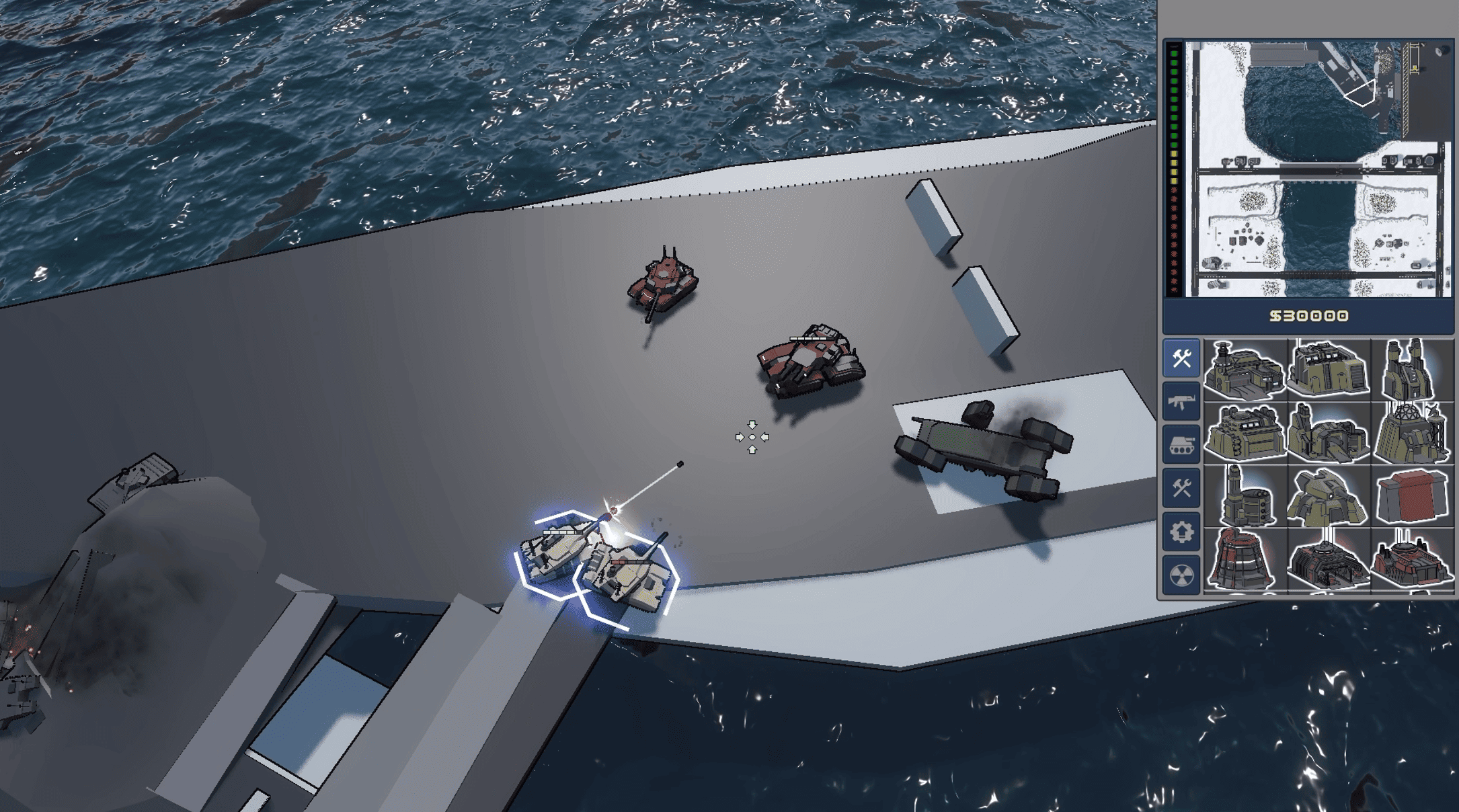 Developer Smitty explains how players can build complete campaigns and model environment props in Steel Command. He also breaks down how pathfinding updates after each map edit.
