
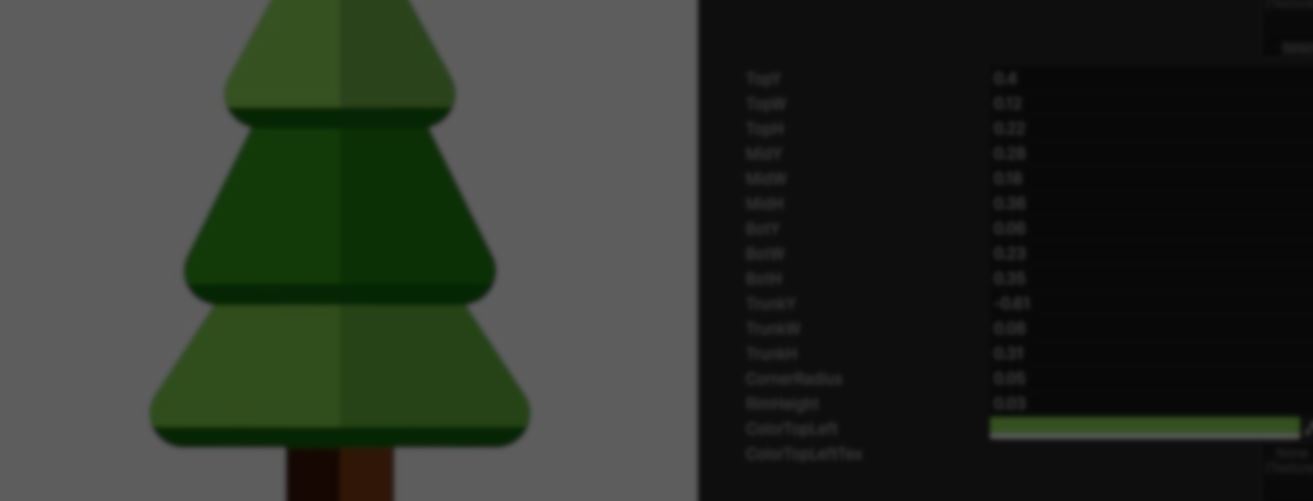
For her master’s thesis in Interactive Media at FH Upper Austria, Niloufar Moradi Jam built Shader Expert, a Unity Editor tool that generates and edits procedural 2D shapes from text or a reference image.
The tool first generates the HLSL needed to draw the requested shape. It uses that code to build a ShaderGraph asset and render a preview in Unity.
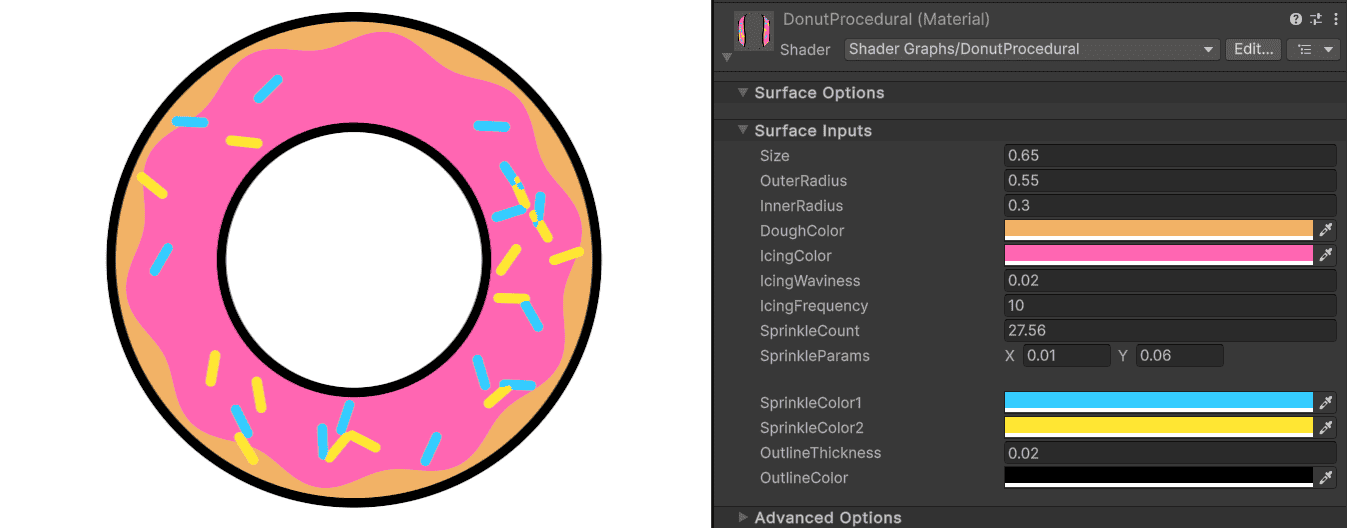
These shapes are built with Signed Distance Fields (SDFs). An SDF measures the distance between each point and a shape’s edge. Negative values fall inside the shape, zero marks the edge, and positive values fall outside it.
Shader Expert combines these functions to build more complex drawings. Since each shape is calculated when rendered, it is not tied to the resolution of a source texture.
Before building the tool, Niloufar had to understand how procedural shapes are constructed. Her main reference was Fabrizio Espíndola’s Shaders & Procedural Shapes in Unity 6, which covers HLSL, Shader Graph, and SDFs in Unity. She used what she learned to define the model’s HLSL rules and build a set of verified examples.
Early tests revealed two problems. A general-purpose language model sometimes mixed GLSL syntax into HLSL, causing compilation errors. Other times, the code compiled but drew the wrong shape, such as a star with too many points or a shape placed off-center.
Niloufar limited the model to writing one HLSL function under strict rules. A C# backend reads that function and builds the ShaderGraph file, including its nodes, connections, and exposed properties. The model never edits the graph directly.
Compilation only confirms that the code is valid, not that the requested shape is correct. Shader Expert renders the result on a preview quad and takes a screenshot. A vision model compares it with the original prompt. If the score is low, the vision model describes the mismatch and Shader Expert adds that feedback to the next attempt.
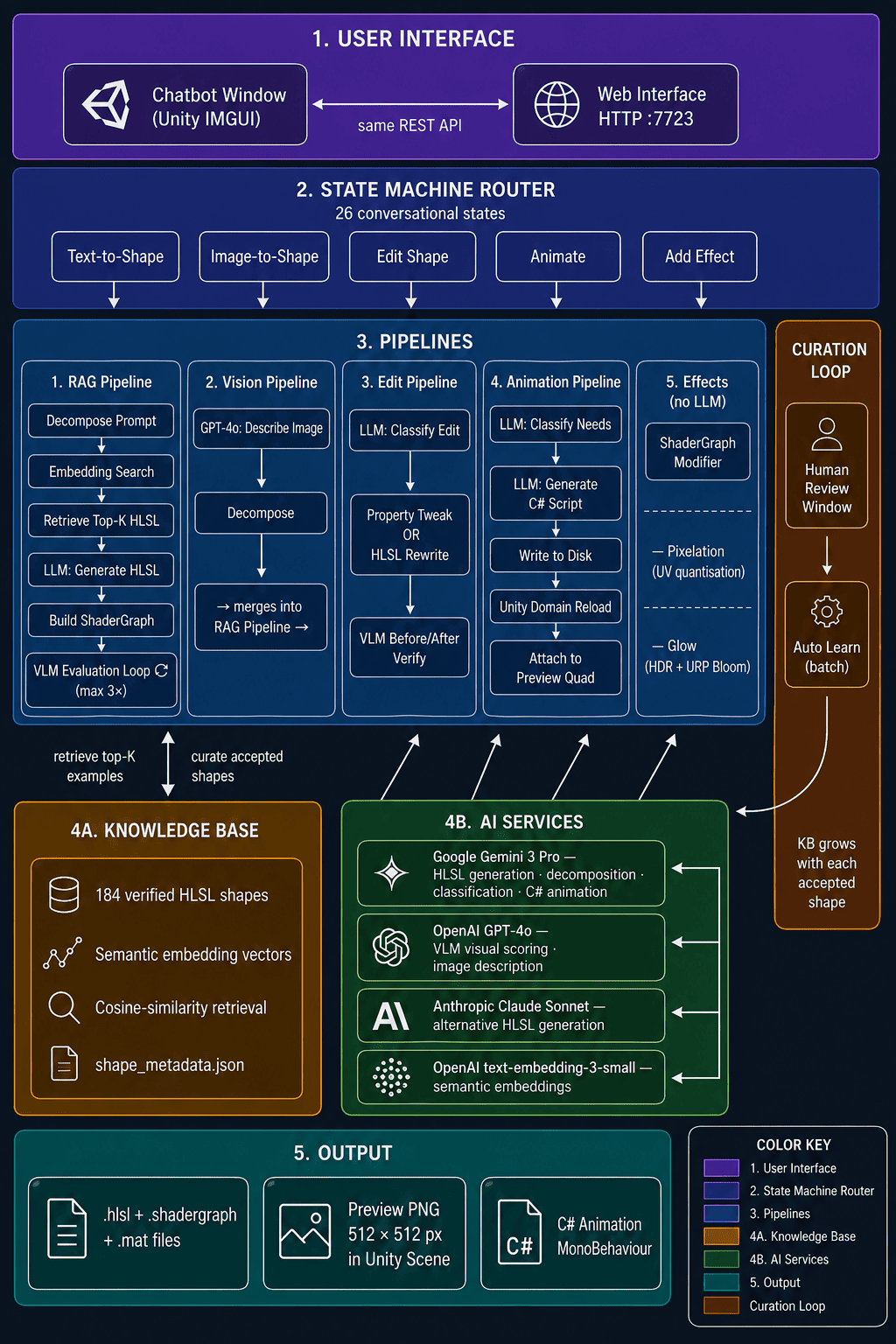
For complex requests, Shader Expert divides the subject into smaller shapes and searches its knowledge base for related HLSL examples. These come from earlier results that met the required score, and the tool adds the closest matches to the prompt as references.
Niloufar works with Shader Expert through a chat window in the Unity Editor. In her walkthrough, she provides a reference image and text prompt for a butterfly. The generated material includes Inspector controls for the butterfly’s colors and wing proportions.
She can also request changes through the chat. When she asks for a different curve on the butterfly’s smile, Shader Expert rewrites the HLSL. The pixelation effect follows a different path. The tool adds ShaderGraph nodes that quantize the UV coordinates, so this step does not call the language model.
To animate the antennae, Shader Expert creates an antennaAngle shader property. It then writes a C# script that updates the property over time. Niloufar can adjust the angle range and speed in the Inspector.
If you want to see more of Shader Expert, you can read Niloufar’s full breakdown, watch the showcase, or follow her work through the links below:
- Full Write-up: Generative AI for Procedural 2D Shaders
- Showcase Video: Watch the video
- LinkedIn: Niloufar Moradi Jam
Interested in learning more?
If you’re interested in the technical side of Unity? The Unity Dev Bundle brings together six books covering shaders, math, procedural shapes, editor tools, and character customization.
This is for developers and technical artists who want to build a stronger foundation and work with more advanced graphics and systems in their projects.
Shaders, tools, animation, math, and more, the new "Unity Dev Bundle" is still available for a bit longer. 🔥 Get it here: https://t.co/gPPcuZDuFX#unity3d #gamedev pic.twitter.com/mnxRUCtUHC
— Jettelly Inc. (@jettelly) April 8, 2026
Jettelly wishes you success in your professional career!
Did you find an error? No worries!
Write to us at [email protected], and we'll fix it!
Level up your Unity skills! Grab our bundle and start learning today.
We invite you to explore "The Unity Dev Bundle", a comprehensive bundle on the concepts and fundamentals seen in this post.
Other posts that might interest you.
-
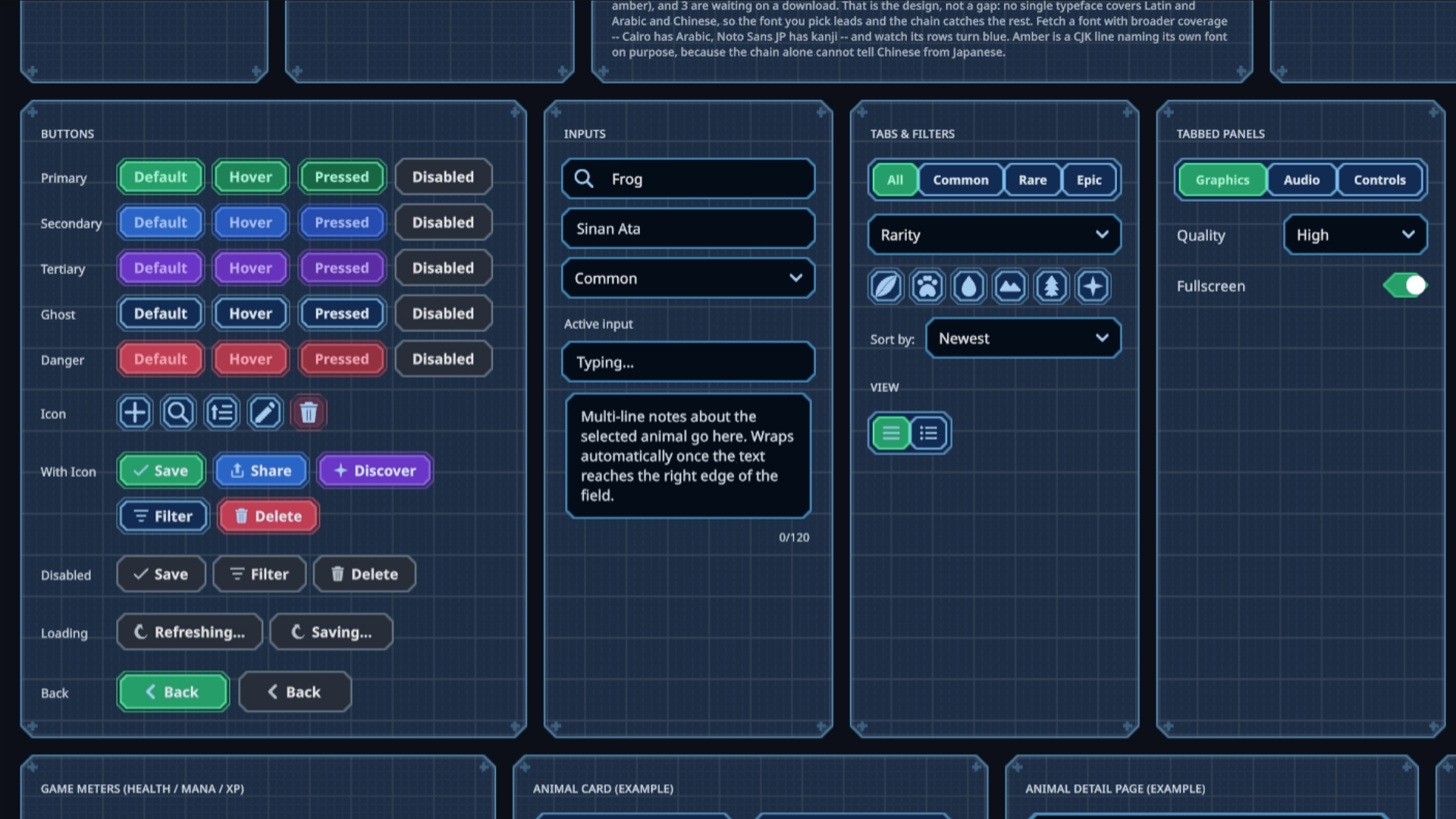 Sinan Ata's open-source Unity 6 toolkit can now place interactive UI on 3D surfaces and apply shader materials to its existing components.
 -
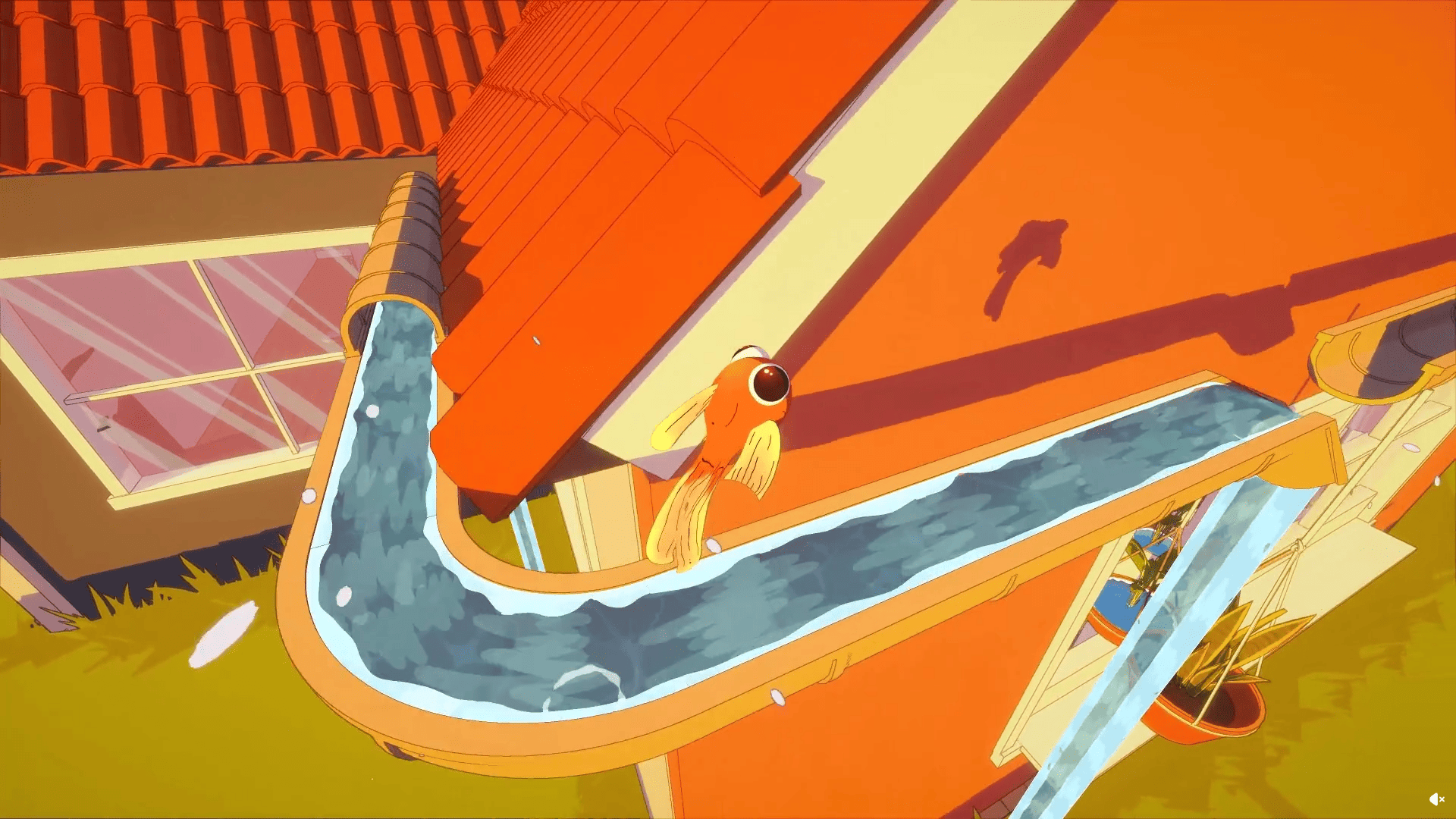 Barely Breathing received a new procedural puddle system that uses raycasts, BFS, and Marching Cubes to react to walls and uneven ground.
 -
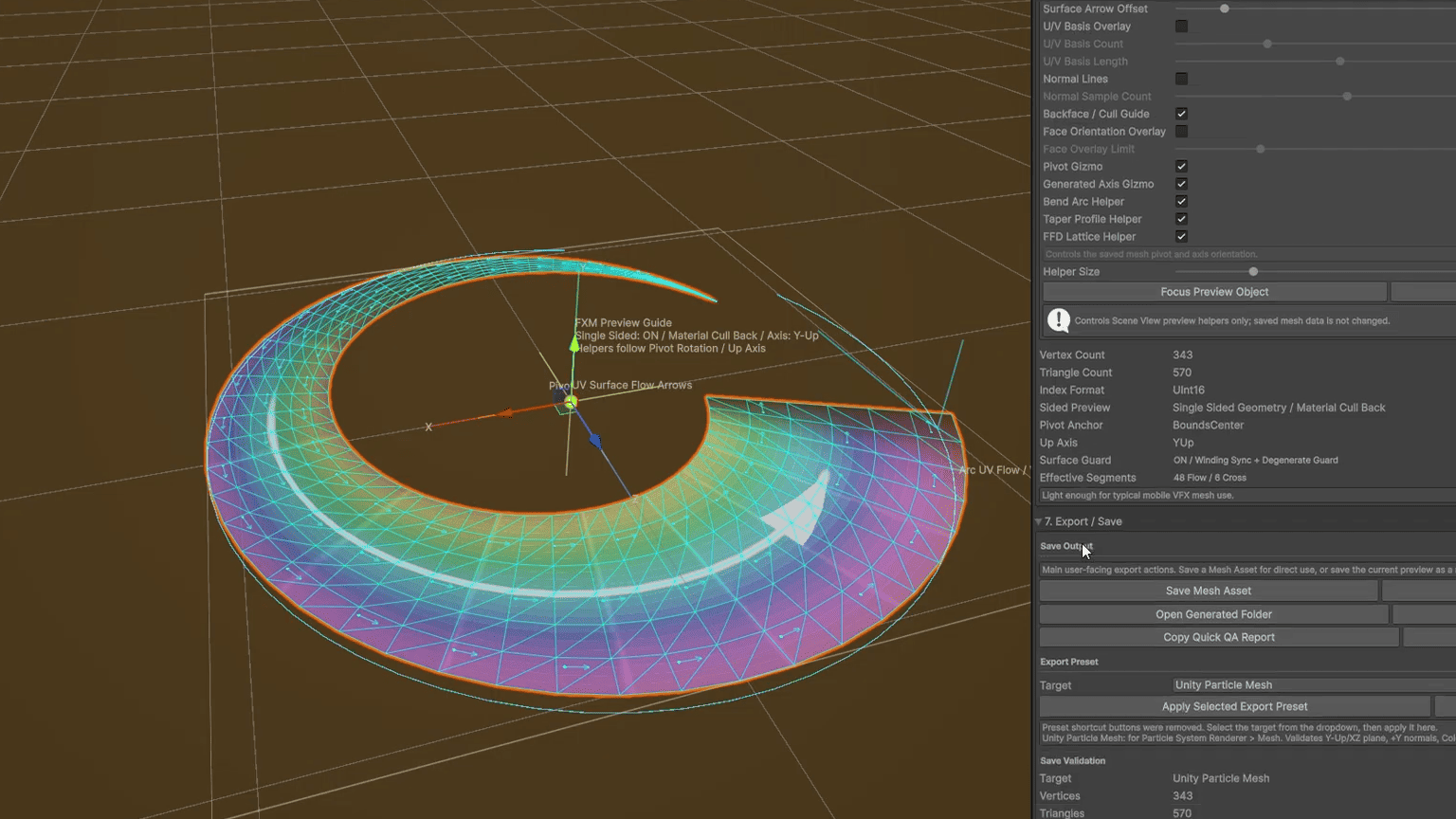 Senior Effect Artist Dong Cheol Kim created a free Unity tool that generates common VFX meshes and lets artists reshape them inside the editor.
