
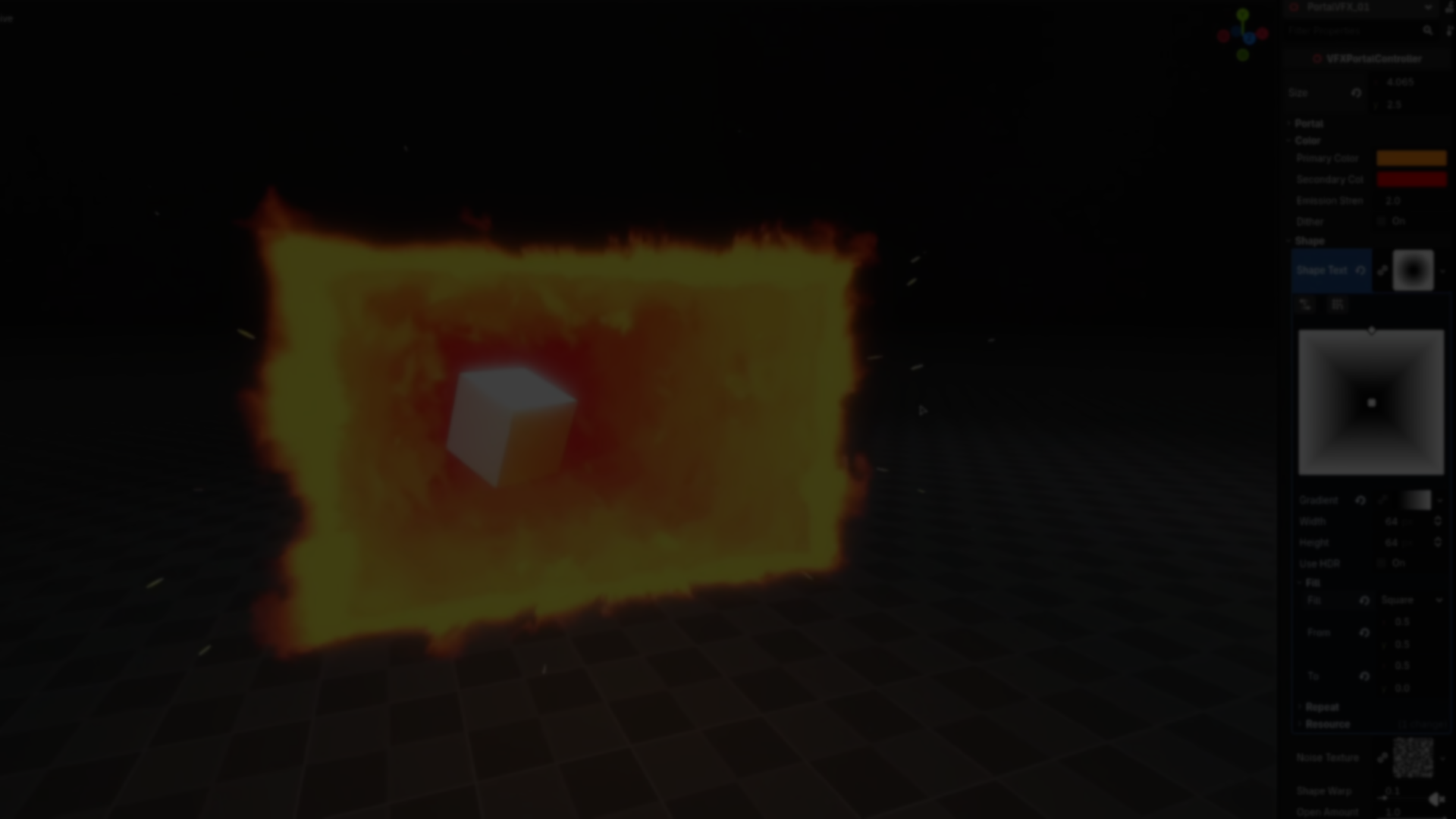
Imagine a portal that doesn’t just sit flat on your screen but seems to swirl and stretch inward, almost like you could reach through it. That’s exactly the illusion Technical Artist Binbun3 has pulled off with their Godot Portal VFX asset pack for Godot 4.x. So, what’s really happening behind the scenes to make this effect possible?
Binbun3 has released several VFX packs for Godot, ranging from effects like projectiles to magic area attacks. This portal pack is notable for its use of shaders combined with stencil masking, making it possible to design portals that look good and are easy to configure.
At its core, this effect uses parallax mapping, texture-driven shapes, and stencil buffer masking to simulate the look of a window into another space. The following sections break down each part of this process.
Layered Depth with Parallax Mapping
The depth effect inside the portal relies on parallax mapping, implemented through a custom spatial shader. Binbun3’s approach draws from a parallax mapping shader they previously published on GodotShaders, which is available for reference.
The shader does not use actual 3D geometry inside the portal. Instead, it samples multiple texture layers and offsets their UV coordinates based on a view vector, computed through the tangent, bitangent, and normal. As the viewer changes perspective, these layers move slightly in relation to one another, creating the impression of depth within the portal.
In the shader, this effect is created by iterating through a for loop:
for(int i = 0; i < layers; i++)Each layer is assigned a unique depth offset, and the deeper layers gradually become less visible. This approach maintains the portal’s overall shape and enhances the illusion of depth, resulting in a convincing visual effect.
Parallax effect
by u/binbun3 in godot
Polar Coordinates and Animated Noise
The swirling motion within the portal is generated by animating a noise texture in the shader. This method produces a dynamic look that feels natural and draws the viewer’s attention.
Before sampling the texture, the shader converts UV coordinates to polar space. This step simplifies the process of generating circular motion, which is especially effective for effects such as portals or energy fields.
noise_uv = to_polar(noise_uv);
noise_uv.y += TIME * 0.1;
The conversion to polar coordinates introduces radial distortion, while the built-in TIME variable scrolls the texture over time, creating continuous motion within the portal.
The overall shape of the portal is defined using a gradient texture, which acts as a mask for the effect. Since the shape comes from a texture rather than geometry, it can easily be swapped to create different portal designs.
Revealing Objects with the Stencil Buffer
To ensure the portal functions as a window and not just a surface effect, the setup uses a dedicated mesh to write to the stencil buffer.
Objects in the scene are configured to render only when the stencil condition is met. This means they appear exclusively within the portal area and remain hidden elsewhere in the scene.This technique is widely used in real-time graphics for implementing portals, mirrors, and selective rendering passes.
Customization in the Portal Pack
The Godot Portal VFX pack includes a controller script that exposes several parameters, so the effect can be adjusted directly within the editor. Some of the customizable options in the pack include:
- Shape and noise textures
- Depth and layer settings
- Warping of objects seen through the portal
- Stylization options such as dithering, color adjustments, and edge styles
- An openness parameter used to animate the portal
Pre-made animations for opening and closing the portal are also provided in the pack, allowing quick integration of animated transitions.
A Flexible Portal Effect for Godot
By combining parallax depth, texture-based masking, and stencil rendering, Binbun3’s portal shader produces a convincing sense of space while remaining efficient for real-time applications.
The result is this dynamic, flexible VFX that can be adapted to many different visual styles simply by adjusting textures and parameters.
For more of Binbun3’s work, they regularly share new VFX and asset packs on their socials. You can find the Godot Portal VFX pack and other effects on itch.io, with updates announced on Bluesky and Mastodon.
- Itch.io (Godot Portal VFX): https://binbun3d.itch.io/
- Bluesky: https://bsky.app/profile/binbun3d.bsky.social
- Mastodon: https://mastodon.social/@binbun3d
Interested in learning more?
If you are interested in shaders and the math behind game visuals, the Shaders Bible Collection brings together six books covering shader programming, procedural shapes, and core math concepts in Unity and Godot.
This is for developers, students, and creatives who want a better understanding of shaders, strengthen their fundamentals, and improve the visual quality of their projects.
Looking to get into technical art? ✨ Check out the "Shaders Bible Collection," a 6-book bundle for Unity and Godot!
— Jettelly Inc. (@jettelly) April 6, 2026
Available for limited time: https://t.co/0vLC31dz6m#techart #gamedev #indiedev #vfx pic.twitter.com/6co2fTSnTr
Jettelly wishes you success in your professional career!
Did you find an error? No worries!
Write to us at [email protected], and we'll fix it!
Other posts that might interest you.
-
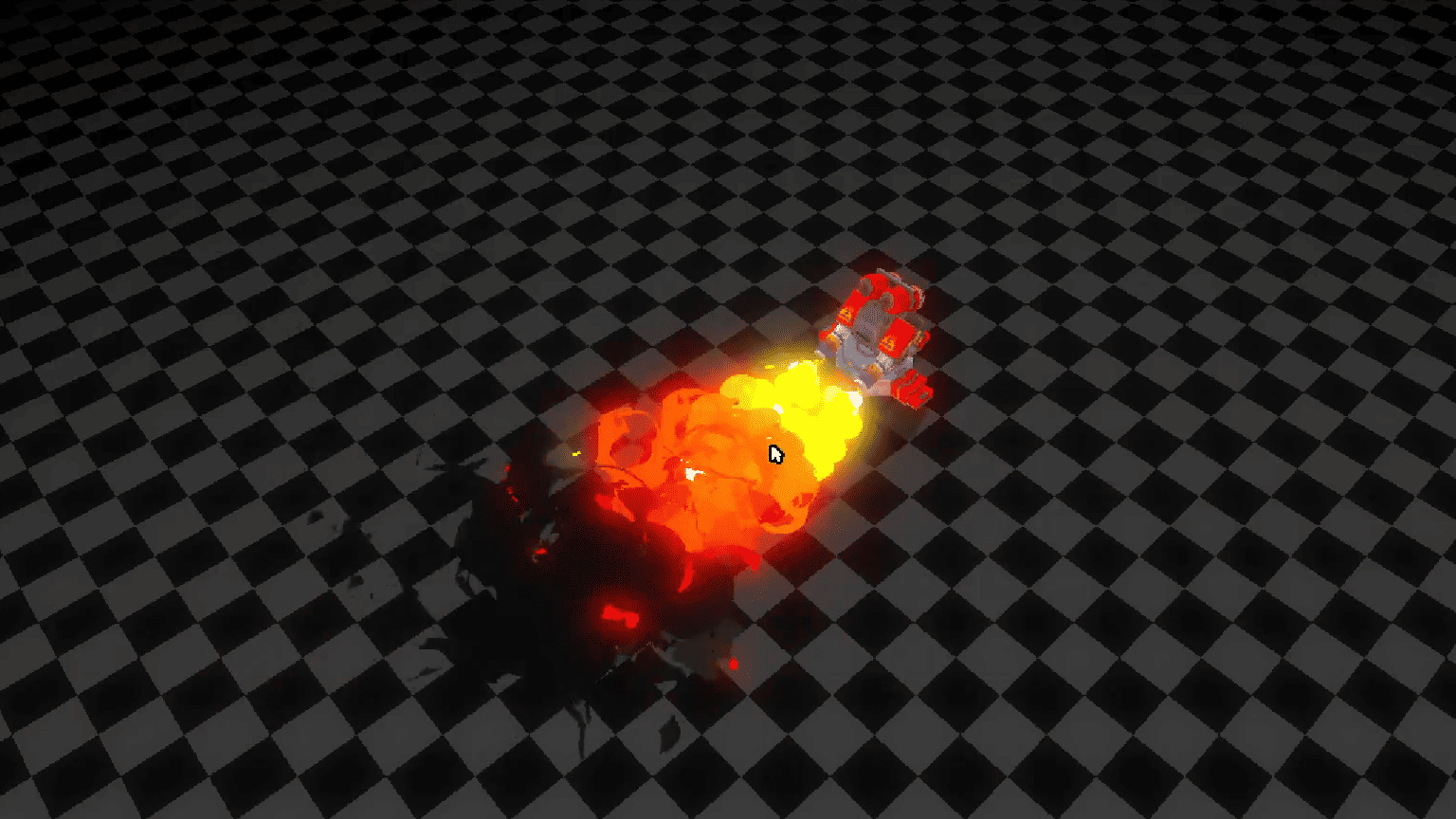 Godot developer Loop_Box shared the simple shader behind this stylized flamethrower fire effect.
 -
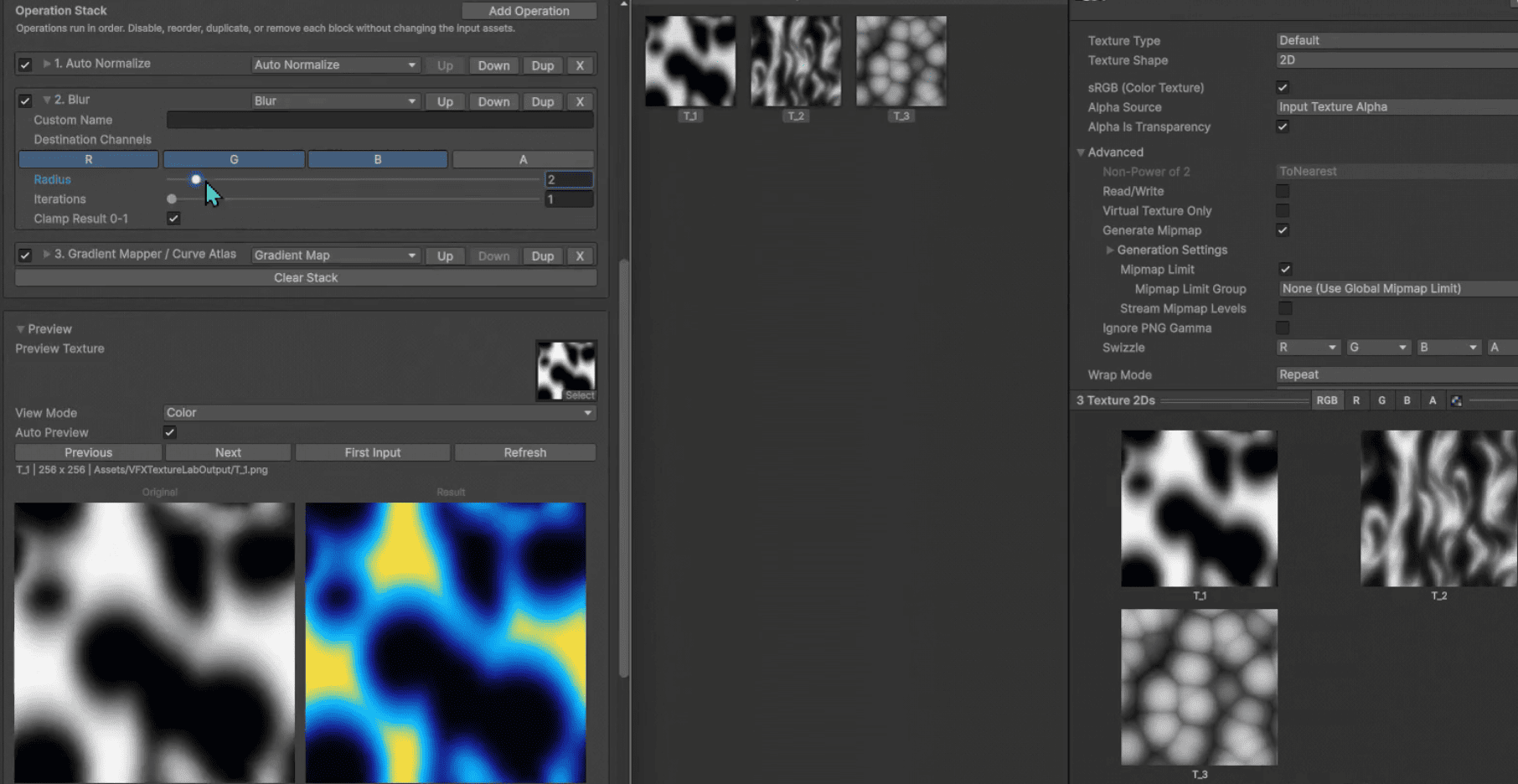 VFX Texture Lab is a free and open-source Unity tool that lets VFX artists edit textures directly inside the editor.
 -
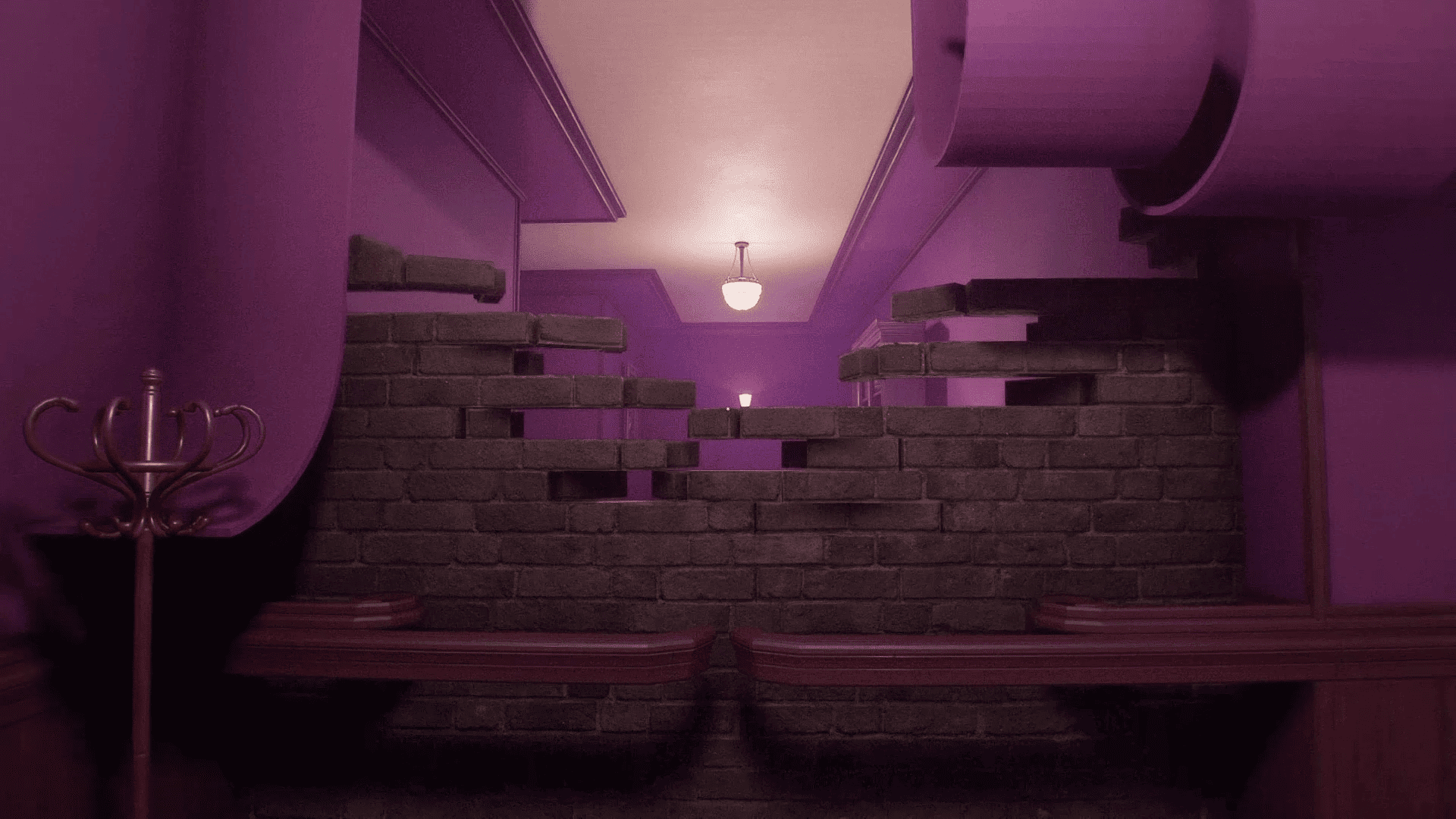 Learn how Developer Tiberiu Stefan made their transforming wall effect for Psych Rift using Vertex Animation Textures in Godot.
