
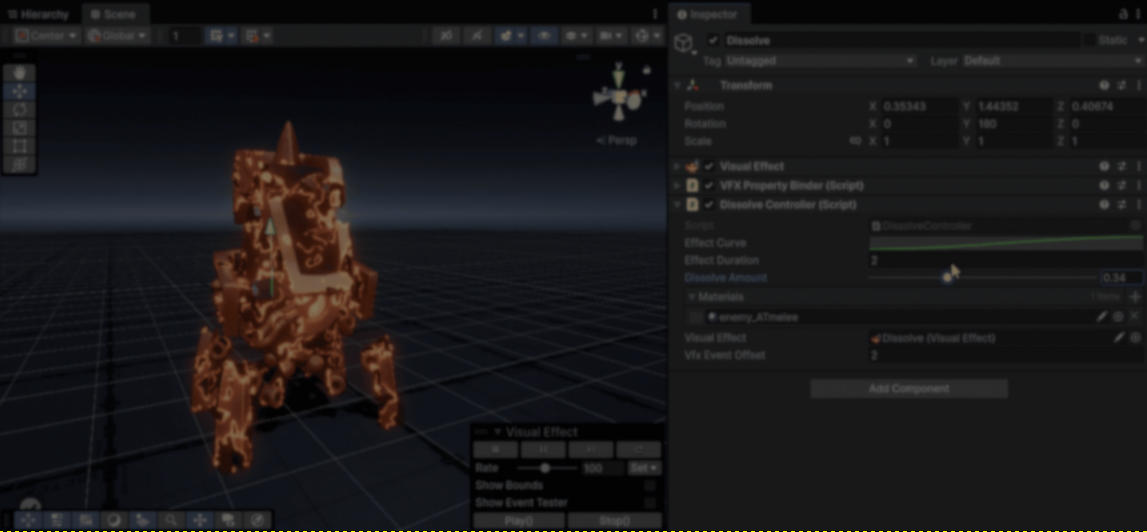
Indie game studio FoxGameLab recently posted a dissolve effect they have been working on using HLSL and VFX Graph.
The effect can be split into two main parts: the surface dissolve itself made by the shader, and the particles generated around the dissolving areas with VFX Graph.
Starting by the dissolve effect: it works by comparing a noise value against a runtime parameter called DissolveAmount. As the value changes, parts of the mesh get removed over time using Alpha Clipping.
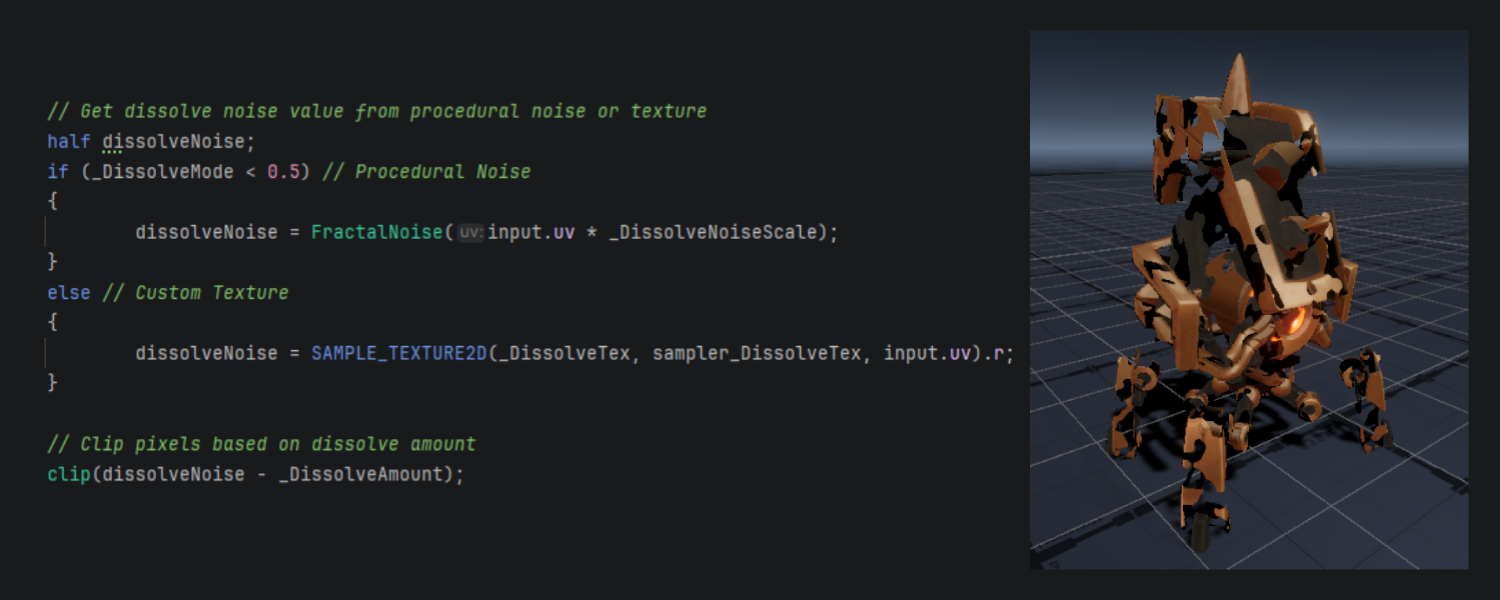
The noise can come either from procedural generation or noise textures, depending on the type of dissolve effect you are looking for.
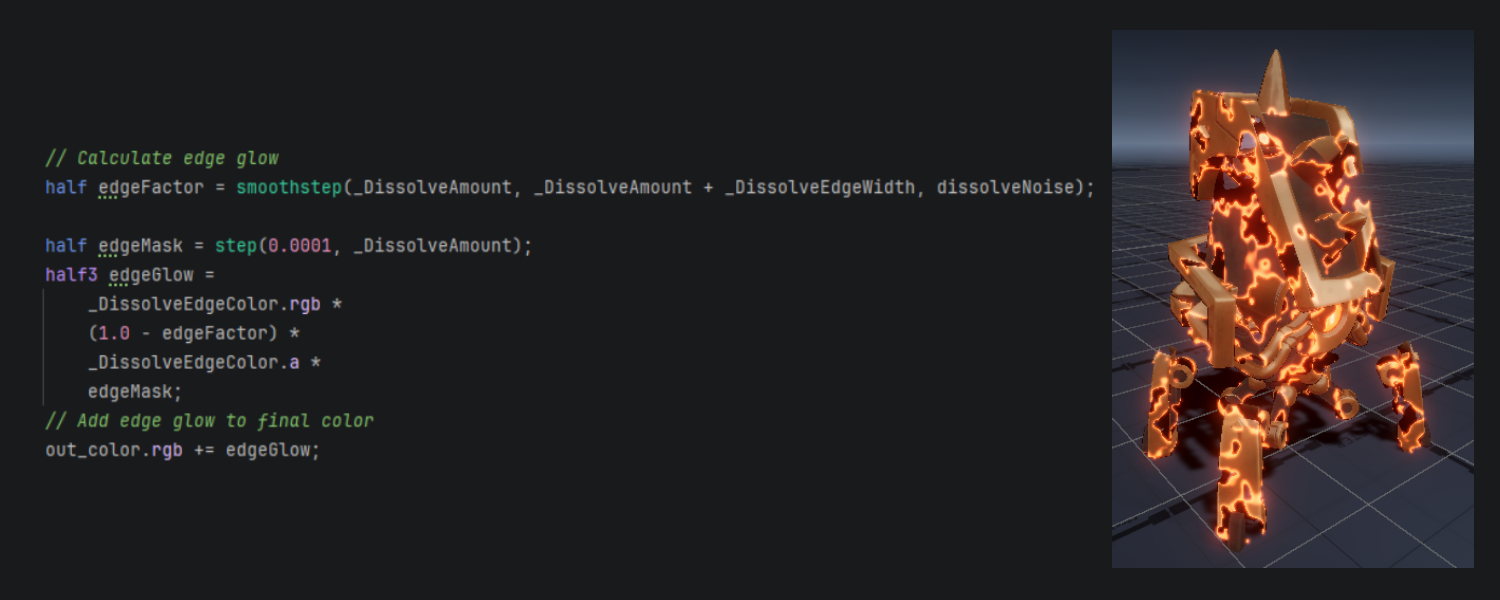
To make the dissolve easier to see, the shader also generates a glowing edge around the active transition area using the same dissolve values.
Once the surface starts dissolving, a few particles spawn from the dissolving areas using VFX Graph. As FoxGameLab said, this helps reinforce the illusion that the material is breaking apart.
The particles are being generated from the mesh while reproducing the same dissolve calculations that the shader uses.
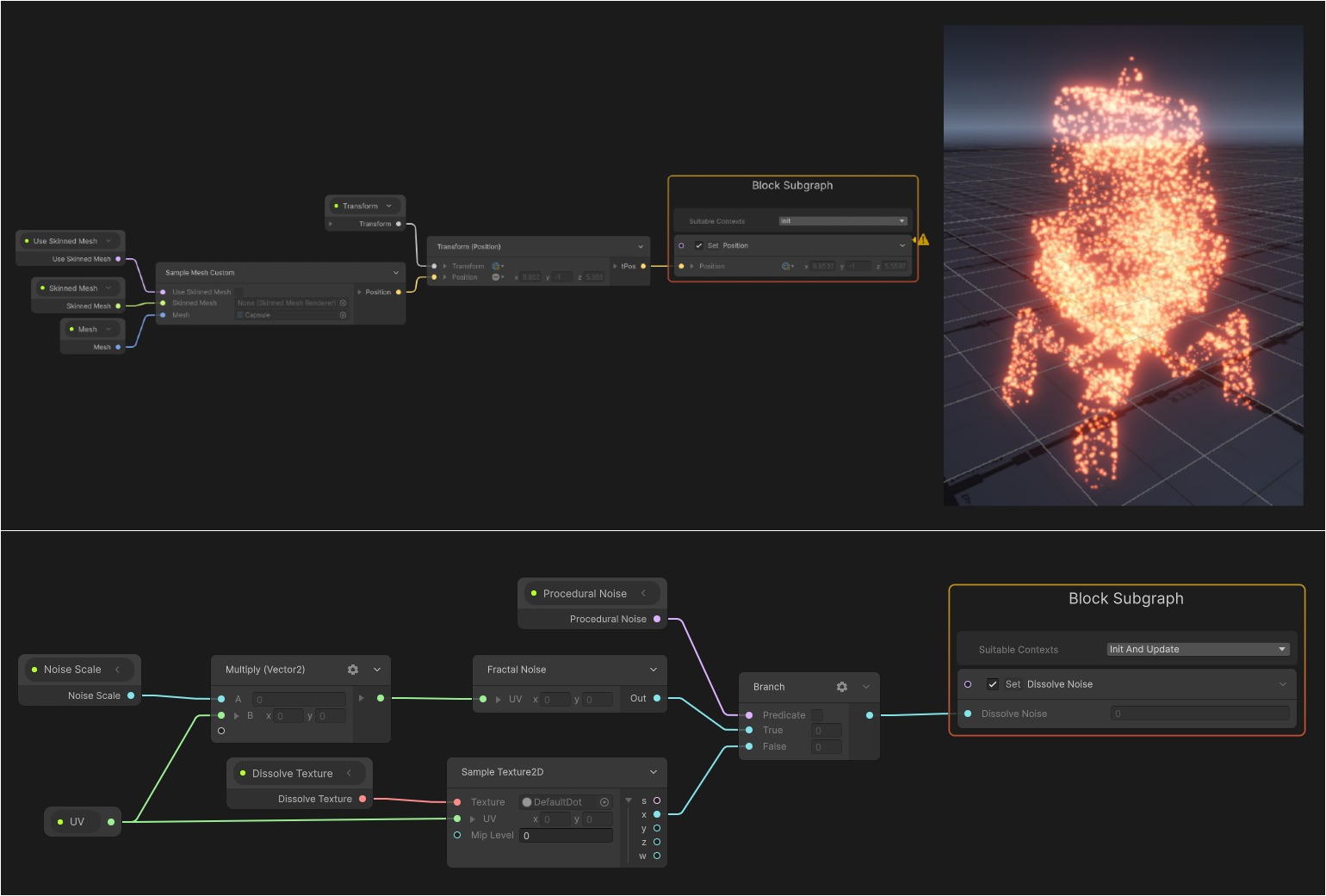
FoxGameLab explained that the reason particles should only spawn around the dissolve edge instead of across the whole dissolved area is because if particles keep spawning from already dissolved areas, the effect quickly becomes noisy and loses the sense of progression.
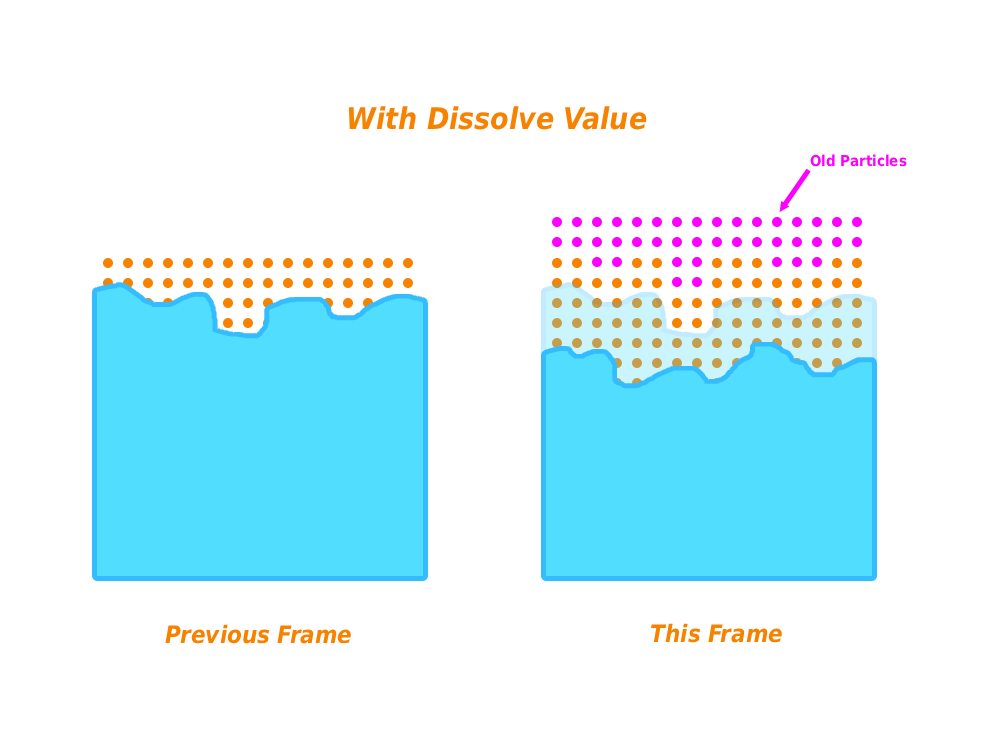
One of the biggest challenges with this type of effect is keeping the shader and the VFX Graph synchronized so both systems work consistently together during the dissolve.
The most important parameter for that is DissolveAmount. Once everything stays synchronized, the transition between the mesh and the particles becomes much smoother.
# Excerpt from the full code

[SerializeField, Range(0, 1)]
private float dissolveAmount = 0f;

public float DissolveAmount
{
    get { return dissolveAmount; }

    private set
    {
        dissolveAmount = value;
        UpdateDissolveAmount();
    }
}

private void OnValidate()
{
    UpdateDissolveAmount();
}

private void UpdateDissolveAmount()
{
    // Set the dissolve amount for all materials based on the effect state
    foreach (var material in _materials)
    {
        material.SetFloat("Dissolve Amount", dissolveAmount);
    }

    // Set the dissolve amount for the visual effect if it exists
    _visualEffect?.SetFloat("Dissolve Amount", dissolveAmount);
}

. . .
If you want to follow FoxGameLab’s work, the links will be right below.
Interested in learning more?
If you’re interested in learning shaders in Unity, The Unity Shaders Bible covers everything from the basics of Shader Graph and HLSL to more advanced topics like lighting models, ray marching, and compute shaders. 📘
Interesting fact: Most of the technical artists hired in the game industry know Python, C# (or C++) and HLSL. 👀
— Jettelly Inc. (@jettelly) December 5, 2025
And The Unity Shaders Bible can definitely help you get there. ✨
🔗 https://t.co/fw4pna2vUj#gamedev #unity3d #madewithunity #indiedev pic.twitter.com/nnMiBdXhJm
Jettelly wishes you success in your professional career!
Did you find an error? No worries!
Write to us at [email protected], and we'll fix it!
Level up your Technical Art skills! Grab our bundle and start learning today.
We invite you to explore "The Unity Shaders Bible", a comprehensive book on the concepts and fundamentals seen in this post.
Other posts that might interest you.
-
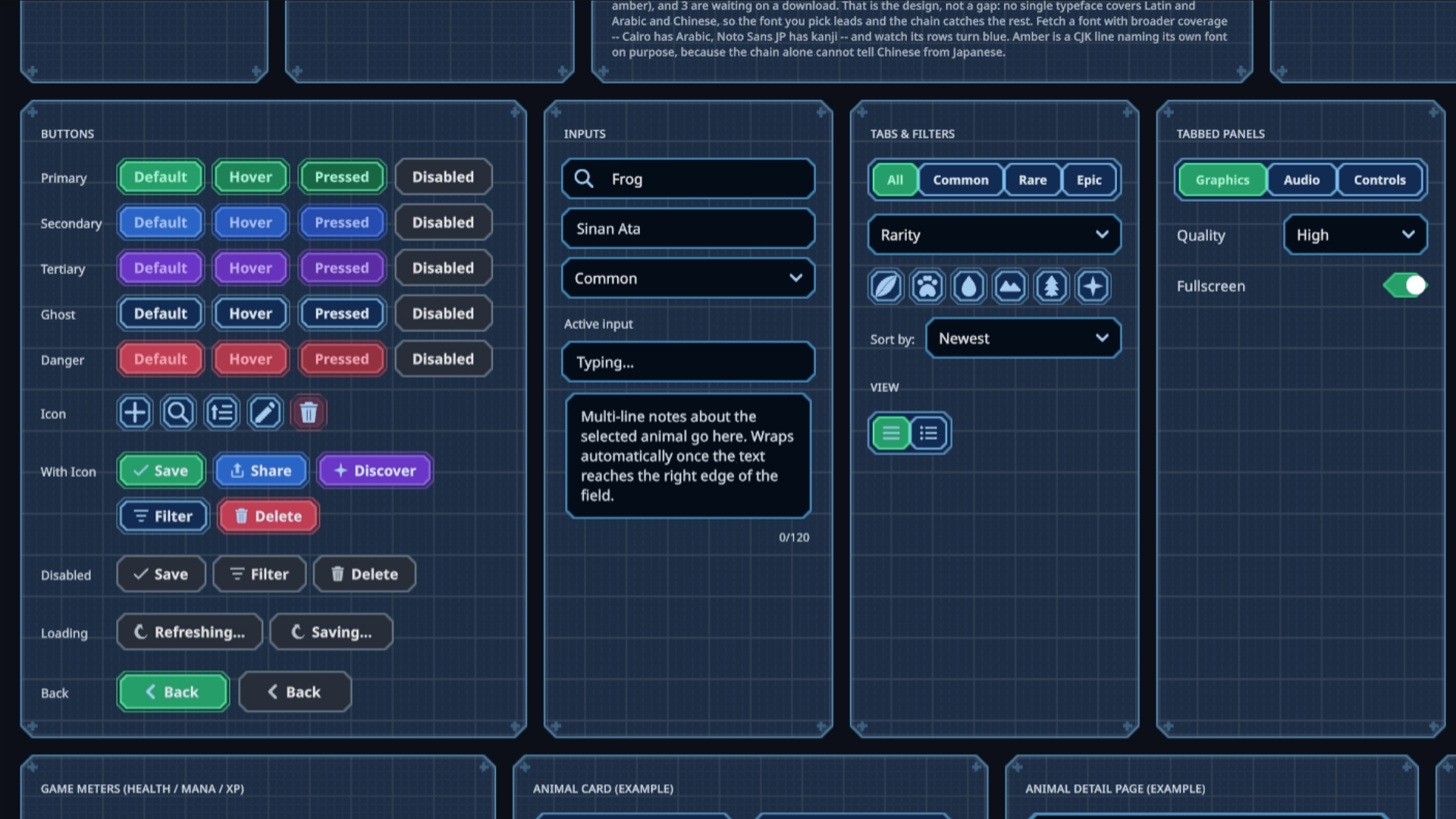 Sinan Ata's open-source Unity 6 toolkit can now place interactive UI on 3D surfaces and apply shader materials to its existing components.
 -
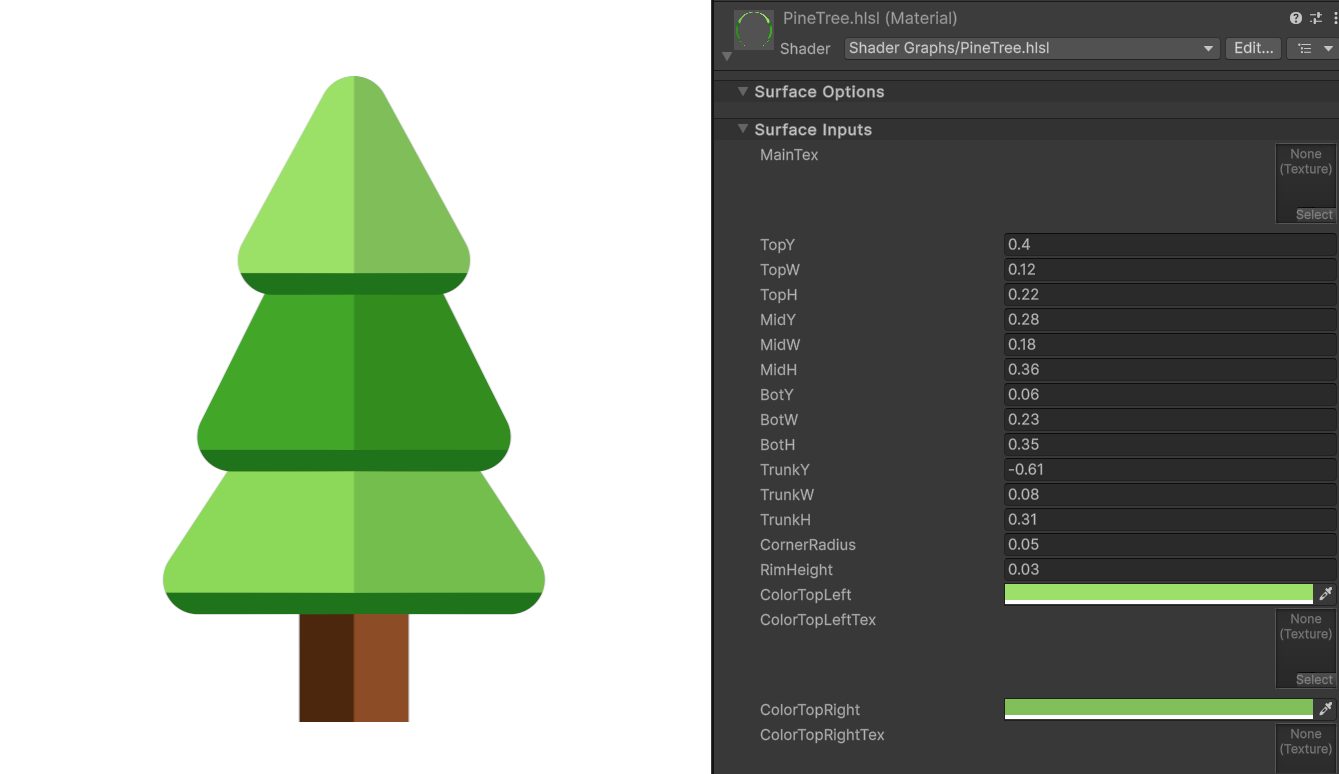 Shader Expert makes editable 2D shaders inside Unity, then renders each result so a second model can compare it with the user’s request.
 -
 Barely Breathing received a new procedural puddle system that uses raycasts, BFS, and Marching Cubes to react to walls and uneven ground.
