
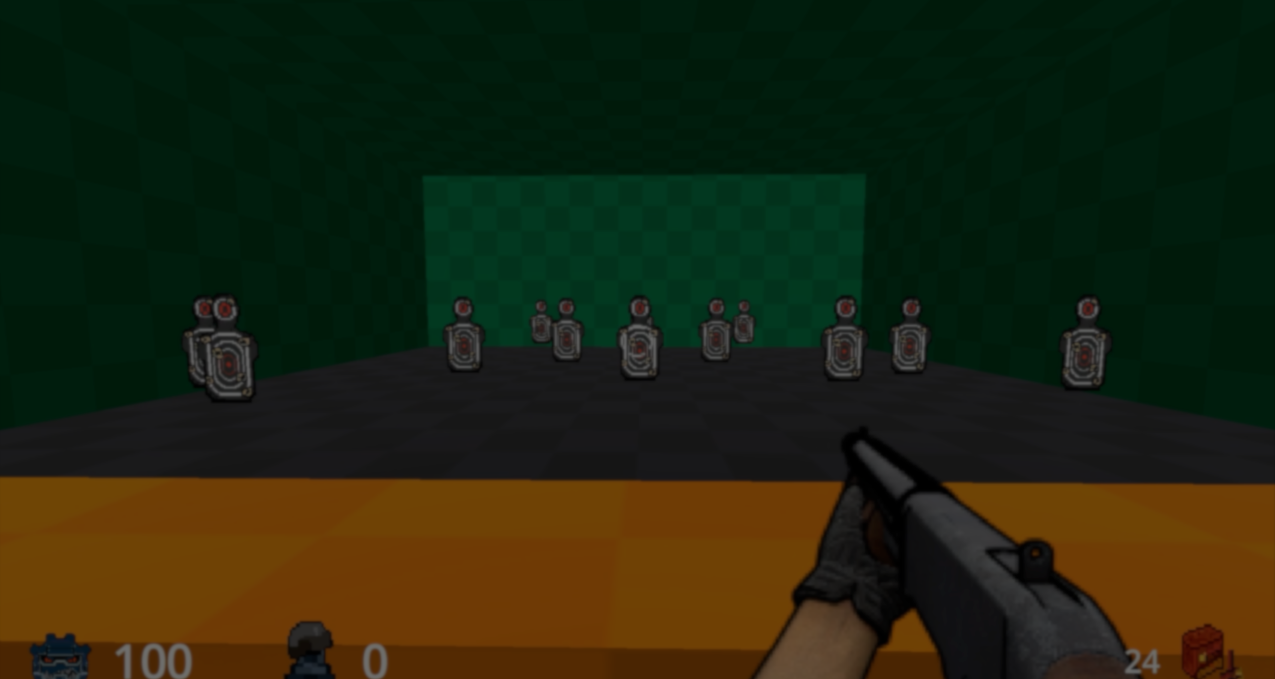
Developer behind FelixarStudio gave us a closer look at the weapon system they are working on for their upcoming Ultimate Retro Shooter Template.
The original goal was simple: create a system where developers could build new weapons without touching the code every time. To do this, the project uses Godot Custom Resources together with a single Weapon Manager.
These 7 weapons are all done using a single script with no further code.
by u/FelixarStudio in godot
As FelixarStudio said, creating separate scenes like Pistol.tscn or Shotgun.tscn may work early on, but it can eventually become harder to manage as you add more guns.
To avoid that, the system treats weapons as data instead of separate gameplay objects. Each weapon is stored inside a WeaponData resource file with things like:
- Damage
- Fire rate
- Projectile count
- Behavior flags
- Sprites
- Sound effects
# Simplified code shared by the developer

class_name WeaponData extends Resource

@export_category("Weapon Settings")

@export var weapon_name: String = "Pistol"
@export var damage: int = 30
@export var fire_rate: float = 0.4
@export var is_melee: bool = false
@export var bullets_per_shot: int = 1
Since all the weapon values are stored inside resource files, creating a new weapon mostly happens through Godot’s Inspector. You can create a new resource, adjust a few values, assign sprites and sounds, and from there the system does the rest.
The Weapon Manager itself is attached to the player. Weapons pass their data into the same system, including things like damage values, sounds, fire rates, and projectile settings.
Inside it there is:
- A Sprite2D for weapon frames
- An AudioStreamPlayer for sound effects
- And a RayCast3D for hitscan detection
# Simplified code shared by the developer

var active_weapon_data: WeaponData

func _perform_shoot() -> void:

    audio_player.stream = active_weapon_data.firing_sfx
    audio_player.play()

    for i in active_weapon_data.bullets_per_shot:

        if hit_raycast.is_colliding():

            var target = hit_raycast.get_collider()

            target.apply_damage(active_weapon_data.damage)
As FelixarStudio said, this system is currently the foundation for the upcoming Ultimate Retro Shooter Template, a Godot 4 framework made to make retro FPS development easier and faster for beginners.
If you want to follow the projects or learn more about FelixarStudio, the links will be right below.
Interested in learning more? Check out our book!
Level up your Technical Art skills in Godot!
Wherever your starting point is, this book will help you understand and improve your shaders in Godot. 📘
Jettelly wishes you success in your professional career!
Did you find an error? No worries!
Write to us at [email protected], and we'll fix it!
Other posts that might interest you.
-
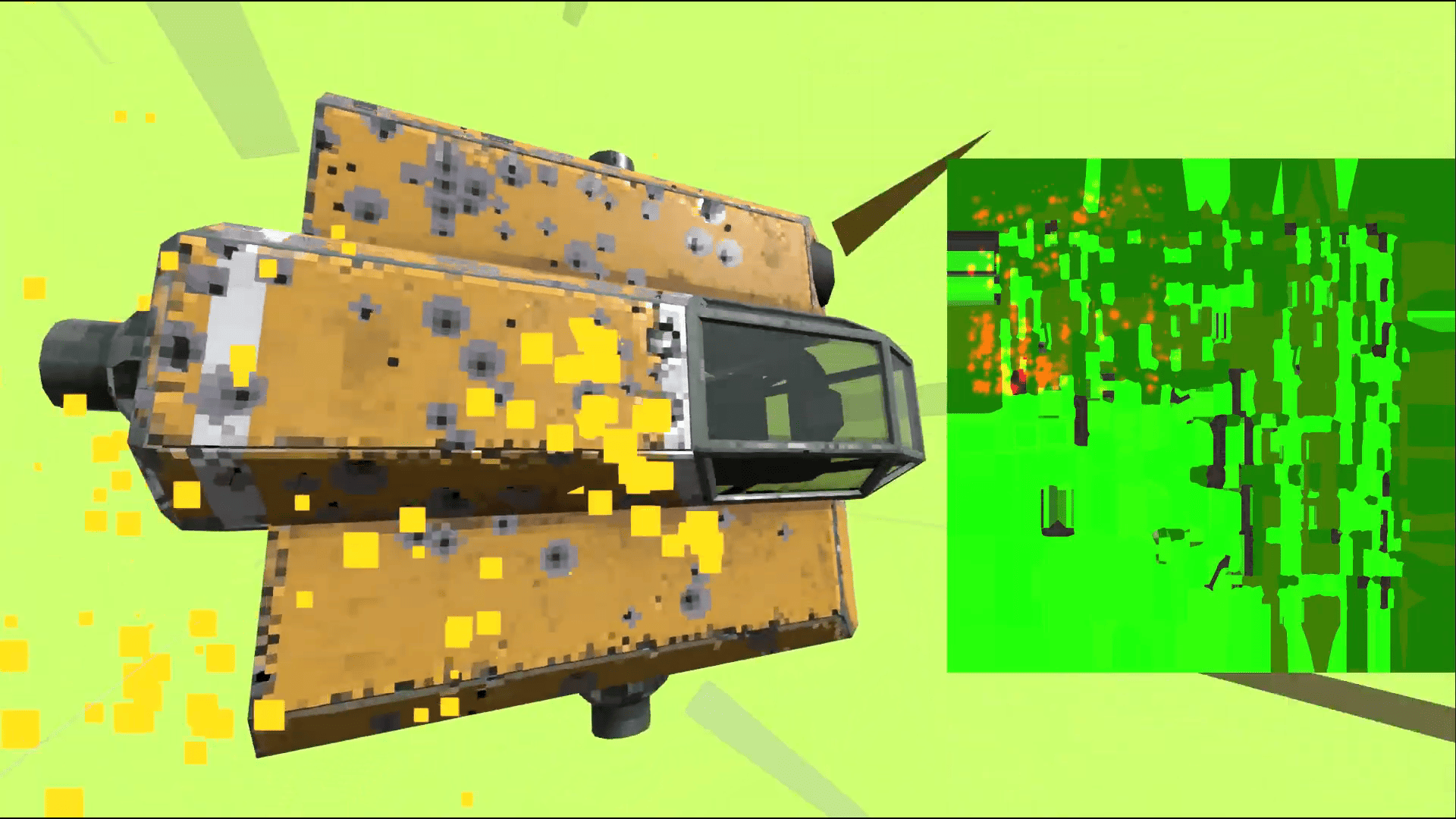 Take a look at how the indie game Steel Defiance uses a texture-based armor system where bullet impacts physically weaken armor over time.
 -
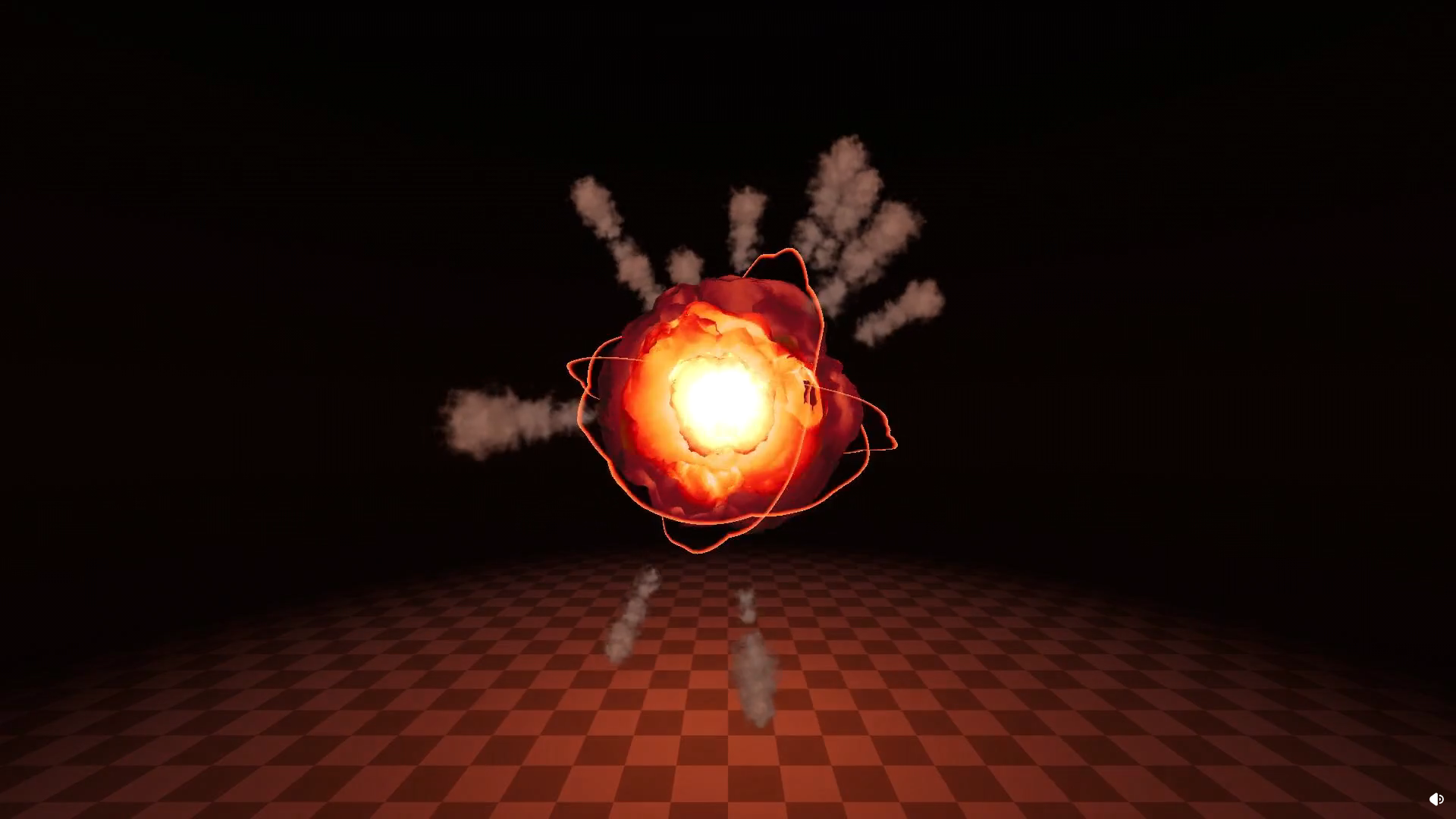 VFX artist and developer Nolkaloid walked us through one of the explosion effects from their Pyrotechnics VFX Pack in Godot.
 -
 Indie developer GoodBugGames made a new hole loading transition for their game Super Auto Golf, and shared a bit of the process behind how the effect was built in Godot.
