
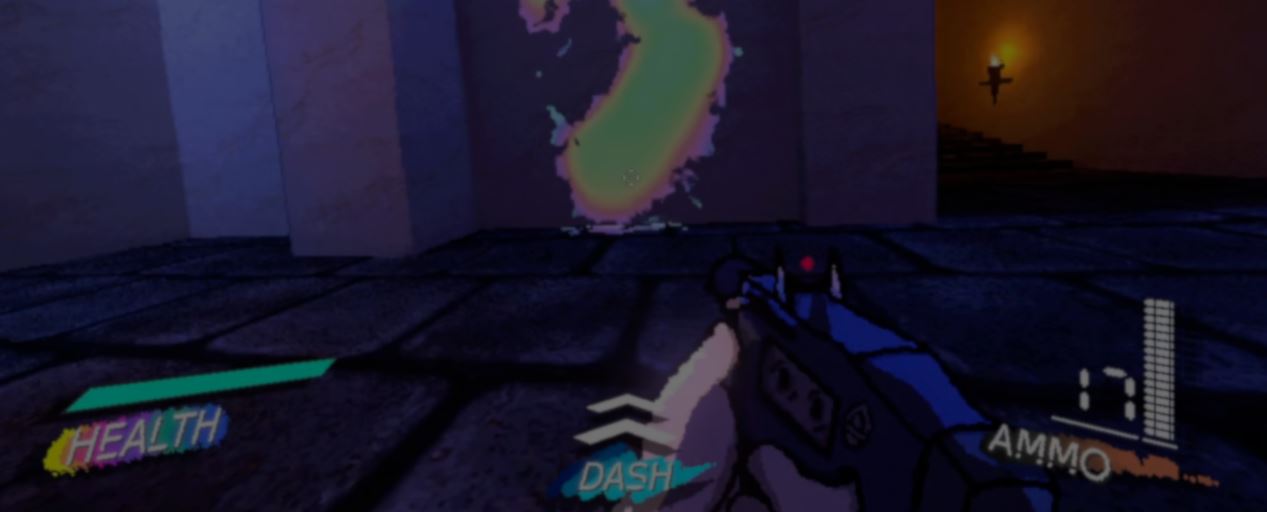
Elliptical spent nearly two years making a Splatoon-inspired game in Roblox. They had to stop working on it, but never lost interest in the ink system.
EXUVIA is not a painting game, but when it needed enemy blood, Elliptical spent about two weeks building a way to cover its levels in splashes without stacking up decals.
The first version used a Sprite2D as a brush inside a Viewport. Elliptical stopped the Viewport from clearing between frames, so every splash stayed in its texture.
A shader put that texture on the 3D level using the mesh's UV2 coordinates. But when blood hit the level, Elliptical still needed to find where that 3D point fell on the flat texture.
Godot did not provide that conversion, so they adapted Alfred Baudisch's texture painting code. The code ran in GDScript, and repeating the calculation for each hit cost CPU time.
Elliptical could have added the function to a custom Godot build, but wanted to keep the Steam version's automatic updates. They sped up the GDScript code by replacing some operations with built-in Godot functions.
When a room loads, the system also saves its mesh triangles and matching UV coordinates in a lookup table. It reuses that data for each new splash. In Elliptical's tests, filling a room with blood does not slow the game down.
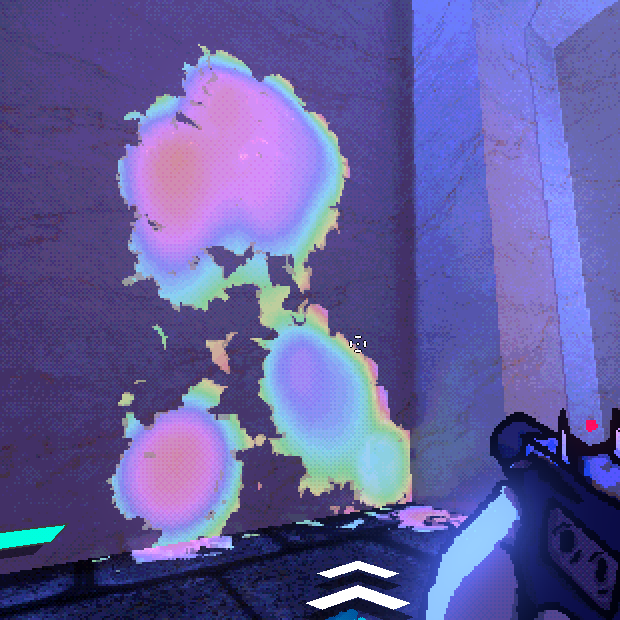
When Godot 4.7 added DrawableTexture2D, Elliptical rebuilt the effect. Blood marks now go straight into the texture from code, so there's no need to use the Viewport.
The texture's alpha controls where the blood appears. Elliptical uses noise to vary the cutoff, giving the blood uneven edges. A noise normal map makes the blood catch the light differently across its surface.
Elliptical also varies the color with the alpha level, aiming for the rainbow sheen of gasoline on water.
When a blood particle hits a wall or sloped surface, the system paints a drip below the impact. It uses a raycast to follow the mesh while moving the brush downward, lowering the brush's opacity along the way.
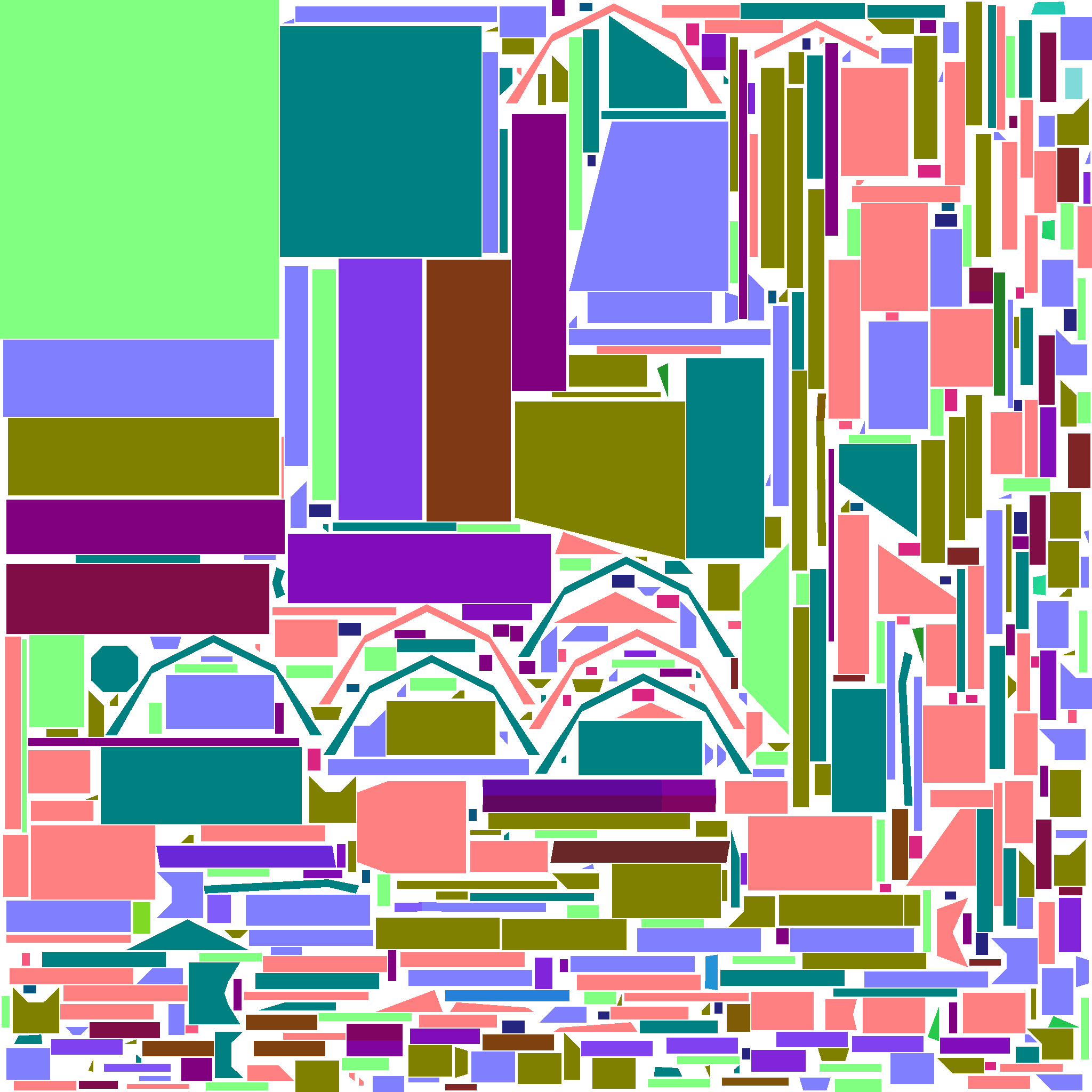
Godot generates the UV2 layout with its automatic lightmap unwrap, which still leaves visible seams in a few places.
You can see the effect in motion and hear more about it here:
- Video: Elliptical's devlog
- Game: EXUVIA on Steam
Interested in Godot VFX?
We just released our new Godot All About VFX Bundle, it covers shaders, particles, and VFX for 2D, UI, and 3D games with step-by-step examples in over 600 pages of content! ✨
Have you tried simulating a 3D planet using Sprite2D in Godot? No worries, we’ll cover it in the next update to the Complete Godot VFX Handbook! #godot
— Shaders Bible Series (@ushadersbible) September 29, 2026
The book ➡️ https://t.co/ffEKie2qmB pic.twitter.com/pyxrZKI86o
Jettelly wishes you success in your professional career!
Did you find an error? No worries!
Write to us at [email protected], and we'll fix it!
Level up your Shaders & VFX in Godot!
We invite you to explore "The Godot All About VFX Bundle", a comprehensive bundle on the concepts and fundamentals seen in this post.
Other posts that might interest you.
-
 In Castronauts, the mattress sinks under a player's feet and slowly rises when they jump away. The team shares how they made it in Godot.
 -
 Rawakha's fighter started as a capsule and a head. Now it leans into turns, bounces on landing and moves its shield with every stride.
 -
 BONETOX didn't always move this fast. KLD One shares how its combat changed on the way to Steam Early Access.
