
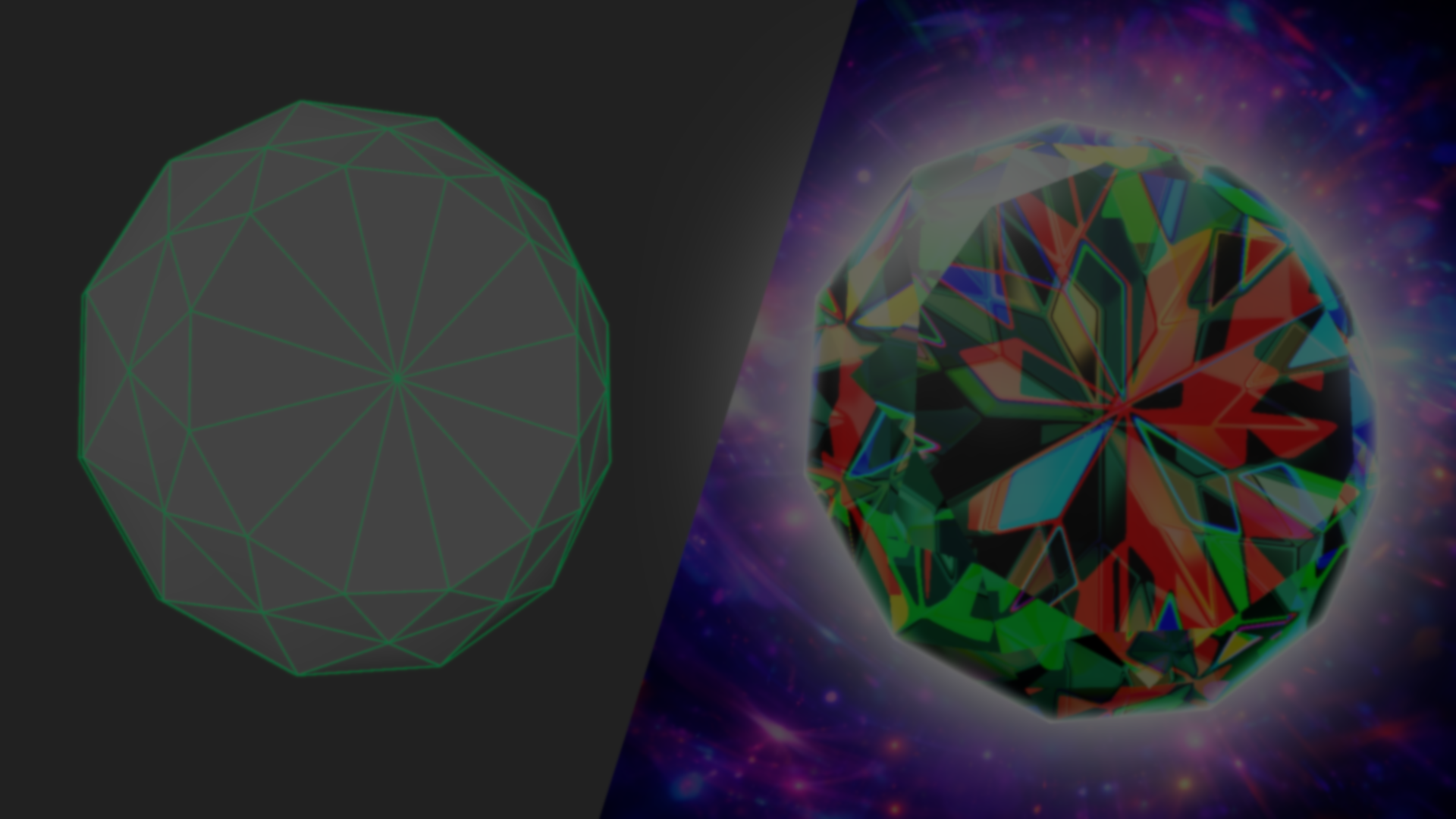
Does anyone need a gemstone for their Godot game? We just published a new YouTube tutorial. Enjoy ✨ https://t.co/Xg70MNK5Y3#godot #indiedev #gamedev pic.twitter.com/daR5KJZ7Ml
— Shaders Bible Series (@ushadersbible) April 7, 2026
Rendering the interior of a gem accurately can be expensive. A physically correct result would require techniques like ray tracing, simulating multiple light interactions inside the material: reflections, refractions, and light scattering.
In his latest video, Fabrizio explores a more practical way to do it, building a convincing approximation using textures and view-dependent distortion that works in real time.
Starting from a simple mesh and a grayscale texture inside Godot, the shader distorts UVs using the view vector in tangent space, shifting how the texture is sampled based on the camera angle.
Part of the effect comes from offsetting those UVs and sampling the texture again, layering the result to create a sense of internal depth. Grayscale values are remapped into color, with a secondary pass adding slight variation across the surface.
Fabrizio will continue sharing tutorials like this on the channel, and once it reaches 1,000 subscribers, there will be a giveaway for the Godot Shaders Bible Collector’s Edition.
We’ll be giving away the Godot Shaders Bible Collector's Edition once we hit 1K subscribers on YouTube ✨ Help us share the channel so we can reach it together! 🔗 https://t.co/DzNGNmwLlG#godot #indiedev #gamedev pic.twitter.com/nFhBOABW6l
— Shaders Bible Series (@ushadersbible) March 18, 2026
Interested in learning more?
If you are interested in shaders and the math behind game visuals, the Shaders Bible Collection brings together six books covering shader programming, procedural shapes, and core math concepts in Unity and Godot.
This is for developers, students, and creatives who want a better understanding of shaders, strengthen their fundamentals, and improve the visual quality of their projects.
Looking to get into technical art? ✨ Check out the "Shaders Bible Collection," a 6-book bundle for Unity and Godot!
— Jettelly Inc. (@jettelly) April 6, 2026
Available for limited time: https://t.co/0vLC31dz6m#techart #gamedev #indiedev #vfx pic.twitter.com/6co2fTSnTr
Jettelly wishes you success in your professional career!
Did you find an error? No worries!
Write to us at [email protected], and we'll fix it!
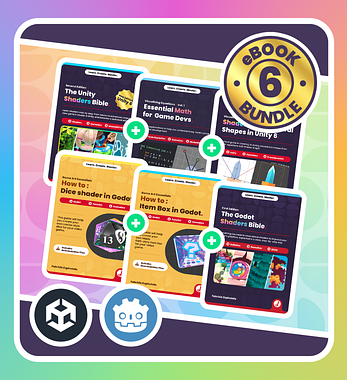
Level up your Technical Art skills with our new limited time bundle!
We invite you to explore "The Shaders Bible Collection", a comprehensive bundle on the concepts and fundamentals seen in this post.
Other posts that might interest you.
-
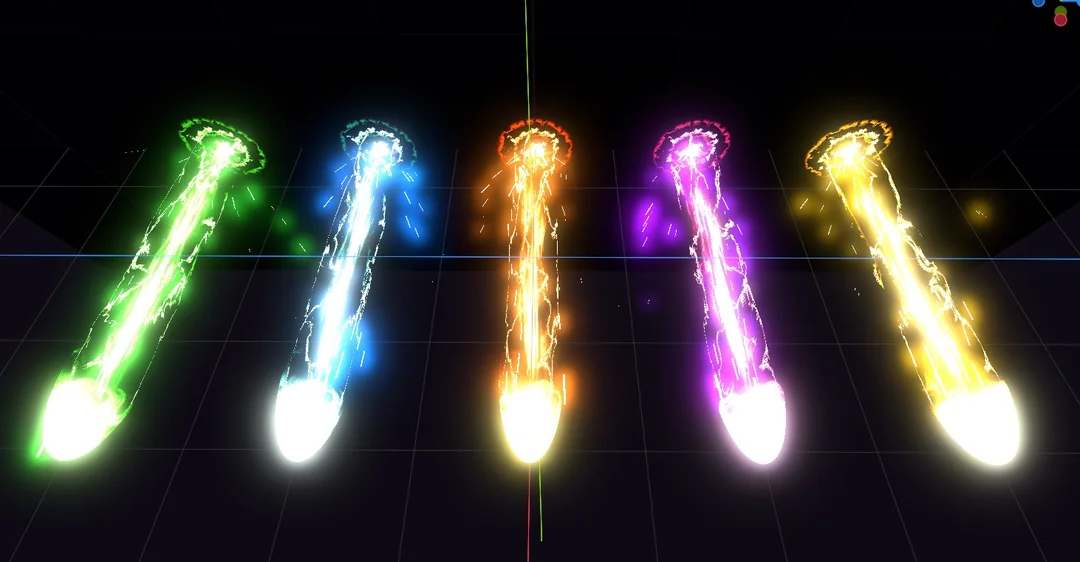 Developer SingerLuch broke down the shader logic behind their new Godot beam VFX asset pack.
 -
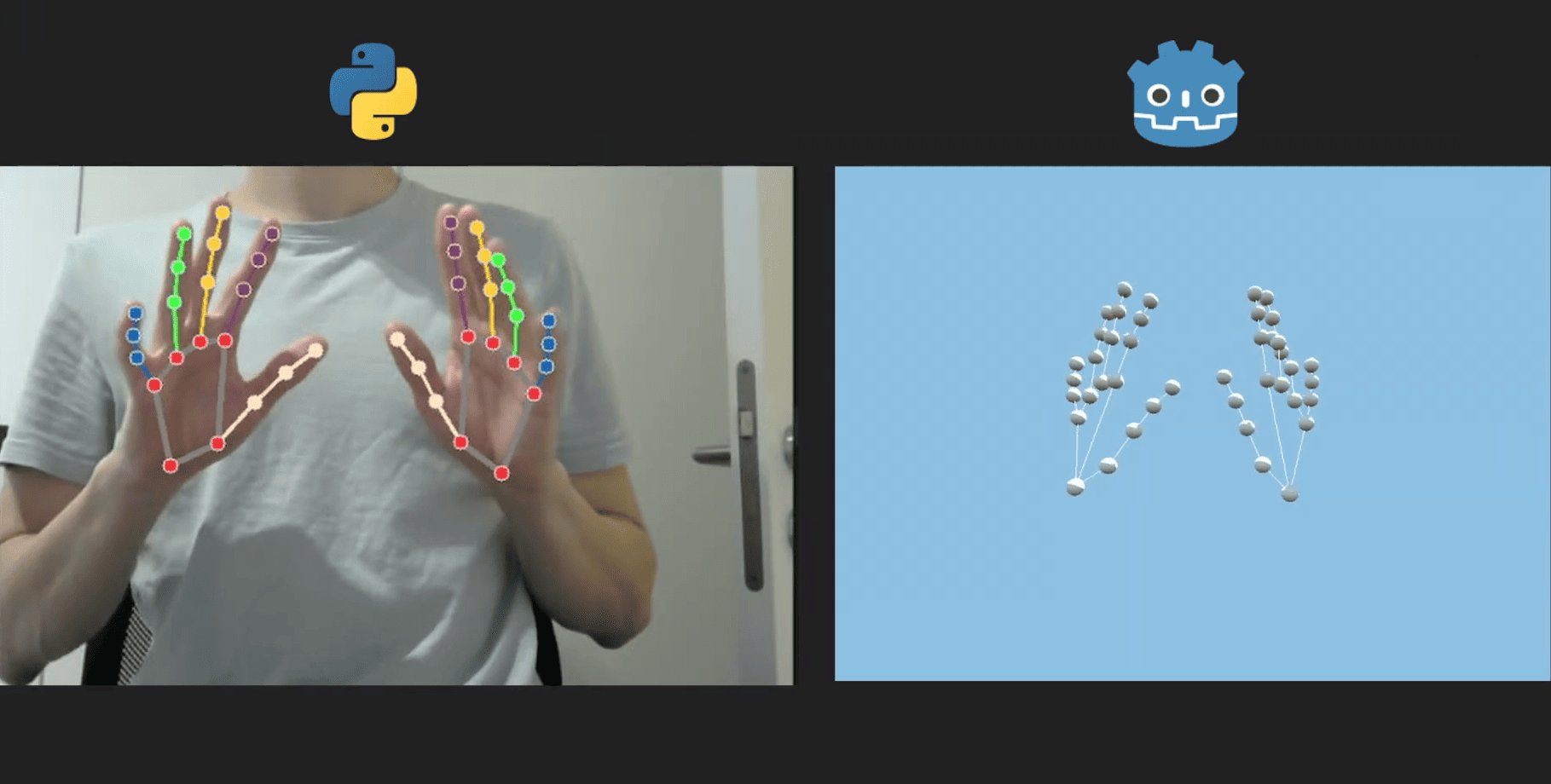 Developer Florian Trautweiler shared how he used Python, MediaPipe, and Godot to create real-time 3D hand tracking using just a webcam.
 -
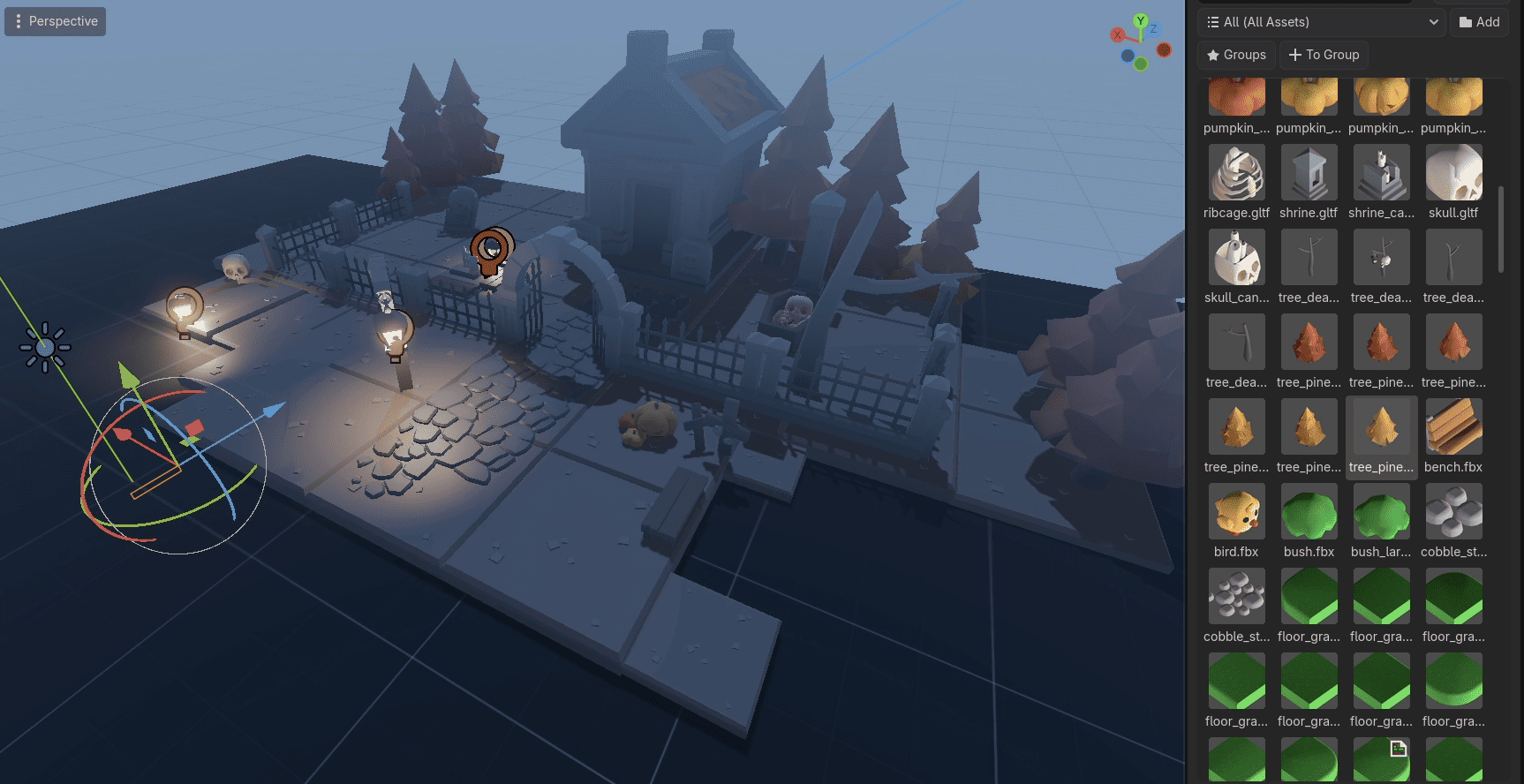 Mingdosa shared some technical details behind OmniBuilder, a Godot plugin focused on making level design feel more interactive and game-like
