
Working on dialogue systems inside a game engine can quickly become messy, especially as branching paths grow and logic becomes harder to track.
StoryFlow by Soulsticesyo is a standalone visual scripting tool focused on building interactive narratives. It lets you create and test entire story flows in a separate environment, then bring them into engines like Godot, Unity, and Unreal.
My visual scripting tool for creating branching dialogues now has Godot plugin!
by u/Soulsticesyo in godot
Visual Scripting for Narrative Design
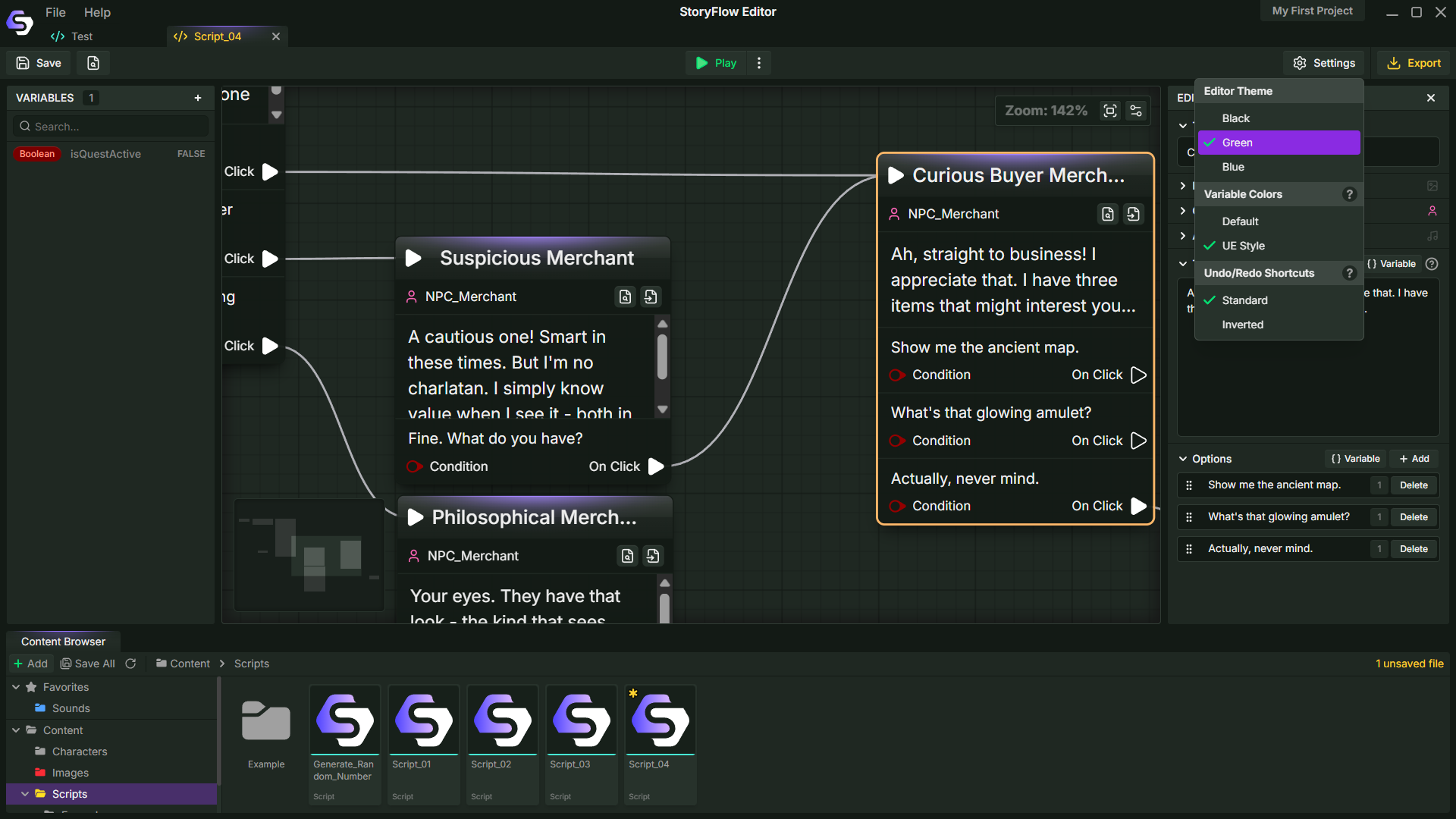
StoryFlow Editor is a node-based tool where dialogue and logic are built by connecting nodes on a canvas. Each node represents a specific action, such as:
- Dialogue lines
- Branching choices
- Variable checks
- Flow control
The structure of the story is defined visually, so it’s easier to follow how different paths connect and where decisions lead. The system includes over 80 node types, covering everything from basic branching to more complex logic using variables, arrays, and enums.
Dialogue Editing and Structure
Dialogue nodes can be edited through a dedicated panel, where text, options, and related assets are handled in one place. This panel provides:
- A larger text editor for dialogue
- Tools to manage player choices
- Support for background images and assets
Testing Without Leaving the Tool
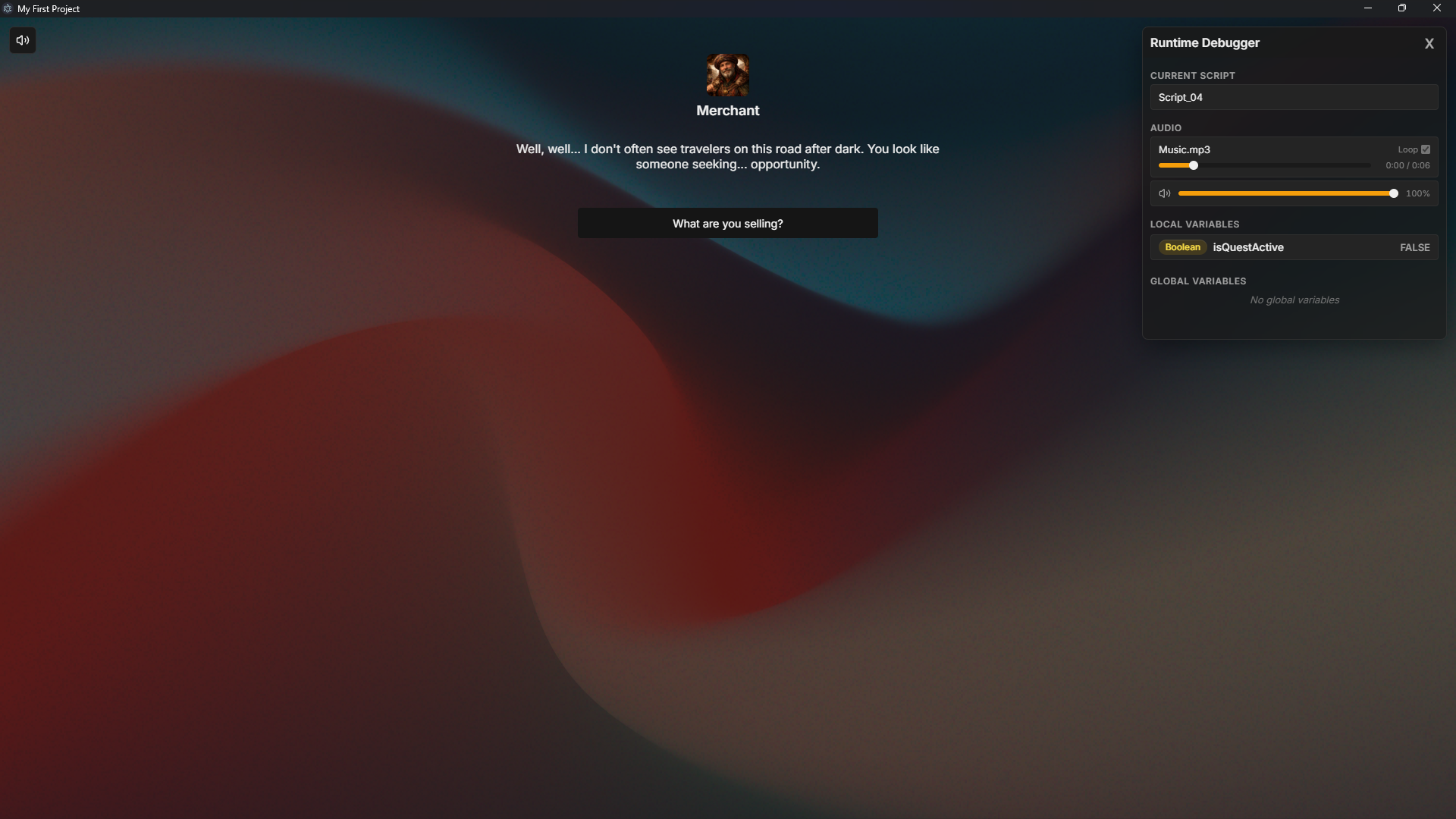
One of the more practical aspects is the built-in play mode. You can run and test the entire dialogue flow directly inside the editor, without exporting or opening a game engine. It helps when iterating on pacing, structure, and branching, since everything can be tested in the same place.
Export and Engine Integration
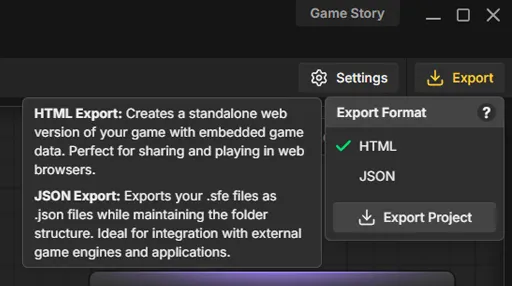
Once a dialogue system is ready, it can be exported in different formats depending on its use.
- HTML export allows sharing interactive stories directly
- JSON export is used for engine integration
Plugins are available for Godot, Unity, and Unreal, letting you bring the same narrative setup into different pipelines. The Godot plugin, for example, uses JSON together with WebSocket support for live updates.
It Works Offline
The tool runs entirely offline. Projects are stored locally, with no reliance on cloud services or accounts. All data stays on disk, which can matter for teams handling larger narrative structures.
If you’d like to explore more about Soulstice’s work or follow updates of the tool, you can check out the official pages below:
- StoryFlow (Steam): https://store.steampowered.com/app/4088380/StoryFlow_Editor/
- StoryFlow (Itchio): https://soulstices.itch.io/storyflow-editor
- Official website: https://storyflow-editor.com/
- Soulstice’s X page: https://x.com/soulstices_dev
Interested in learning more?
If you’re interested in the technical side of Unity? The Unity Dev Bundle brings together six books covering shaders, math, procedural shapes, editor tools, and character customization.
This is for developers and technical artists who want to build a stronger foundation and work with more advanced graphics and systems in their projects.
Getting into the technical side in Unity? 👀 Our six-book bundle covering shaders, math, animation, and tools is back for a limited time! ✨
— Jettelly Inc. (@jettelly) April 2, 2026
Check it out: https://t.co/hXakjJfm72#unity3d #gamedev #indiedev pic.twitter.com/zGQYT5da5M
Jettelly wishes you success in your professional career!
Did you find an error? No worries!
Write to us at [email protected], and we'll fix it!
Level up your Unity skills with our new six books bundle!
We invite you to explore "The Unity Dev Bundle", a comprehensive bundle on the concepts and fundamentals seen in this post.
Other posts that might interest you.
-
 GreatOdds recreated a Minecraft-style effect that keeps shadow edges locked to the texture as the model moves and rotates.
 -
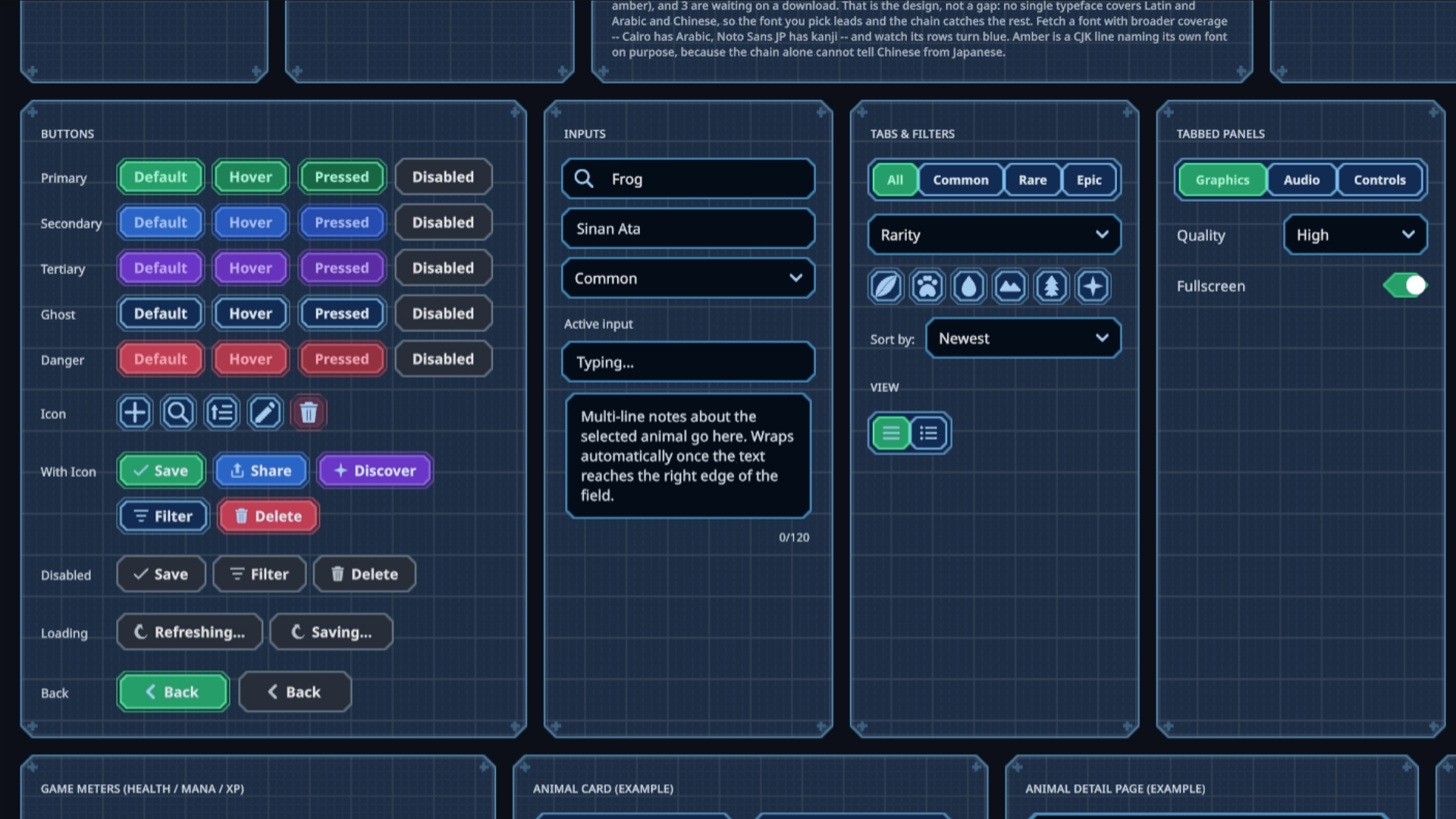 Sinan Ata's open-source Unity 6 toolkit can now place interactive UI on 3D surfaces and apply shader materials to its existing components.
 -
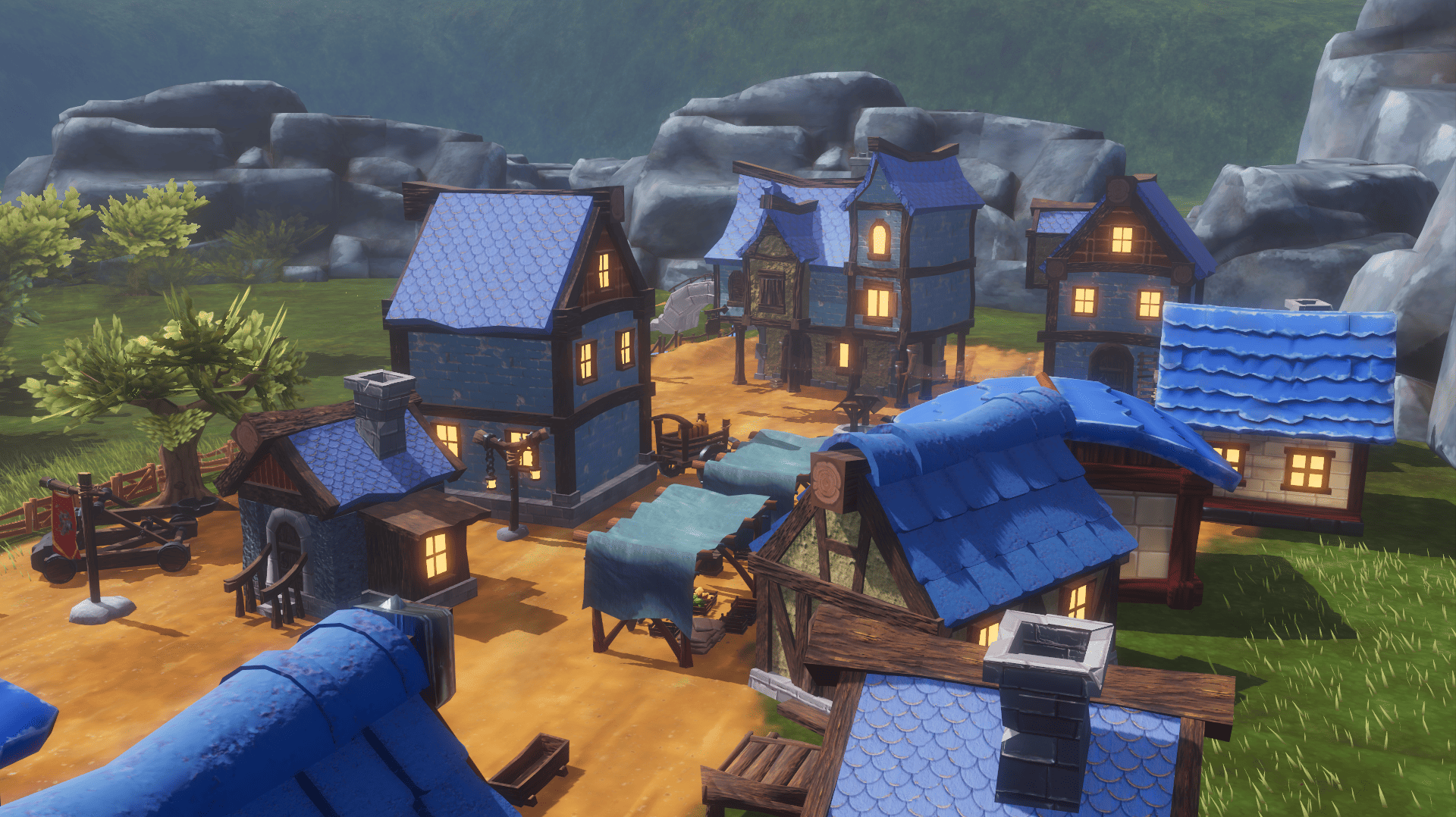 What began as a Blender challenge grew into 40 free models and a playable Godot scene showing how they work together.
