
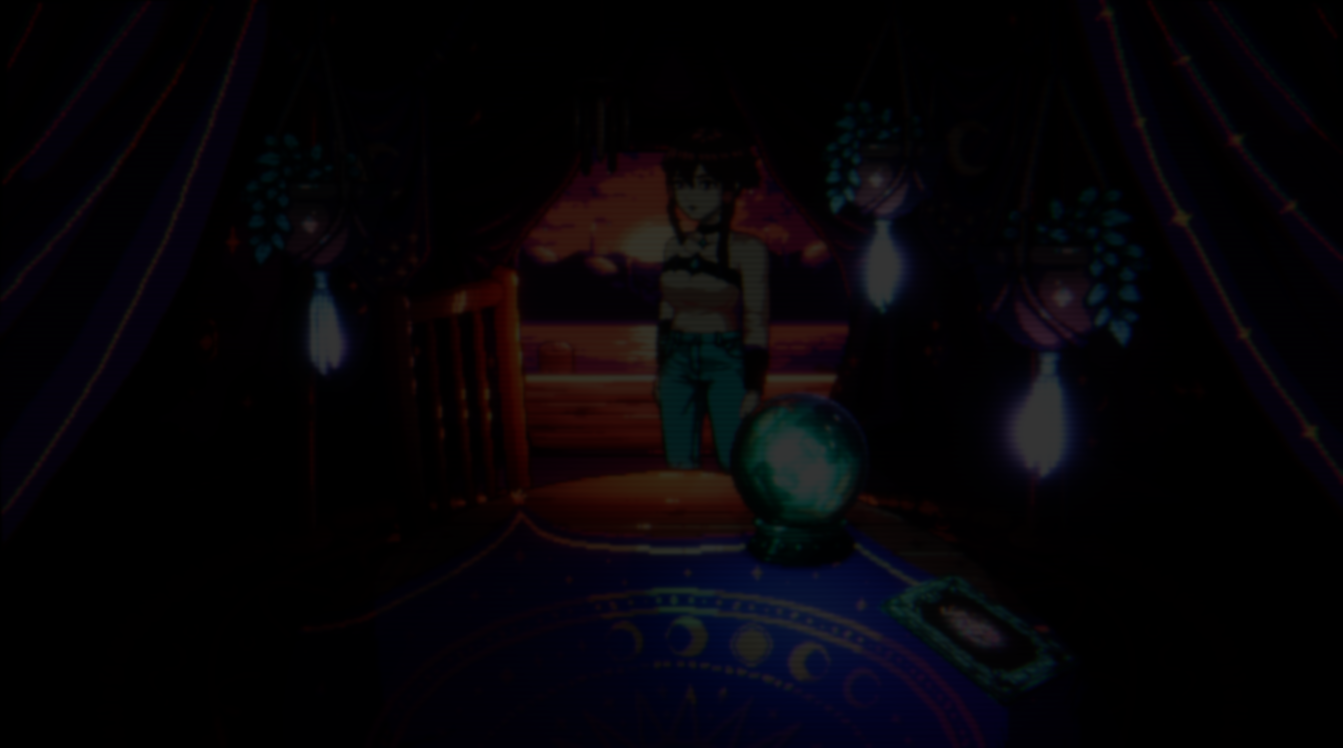
Recently, developer Niko shared a short clip from their game, Moon Reader, showing a scene with a distinctive 2.5D look.. At first glance it almost looks like pixel art placed inside a 3D world.
The interesting part is how simple the underlying idea turned out to be. After a brief exchange, Niko shared a breakdown of the approach used to achieve the style. The result combines several techniques working together: billboard sprites, shader passes, and texture projection.
Is this 2.5D style interesting? can you guess how it was made? [edited: fixed video]
by u/Nikoru- in Unity3D
Billboard Characters in a 3D Scene
One of the foundations of the style is the use of billboards.
The idea is straightforward. A flat surface such as a plane or quad is placed in the scene, and a sprite is rendered on it. Because it behaves like a regular 3D object, it still interacts correctly with lighting, depth, and other elements in the world.
Many 2.5D games use this technique in some form. In Moon Reader, the sprites themselves are animated using 2D skeletal animation. Instead of frame-by-frame pixel animation, the character pieces are rigged and animated similarly to traditional 2D animation systems.
The animation then passes through a pixel-perfect camera, keeping the final image aligned with the pixel art style.
To render the correct sprite element, the shader shifts the UV coordinates so the billboard displays the appropriate region of the texture.
Preserving the Pixel Art Look
One challenge with skeletal animation in pixel art is maintaining the illusion of pixel-perfect outlines. If outlines are baked directly into the sprite, deformation during animation can easily break the style.
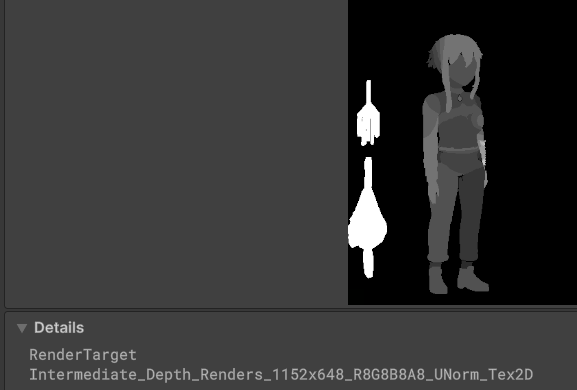
To address this, the outlines are generated through custom depth maps and render passes instead of being part of the texture itself.
This means the outlines react to the depth of the character’s individual pieces, helping the sprite maintain the pixel art illusion even when animated.
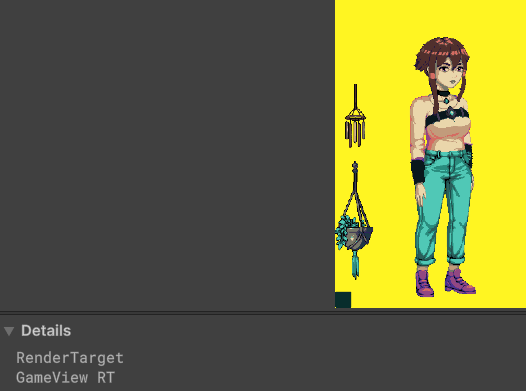
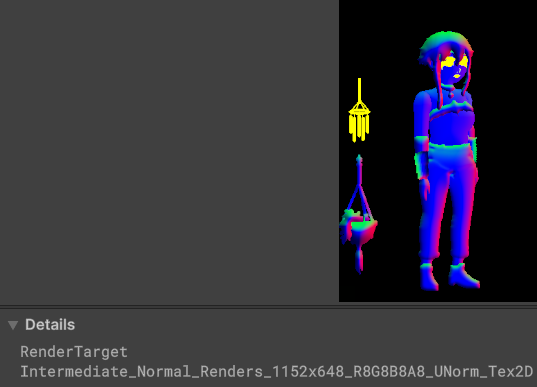
As an additional pass, normal maps are applied to the sprites so they react to lighting in the 3D environment.
Below is an example of the different render passes used for the characters:
Color pass
Normal pass
Depth pass
Texture Projection for Environment Surfaces
The second key part of the visual style is texture projection.
This technique is commonly used in film VFX, but it appears less frequently in games. Instead of creating full 3D textures for surfaces, the system projects a 2D texture onto 3D geometry using the matrix of a camera.
This technique is commonly used in film VFX, but it appears less frequently in games. Instead of creating full 3D textures for surfaces, the system projects a 2D texture onto 3D geometry using the matrix of a camera.
In practice, the process works like this:
- The camera matrix is converted into UV coordinates.
- These coordinates are applied to the geometry.
- A texture matching the camera view is projected onto the surfaces.
Because the game uses a mostly fixed viewpoint, the projection remains believable and avoids heavy texture work on the models.
The field of view plays an important role here. A wider FOV increases coverage but can introduce stretching, while a narrower one keeps the image closer to the pixel art look but limits camera movement.
To show how everything comes together in the scene, Niko also shared a short breakdown of the setup used in the project.
Procedural Character Variations
On top of the rendering system, Niko also built a procedural character generator. The sprites are prepared as grayscale textures, which makes them compatible with LUT color palettes.
Different palettes can be applied independently to body parts such as the torso, legs, head, or hair. This allows for the generation of many character variations from a relatively small set of assets.
The idea was inspired by the character generation system used in Papers, Please.
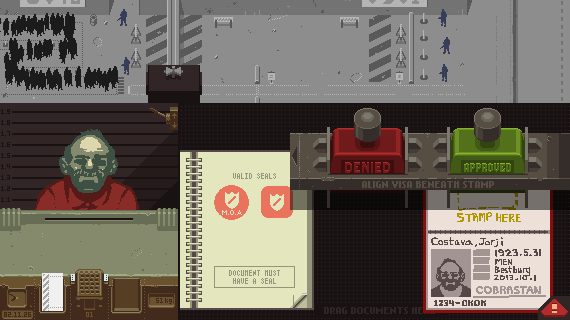
(Screenshot from “Papers, Please,” created by Lucas Pope. Source: papersplea.se)
About Moon Reader
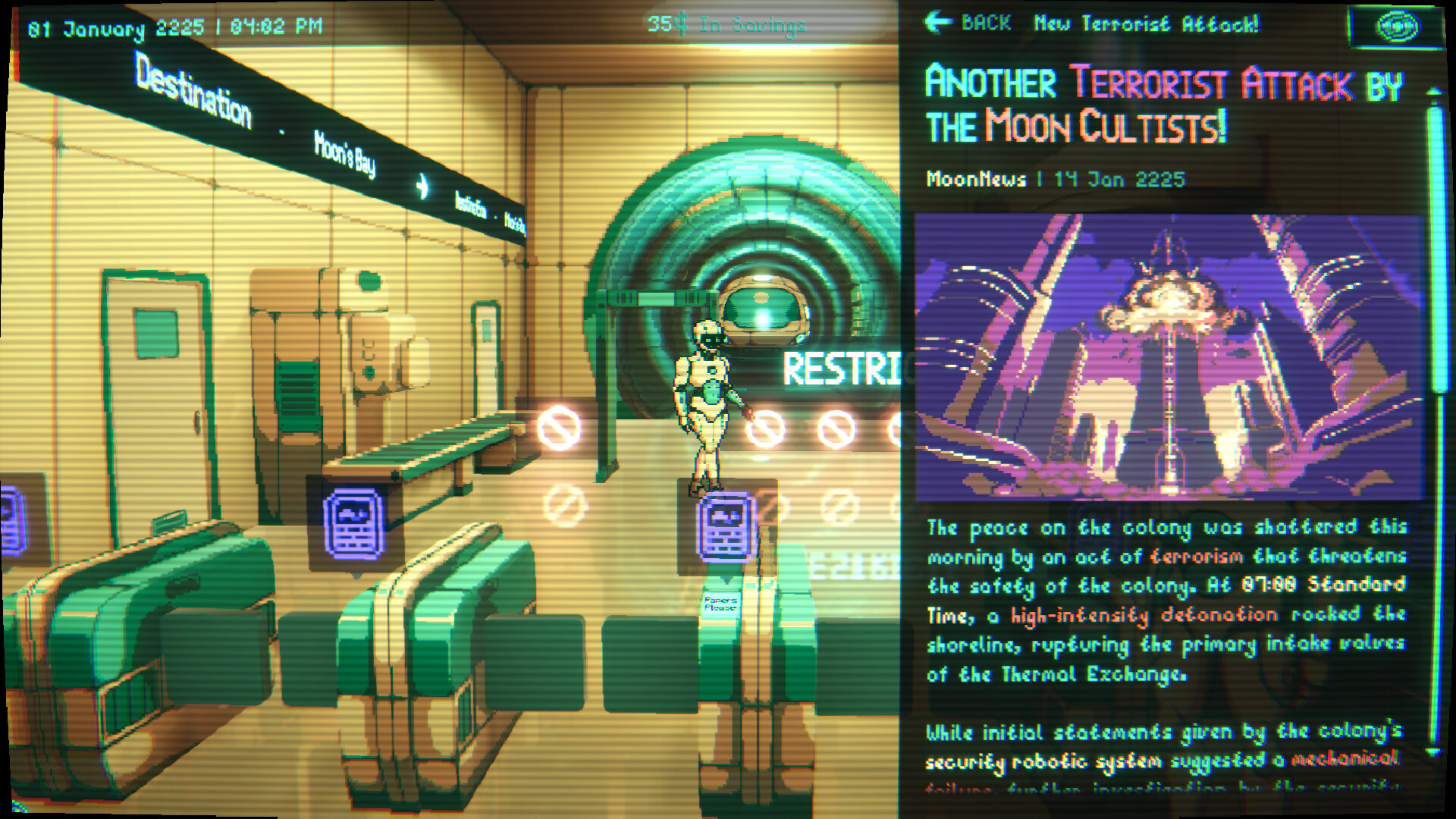
The visual techniques shown here are used in Moon Reader, a narrative life simulator set in a neo-futuristic lunar colony.
Players take the role of a fortune teller, reading cards, influencing the people around them, managing time and money, paying bills, and making decisions that affect both their own lives and the lives of others.
The game is currently available to wishlist on Steam.
Interested in learning more?
If you’re interested in the technical side of Unity? The Unity Dev Bundle brings together six books covering shaders, math, procedural shapes, editor tools, and character customization.
This is for developers and technical artists who want to build a stronger foundation and work with more advanced graphics and systems in their projects.
Getting into the technical side in Unity? 👀 Our six-book bundle covering shaders, math, animation, and tools is back for a limited time! ✨
— Jettelly Inc. (@jettelly) April 2, 2026
Check it out: https://t.co/hXakjJfm72#unity3d #gamedev #indiedev pic.twitter.com/zGQYT5da5M
Jettelly wishes you success in your professional career!
Did you find an error? No worries!
Write to us at [email protected], and we'll fix it!
Level up your Unity skills with Character Customization and Editor Tools!
We invite you to explore "Unity 6 Creator Essentials Bundle", a comprehensive bundle on the concepts and fundamentals seen in this post.
Other posts that might interest you.
-
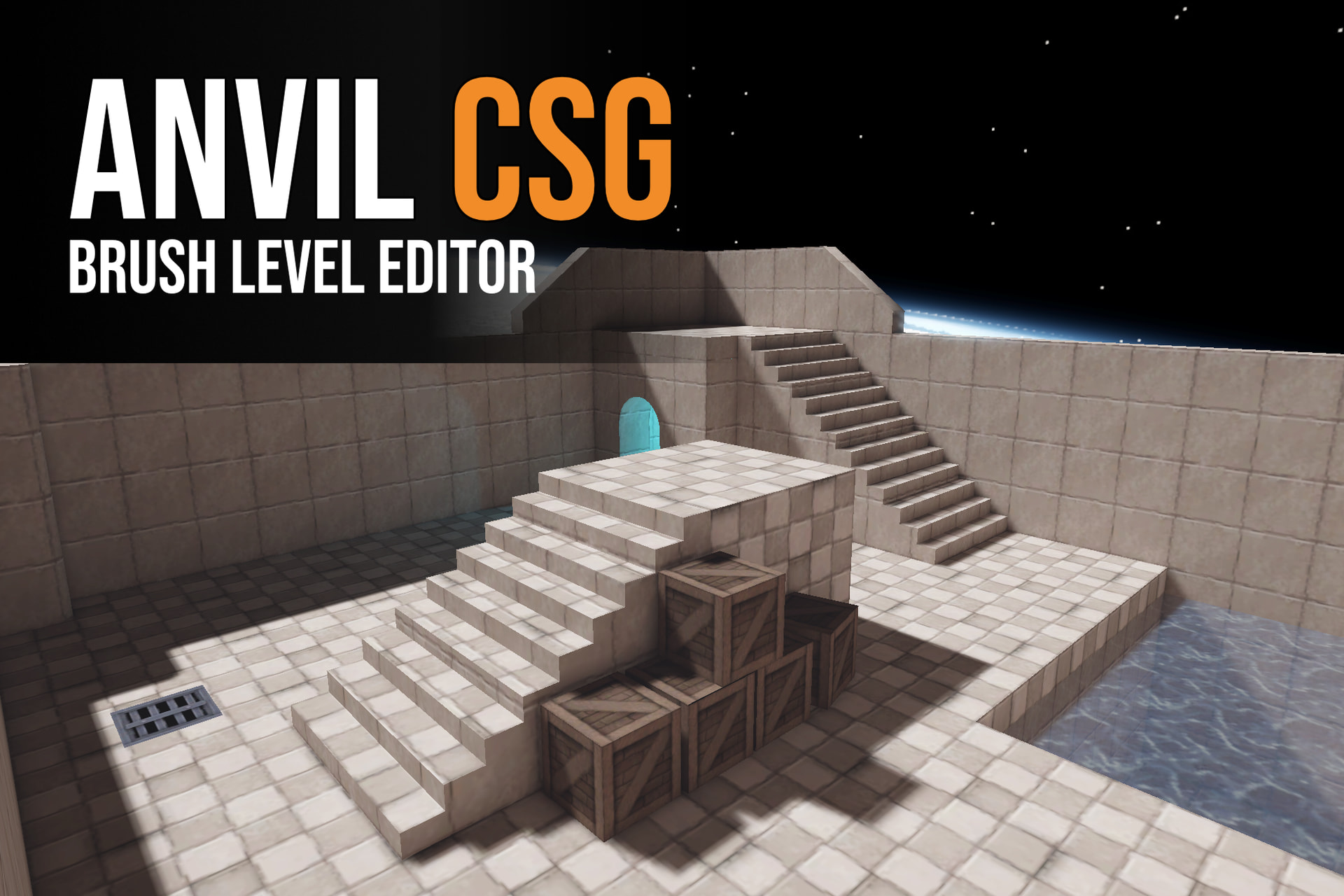 Anvil CSG lets you shape levels in a four-view editor and build them into Unity maps. Simun Dev shares how feedback from beta testers helped the tool grow.
 -
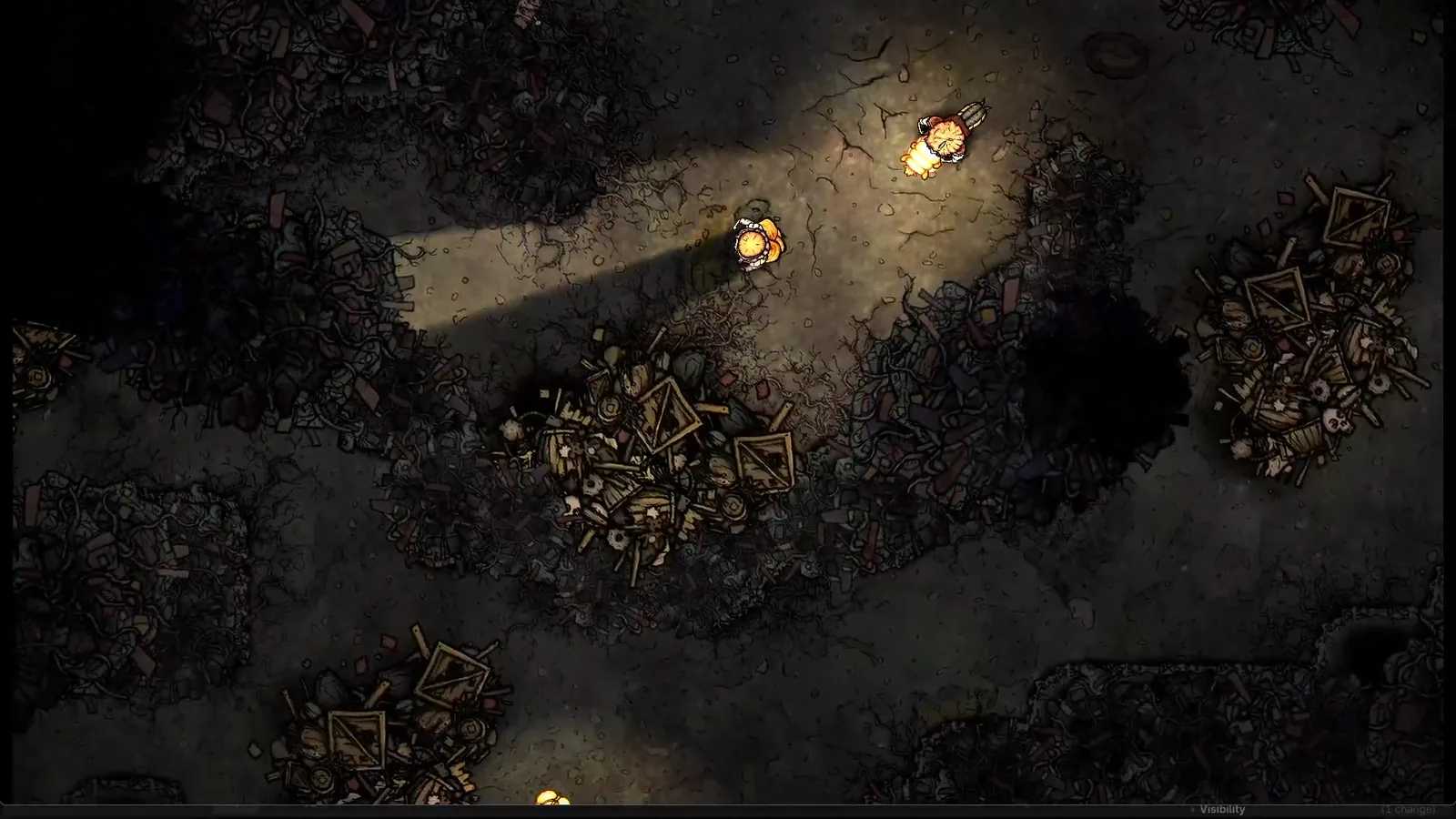 Silk & Sorrow's trees and trash piles seem to have height, but they are made from sprites. Florian Heynen of Snowberry Games made the effect by stacking, moving and lighting those layers in Godot.
 -
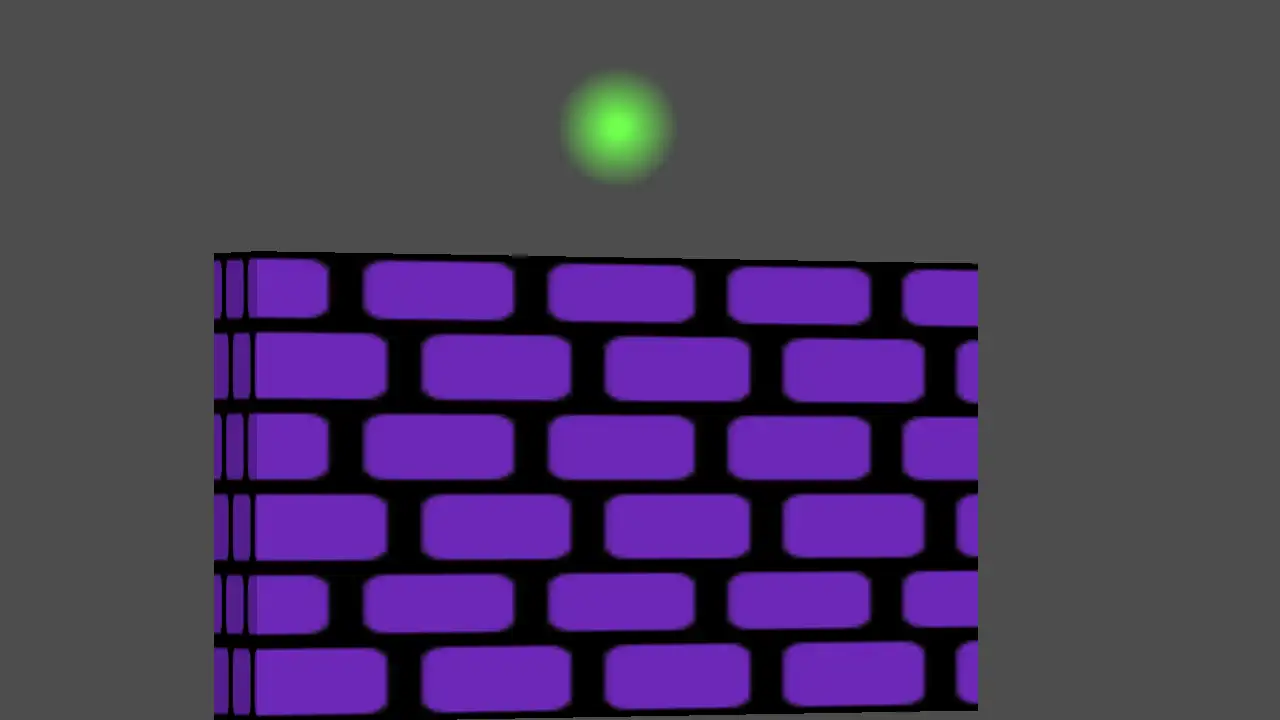 Perspective Quads gives 2D Godot scenes a sense of depth through texture warping, animated view changes and interfaces that stay interactive.
