
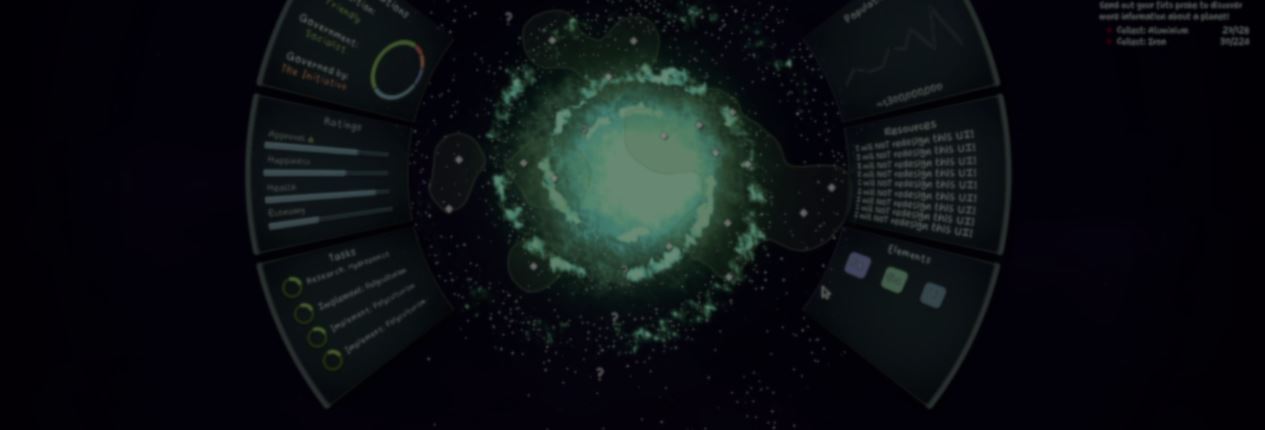
One way to curve an entire interface is to render it through a SubViewport, then bend the resulting texture. That second step can soften its text, icons, and outlines.
For Tales From Outer Space, William Murphy took another route. Most of the interface shapes are generated with shaders, while the controls inside them are positioned to follow the same curve.
UI is usually where William's projects stall, and this layout still took around 11 or 12 iterations.
The planet had to stay at the center, with the main actions no more than one click away. The interface also needed to match the game's hand-drawn style without falling back on translucent blue or green sci-fi panels.
Earlier versions used flat side panels. Tilting them toward the planet added some depth, but the straight edges still felt disconnected from the circular layout.
The current panels follow the planet's curve, while larger menus appear only for actions that need more space, such as building or trading.
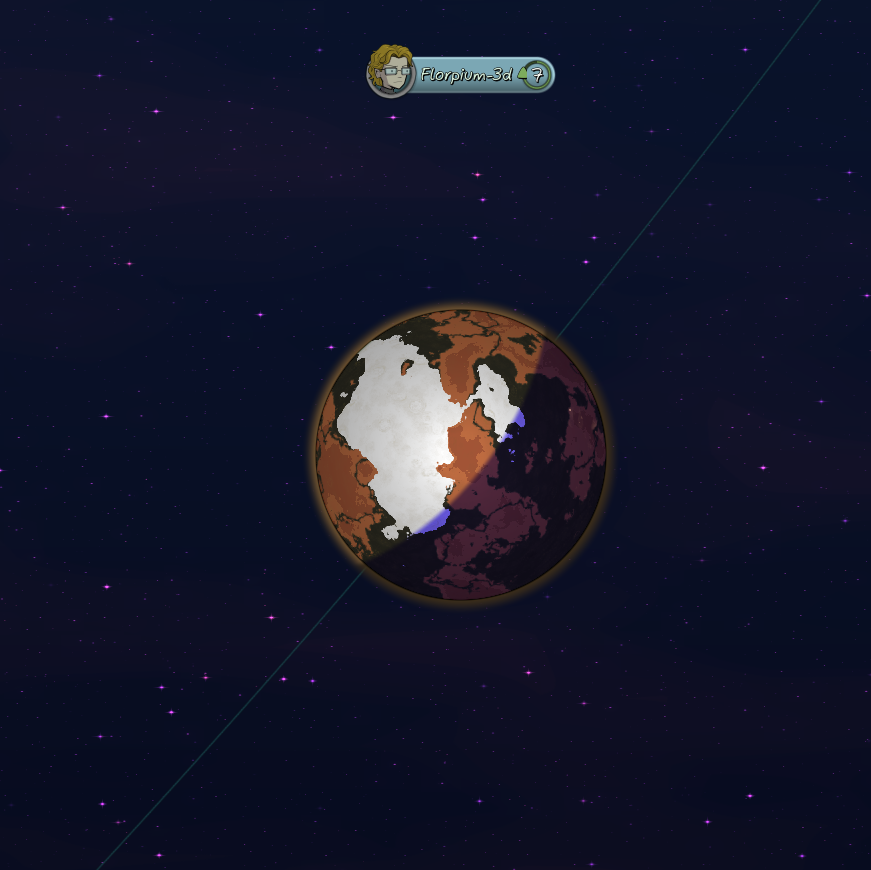
Each panel starts as a rounded box defined by a signed distance function. The function measures the distance from each sampled point to the box's edge.
That distance value is also used to keep the panel's edges smooth. fwidth measures how much it changes between neighboring screen pixels, then smoothstep blends a narrow transition around the edge. As the panel changes size, that transition stays close to one screen pixel.
To add the curve, the shader remaps the panel's UV coordinates around an anchor point. The angle around the anchor becomes one coordinate, and the distance from it becomes the other.
Passing those coordinates into the same rounded-box function bends the panel around the focal point: the planet.
A controller can then adjust each panel's distance, radius, and offset to place or animate it on either side of the screen.
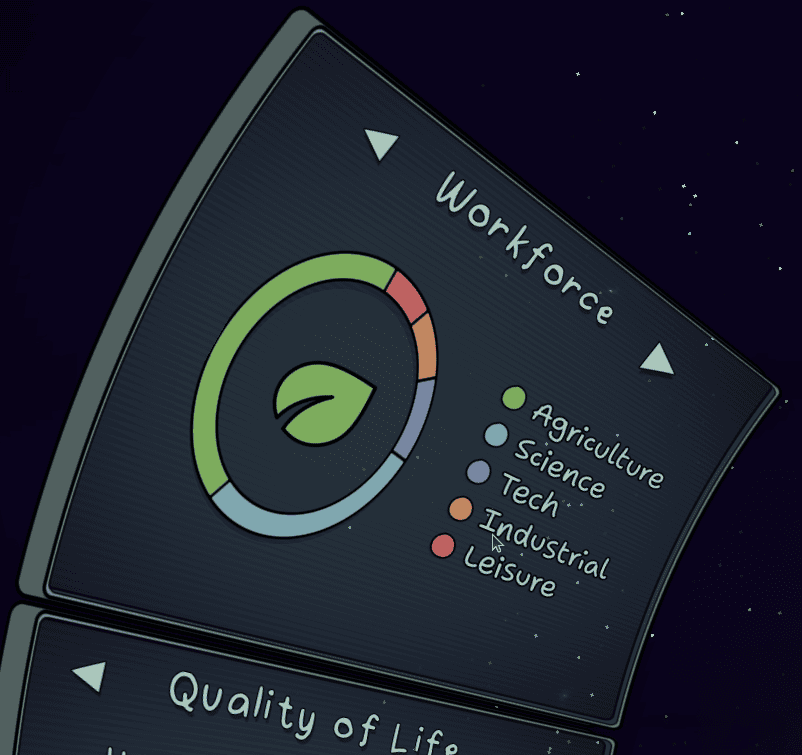
The shader draws only the panel shape. Buttons, labels, and containers do not follow the curve automatically. A child Control repeats the same calculations to create a clipping mask, hiding any part that reaches the panel's edge.
The HBox, VBox, and Scroll containers use the same focal point to rotate and reposition their children along the curve. When the bend becomes more noticeable, a vertex shader can squash the text slightly so it fits the same shape.
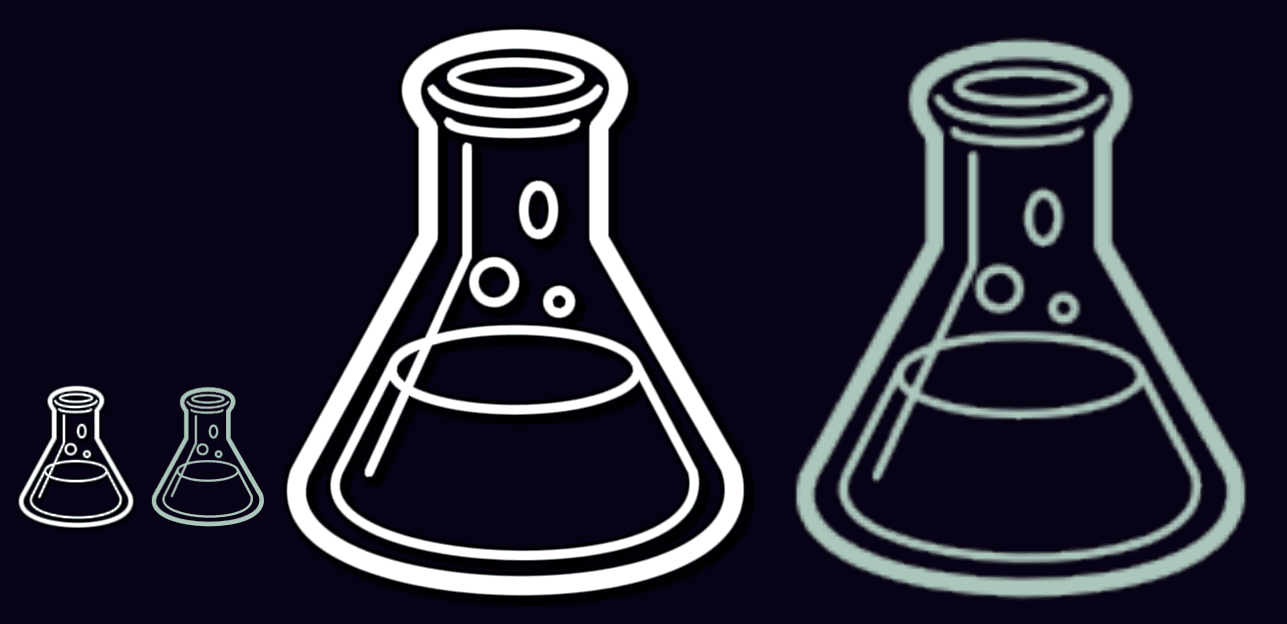
Some icons would take too long to recreate with procedural shapes. For those, William starts with SVGs and converts them into multi-channel signed distance field textures, or MSDFs. Their color channels store distance information, which helps the shader keep curves and corners sharp when an icon is resized.
Both flasks below use 64x64 source icons. The white one is drawn with the MSDF shader and stays sharp when enlarged.
The tinted raster version begins to show its pixels. More detailed icons may need 128x128 textures, but there is no need to prepare a separate file for every screen resolution.
The curved panels are not a public asset yet. William is considering packaging them with curved scrollbars and controls that squash to match the interface.
You can follow Tales From Outer Space and William through the links below:
- Steam: Tales From Outer Space
- X: SmittyJagermann
- Bluesky: jagermannjensen.bsky.social
Looking to learn Godot shaders and VFX? ✨
Our Godot All About VFX Bundle covers shaders, particles, and VFX for 2D, UI, and 3D games with step-by-step examples. Over 600 pages of content!
We now have a new bundle: Godot: All About VFX! ✨
— Shaders Bible Series (@ushadersbible) September 21, 2026
It includes the Complete Godot VFX Handbook and the Godot Shaders Bible! ➡️ https://t.co/aBEtLP7VPP#indiedev #godot pic.twitter.com/7STucAvnN3
Jettelly wishes you success in your professional career!
Did you find an error? No worries!
Write to us at [email protected], and we'll fix it!
Level up your Shaders & VFX in Godot!
We invite you to explore "The Godot All About VFX Bundle", a comprehensive bundle on the concepts and fundamentals seen in this post.
Other posts that might interest you.
-
 CUBY is a Godot plugin that uses low-resolution cubemaps to reduce the flicker that appears when a camera moves through a pixelated 3D scene.
 -
 Davide Cortellucci gathered UI code from past projects into a set of reusable Godot components.
 -
 GreatOdds recreated a Minecraft-style effect that keeps shadow edges locked to the texture as the model moves and rotates.
