
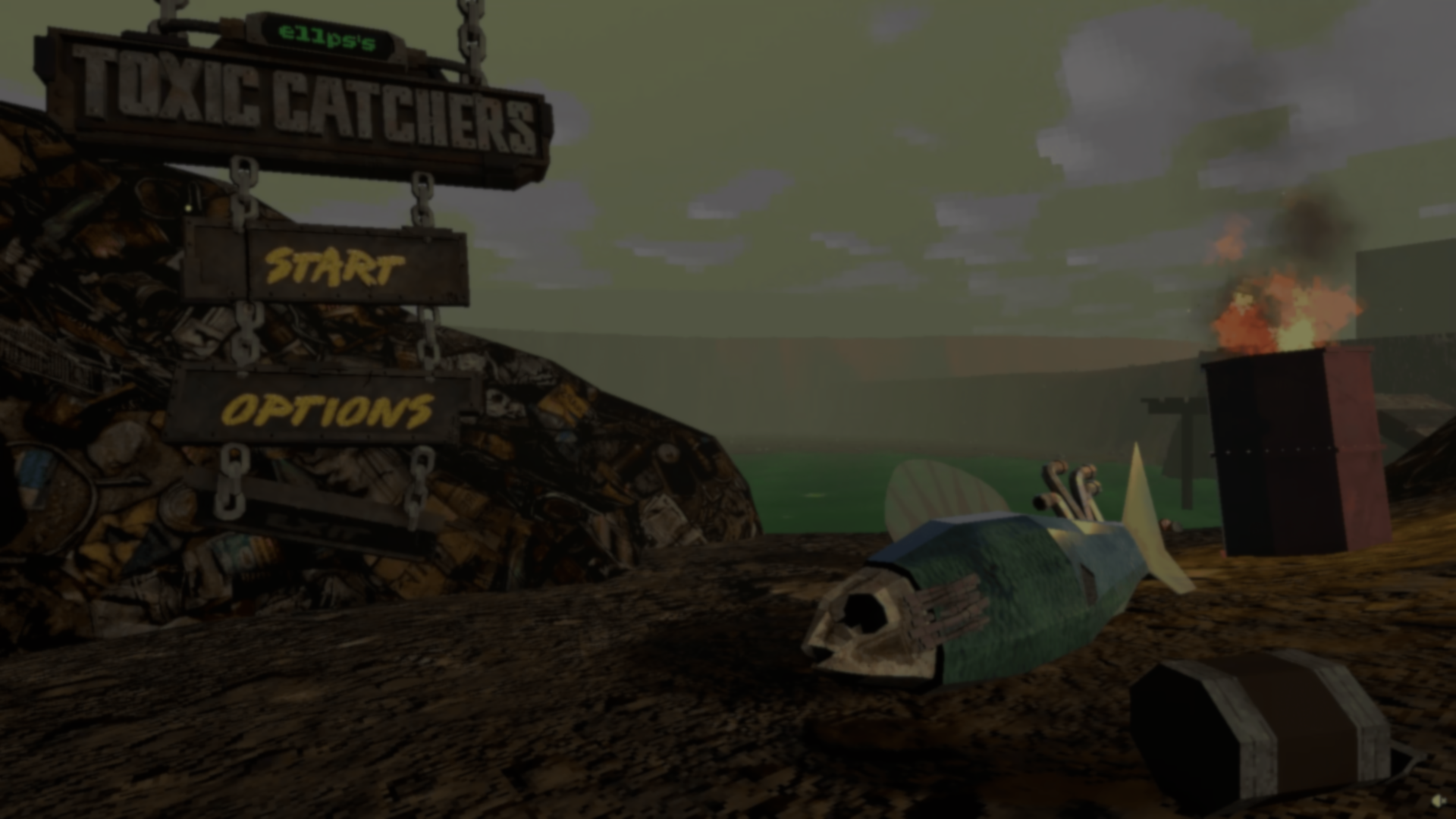
At the start of ellps’s Toxic Catchers, you pick a menu option by shooting a metal sign with a revolver. It swings on its chains, then slowly settles back into place.
Solo developer ellps wanted the menu to fit the game’s rusty landfill setting. They’ve always liked interfaces that belong to the game world, and flat buttons would have looked out of place here.
You select options by shooting hanging signs with a revolver. What do you think of this diegetic menu?
by u/Fearless-Horror6248 in IndieGaming
Each sign has a Rigidbody. When a bullet hits, ellps applies an impulse at the point of impact with Rigidbody.AddForceAtPosition. A shot near the edge turns the sign differently from one near the middle.
Each sign is connected with two ConfigurableJoints. Ellps tuned their spring and damping settings to control how the sign swings and returns to rest.
The chains needed their own solution. Ellps tried several approaches before writing a script that places the links between the top attachment and the moving sign. It updates their positions in LateUpdate() and adjusts their angles as the sign swings.
For the lettering, ellps uses a URP/Lit material with transparency and alpha cutoff. That lets the words catch the scene’s lighting while looking like paint on rusty metal.
The landfill setting carries through the rest of the game. By day, players catch mutant fish and search trash for supplies. At night, they defend against waves of monsters.
You can follow the game development here:
- Community: Toxic Catchers Discord
- Original post: The shootable menu on Reddit
Building a game in Unity?
Explore the Unity Dev Bundle!
Six books covering Unity shaders, graphics math, editor tools, compute shaders and more.
Jettelly wishes you success in your professional career!
Did you find an error? No worries!
Write to us at [email protected], and we'll fix it!
Other posts that might interest you.
-
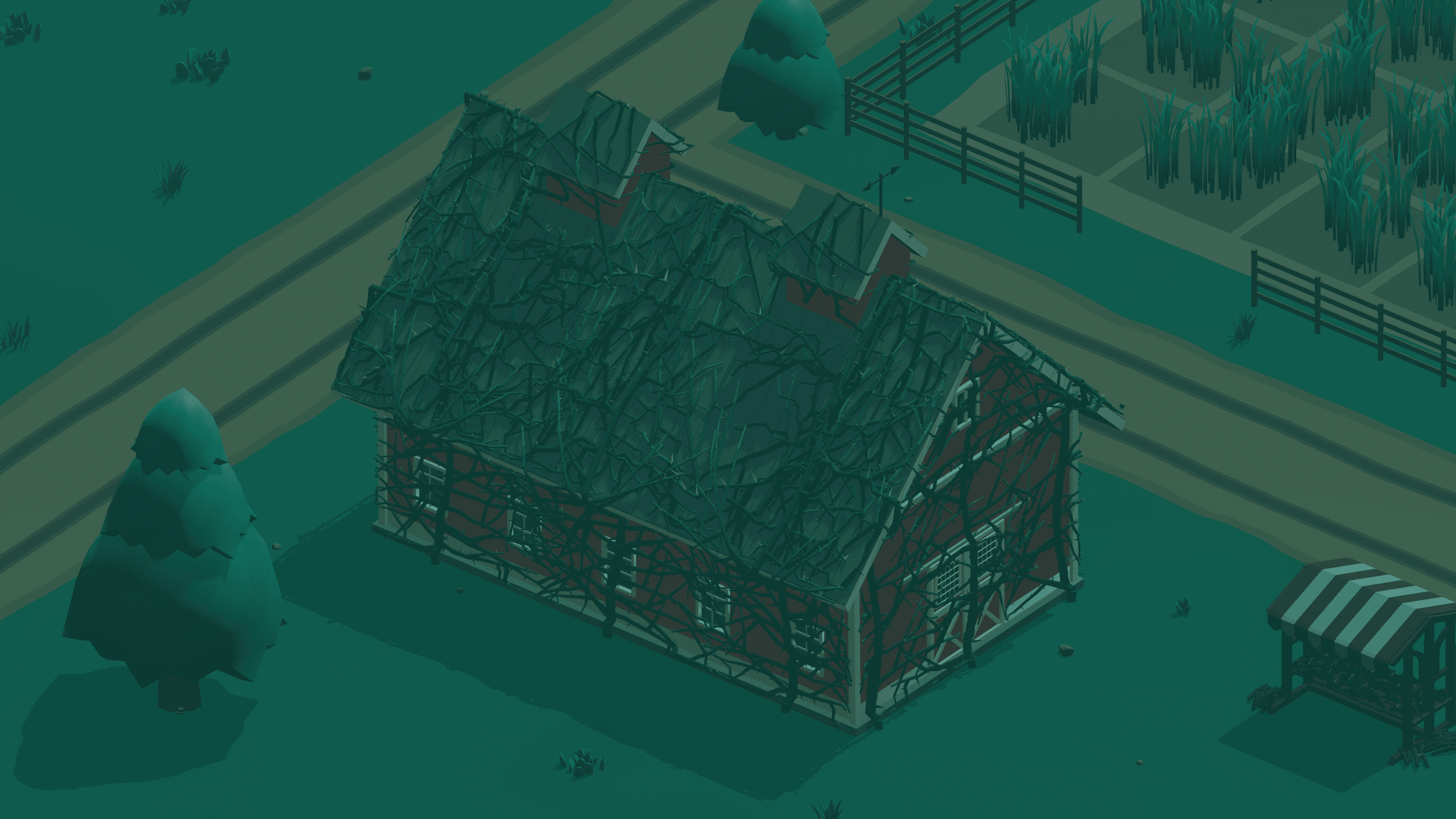 In Coup de Grass, vines can shut down buildings. Stonekeep shares how they made the Overgrowth climb walls and roofs in Godot.
 -
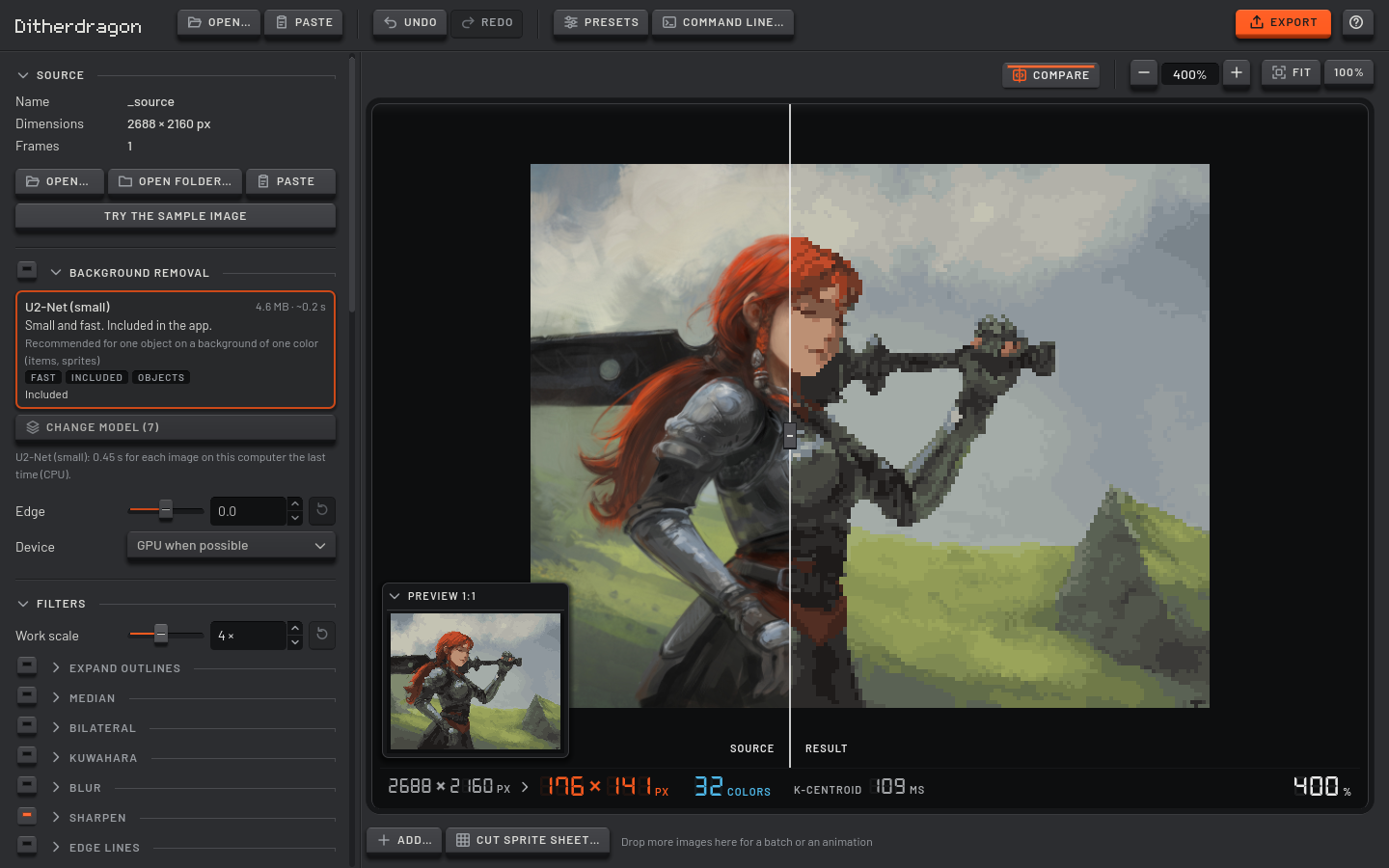 Ditherdragon turns 3D renders and other images into pixel sprites. Winterveil rebuilt the tool to keep small details visible and animations consistent across frames.
 -
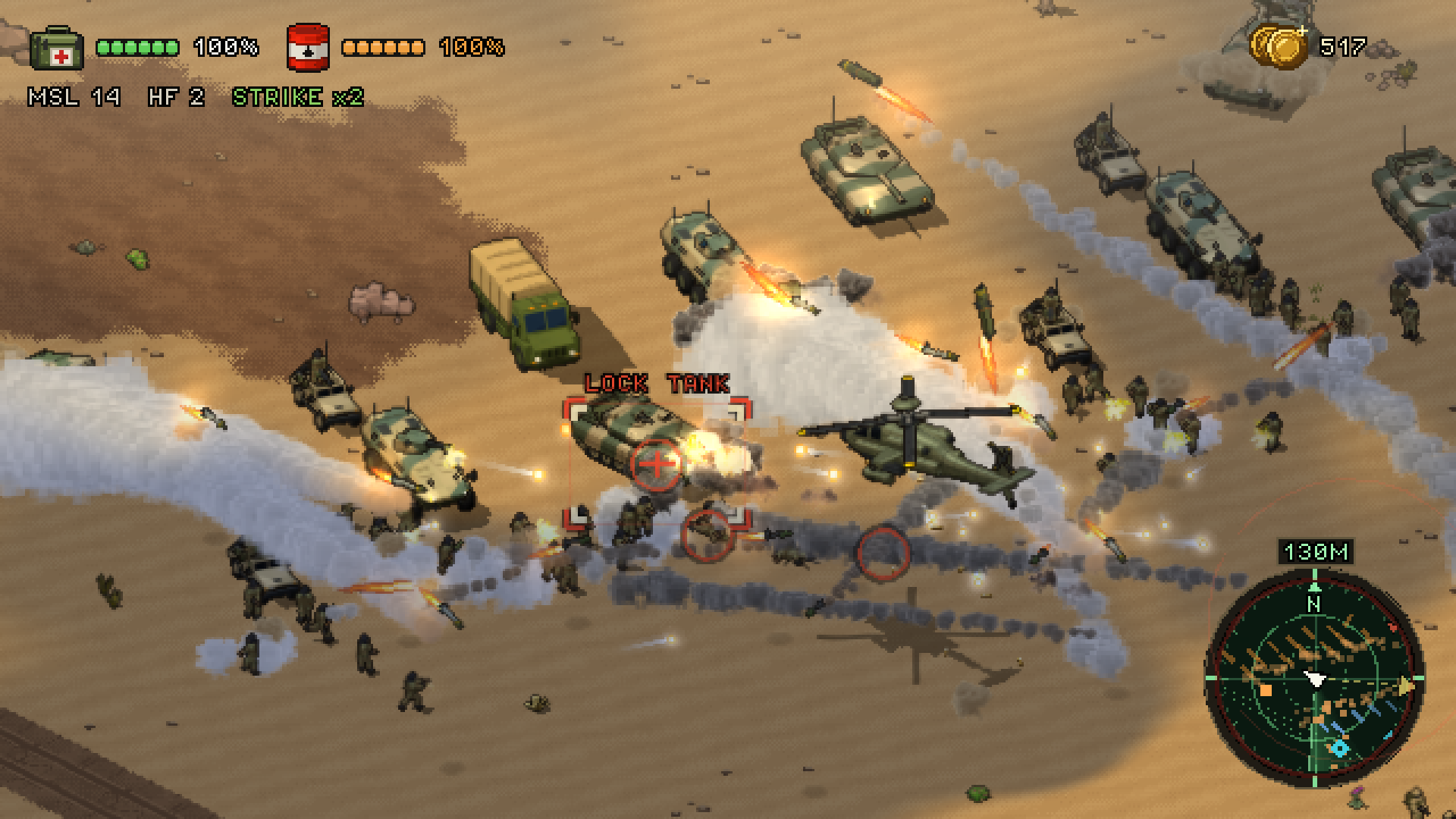 Sand Hawk puts hundreds of soldiers into a battle that keeps going beyond the player’s helicopter. Creator Ivan Belačić shares how he runs it in Godot.
